Resource Guide
An opinionated WordPress theme for presenting community resources
by Emerson This · github.com/emersonthis/community-resource-guide
★ 0stars
0forks
Install
No release zip yet. The repository archive installs, but the folder name will carry the branch suffix and updates will not flow:
wp plugin install https://github.com/emersonthis/community-resource-guide/archive/refs/heads/main.zip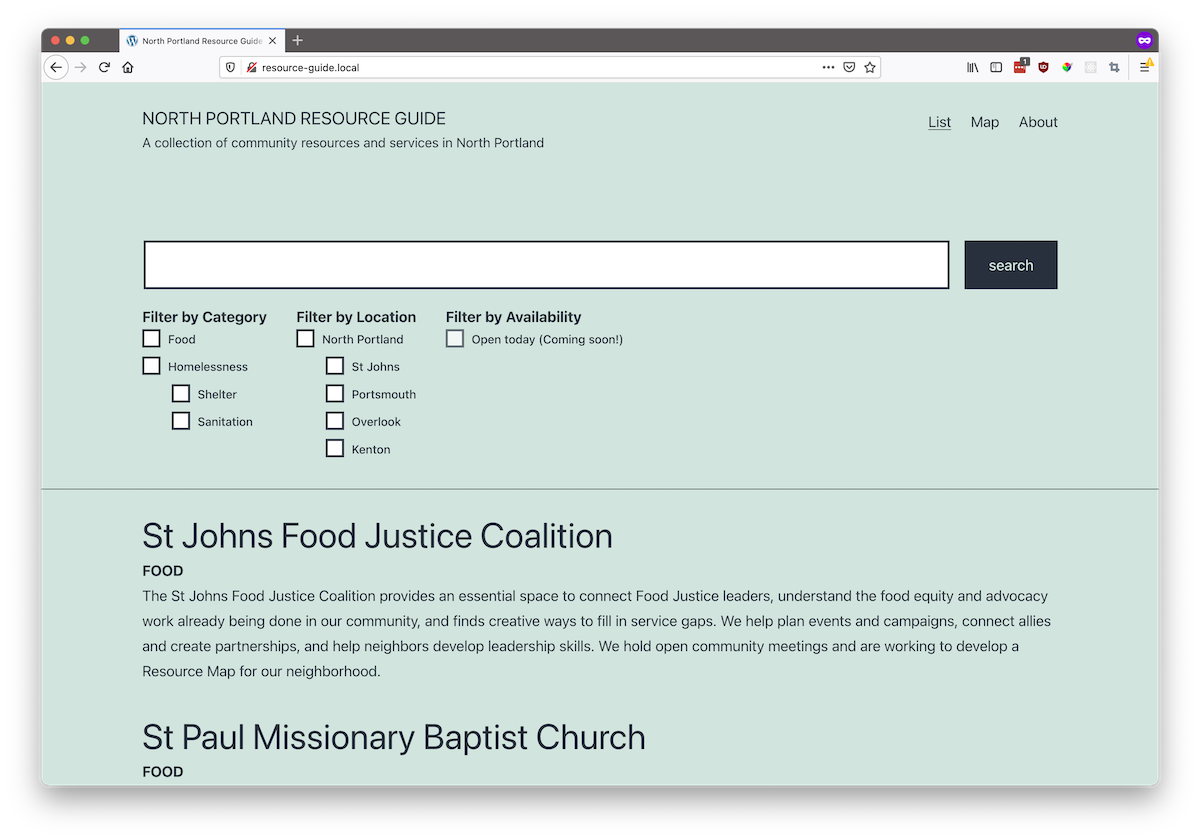
Requirements
- A WordPress site
Installation
- Install and activate the Piklist plugin. This plugin is a libarary that is referenced by the theme. You can install it manually or from the WordPress dashboard.
- Install the Twenty Twenty-One theme if it is not already installed. Recently installed versions of WordPress ship with this theme already installed.
- Clone or download this repository and manually install it: Dashboard > Appearance > Themes > "Add new"
- Once installed, set the Resource Guide theme to active.
- On any page where you want the resource list to appear, edit the page and under Page Attributes set the template to Resource List.