WordPress Custom Popup Alert
Flexible popup alerts for WordPress and WooCommerce with advanced display rules, frequency control, prioritization, and customizable behavior.
by Eduardo Henrique Teixeira · github.com/ehstbr/wordpress-custom-popup-alert
Install
No release zip yet. The repository archive installs, but the folder name will carry the branch suffix and updates will not flow:
wp plugin install https://github.com/ehstbr/wordpress-custom-popup-alert/archive/refs/heads/main.zip
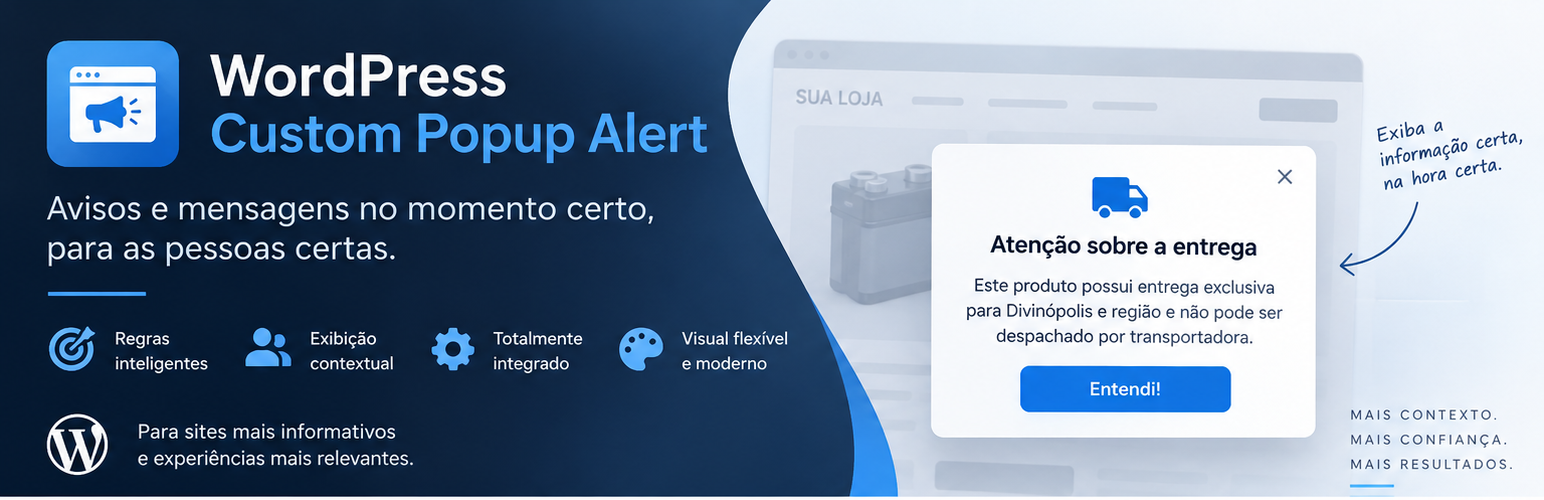
WordPress Custom Popup Alert
Context-aware popup alerts for WordPress, with optional WooCommerce rules.




What it does
WordPress Custom Popup Alert (WCCPA) lets you create notices, messages and warnings that appear only when the current WordPress or WooCommerce context matches the rules you define.
Instead of showing the same popup everywhere, WCCPA is designed for contextual communication: compatibility warnings, regional delivery restrictions, checkout notices, promotional information, operational messages and other content that only makes sense in specific situations.
A rule can be as simple as:
Product category = Motorcycle Batteriesor combine nested logic:
ALL of the following:
├── Product category = Batteries
├── Shipping class = Local
└── ANY of the following:
    ├── Product tag = Motorcycle
    └── SKU contains "HONDA"
Highlights
- Native private Custom Post Type for alerts.
- Traditional WordPress Visual/Text editor with Media Library support.
- Nested AND / OR rule groups.
- Negative operators and exclusions.
- WordPress and WooCommerce conditions.
- Priority-based sequential alert queue.
- Optional exclusive alerts that suppress lower-priority messages.
- Display frequency controls using browser storage.
- Optional validity schedule in the site's timezone.
- Responsive, accessible modal interface.
- Configurable overlay, dimensions, borders, shadow, header and animation.
- Automatic closing with optional hover pause.
- Five countdown presentation modes.
- Optional action buttons.
- Live administration previews.
- AJAX search for content, products, terms and users.
- Alert duplication as draft.
- Frontend assets loaded only when needed.
- Translation-ready, with Brazilian Portuguese included.
- WooCommerce is an integration, not a required dependency.
WordPress conditions
WCCPA currently supports conditions based on:
- content type;
- specific content;
- post category;
- post tag;
- author;
- keywords in title, excerpt, content, or all three.
WooCommerce conditions
When WooCommerce is active, additional conditions become available:
- Cart and Checkout pages;
- specific product, searchable by name, ID or SKU;
- product category, with optional subcategory inclusion;
- product tag;
- shipping class;
- on-sale status;
- stock status;
- product type;
- SKU with exact, prefix, suffix or partial matching.
If WooCommerce is disabled, WordPress-only alerts continue to work and existing WooCommerce rules are preserved without causing PHP errors.
Display frequency
Each alert can be configured to appear:
- every time its rules match;
- once per browser session;
- every X days;
- once and never again while the browser record remains stored.
Session frequency uses sessionStorage. Longer intervals use localStorage, which keeps the implementation lightweight and compatible with full-page caching.
Clearing browser data, changing device or using private browsing resets these visitor-side records.
Queue and priority
Multiple alerts may match the same page. WCCPA never stacks multiple modal overlays at once.
Eligible alerts are ordered by priority and displayed sequentially. An alert can also be marked as exclusive, causing lower-priority eligible alerts to be removed from the queue after browser frequency rules are applied.
Countdown and automatic close
Automatic closing can run silently or use one of five presentation modes:
- no visible countdown;
- discreet footer text;
- bottom progress bar;
- circular progress around the close button;
- remaining seconds inside close-action buttons.
The timer can optionally pause while the pointer is over the popup and resume with the exact remaining time.
Accessibility
The frontend modal includes:
- dialog semantics;
- focus trapping;
- focus restoration after closing;
- keyboard support;
- optional ESC closing;
- page scroll locking;
prefers-reduced-motionhandling.
Installation
From a ZIP
- Download or build the plugin ZIP.
- In WordPress, open Plugins → Add New Plugin → Upload Plugin.
- Select the ZIP file and install it.
- Activate WordPress Custom Popup Alert.
- Open Popup Alerts → Add New.
- Enter the internal alert name and its message.
- Configure at least one display condition.
- Publish the alert to activate it.
An empty rule tree intentionally displays nothing.
Manual installation
Copy the wordpress-custom-popup-alert directory into:
/wp-content/plugins/Then activate it from the WordPress Plugins screen.
Example: local-delivery warning
A WooCommerce store can show a regional delivery warning only when both conditions are true:
Product category = Batteries
AND
Shipping class = Local
This keeps the message out of unrelated products and presents it only when it is useful to the customer.
Data and privacy
WCCPA does not send visitor information to external services and does not create a visitor database.
Alert configuration is stored using native WordPress posts and post meta. Visitor display frequency stores only the alert identifier and display time in browser storage.
Performance and caching
The plugin evaluates server-side context before rendering frontend alert data. If no alert is eligible for the current context, popup-specific frontend assets are not loaded.
Because visitor frequency is enforced in the browser, WCCPA does not need PHP sessions or per-visitor server-rendered pages. This design works well with common page-cache and CDN setups, provided the cache itself serves the correct page for each URL/context.
Variable products
Current WooCommerce rules evaluate the parent product of the product page. Rules that react dynamically after a customer selects a specific variation are outside the current version.
Extending WCCPA
The rule engine accepts condition objects implementing:
WCCPA\Conditions\ConditionConditions can be registered through:
wccpa_registered_conditionsAvailable hooks include:
wccpa_registered_conditions
wccpa_condition_result
wccpa_alert_matches
wccpa_alert_content
wccpa_alerts_before_render
wccpa_alerts_after_render
This allows integrations to extend the rule system without modifying the core renderer.
Uninstall behavior
Deleting the plugin preserves alerts and settings by default.
To remove plugin data during uninstall, define the following in wp-config.php before deleting the plugin:
define( 'WCCPA_REMOVE_DATA', true );Requirements
| Requirement | Minimum |
|---|---|
| WordPress | 6.2 |
| PHP | 7.4 |
| WooCommerce | Optional |
Development principles
The project favors native WordPress/WooCommerce APIs, vanilla frontend JavaScript, isolated CSS, lazy asset loading, browser-side frequency control and a modular rule engine.
Before submitting a change, at minimum run PHP syntax checks across the plugin and JavaScript syntax checks for the admin and frontend assets.
Contributing
Issues, bug reports and pull requests are welcome. See CONTRIBUTING.md before submitting larger changes.
Changelog
See CHANGELOG.md.
License
Copyright © Eduardo Henrique Teixeira.
WordPress Custom Popup Alert is licensed under the GNU General Public License v3.0 or later. See LICENSE.