Install
This is the repository archive. It installs, but the folder name will carry the branch suffix and updates will not flow.
Install straight from GitHub with WP-CLI:
wp plugin install https://github.com/dpohl-web/matchingplatform_public/archive/refs/heads/master.zip

A comprehensive system to manage courses, job shadowings, and conferences with frontend submission forms and filterable listings for mobility platforms.
Description
This plugin extends your WordPress site with a comprehensive system for managing learning opportunities such as courses, job shadowings, and conferences. It is specifically designed to support platforms for European mobility projects (e.g., KA1) and lifelong learning, like the one found on provide-eu.org.
Core Features
- Custom Post Types: Creates "Courses," "Job Shadowings," and "Conferences" post types for the structured storage of all relevant information.
- Frontend Forms: Allows providers and organizations to submit their opportunities directly via extensive forms on the website, without needing access to the WordPress backend.
- Organization Management: Enables the creation and management of organizations to which the opportunities can be assigned.
- Filter & Search Function: Provides visitors with a powerful filter function to easily browse the growing range of mobility opportunities and find the right ones.
This plugin is the ideal solution for creating a dynamic bridge between learning opportunity providers and learners.
Installation
Installation is straightforward and can be done in two ways:
Via the WordPress Dashboard
- In your WordPress admin area, navigate to "Plugins" > "Add New".
- Click "Upload Plugin" and select the plugin's .zip file.
- Click "Install Now".
- After installation, activate the plugin through the "Plugins" menu.
Manually via FTP
- Unzip the plugin's .zip file on your computer.
- Upload the extracted folder to the
/wp-content/plugins/directory of your WordPress installation. - In your WordPress admin area, navigate to "Plugins".
- Activate the plugin from the list.
After activation, you will find the new menu items for Courses, Job Shadowings, Conferences, and Organizations in the admin menu.
Frequently Asked Questions
What are the main features?
The plugin adds custom post types for courses, job shadowings, and conferences, frontend submission forms, organization management, and a filterable search function.
Who is this plugin for?
It's designed for platforms managing European mobility projects (like KA1) and lifelong learning opportunities.
How do users submit content?
Providers can submit their opportunities directly through frontend forms, without needing backend access.
Screenshots
-
Courses Overview
The overview page displaying all available courses with filtering options.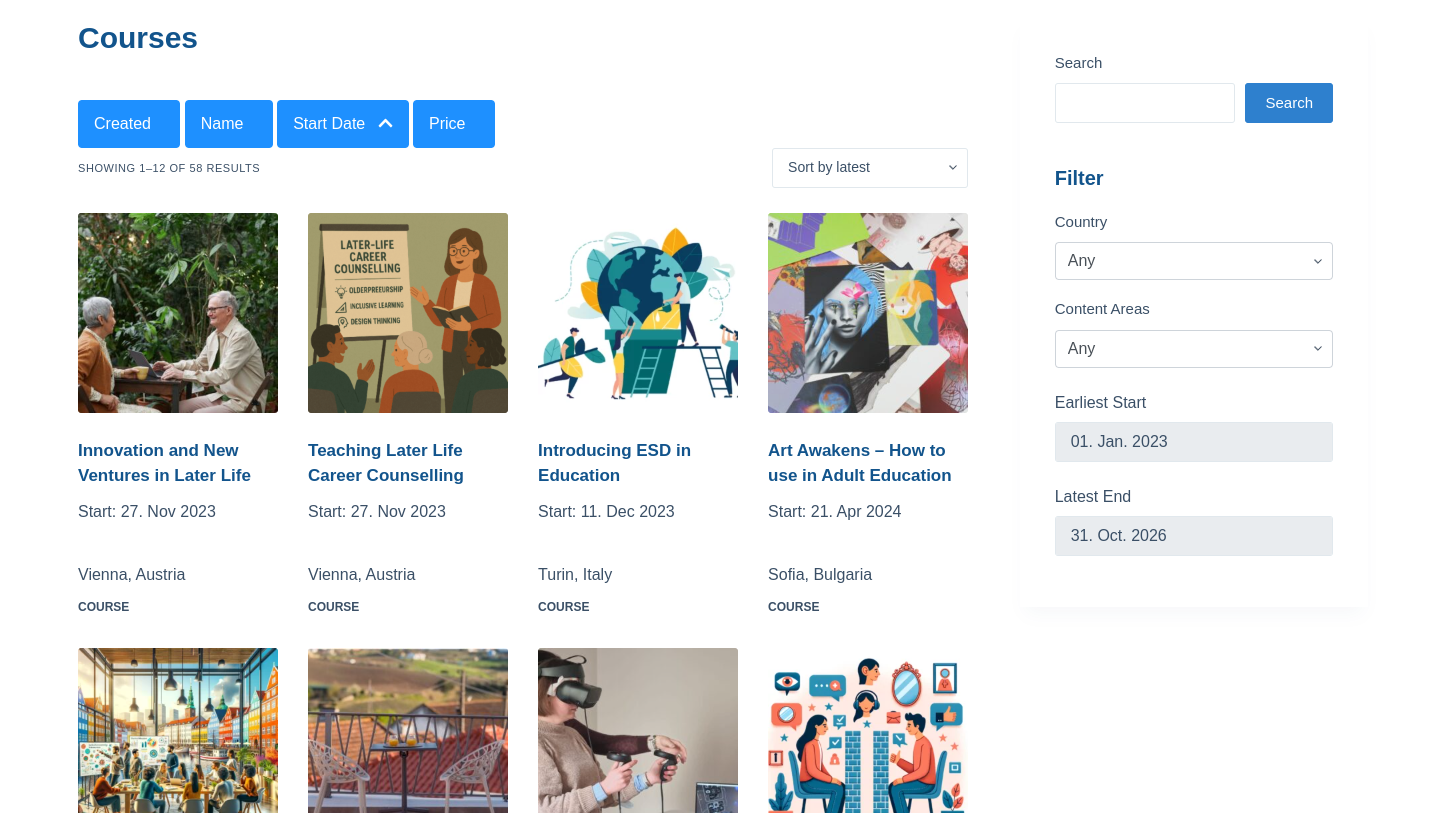
-
Course Detail View
The detail view of a single course with all relevant information.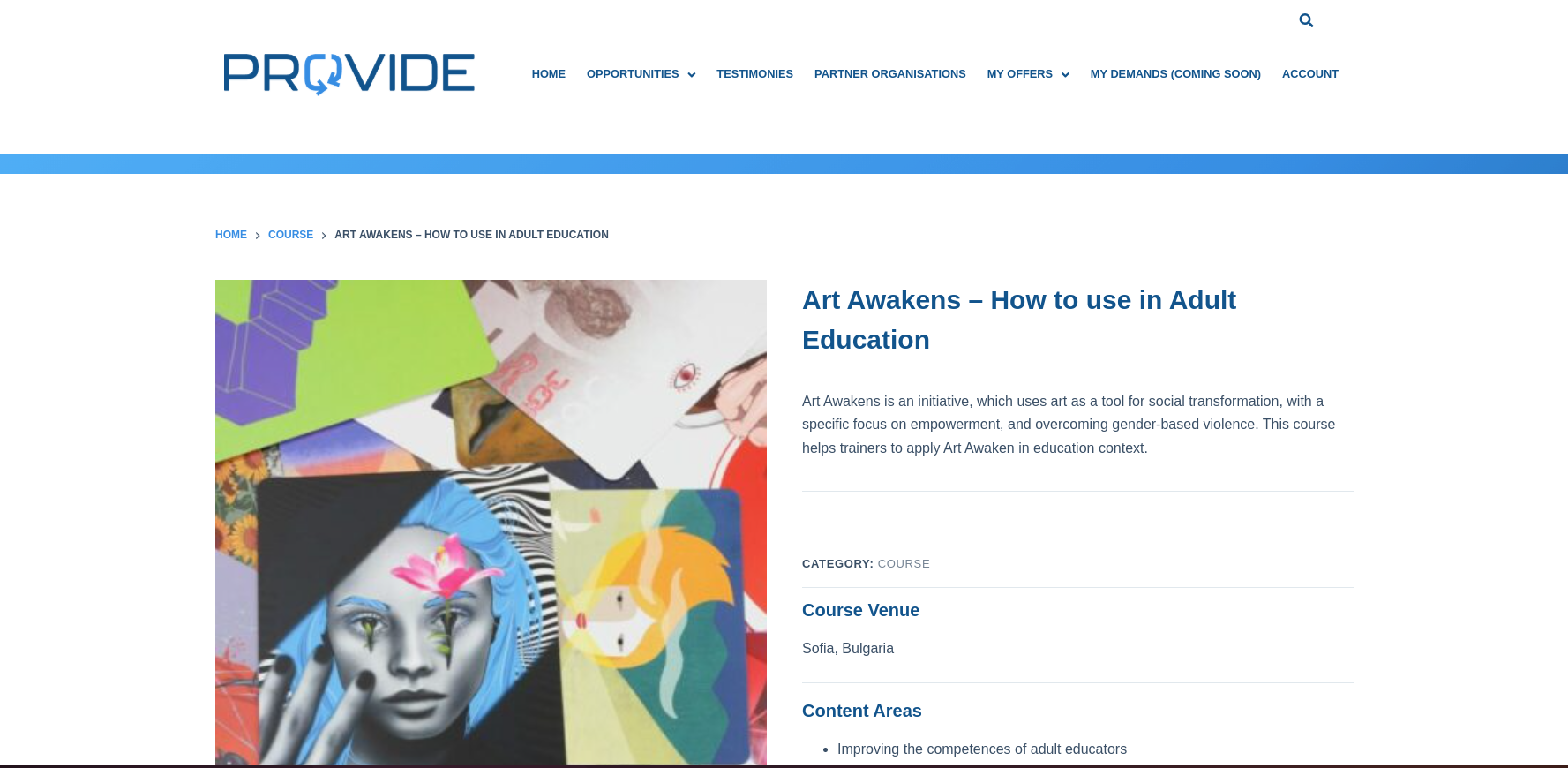
-
Course Creation Form
The frontend form for creating a new course.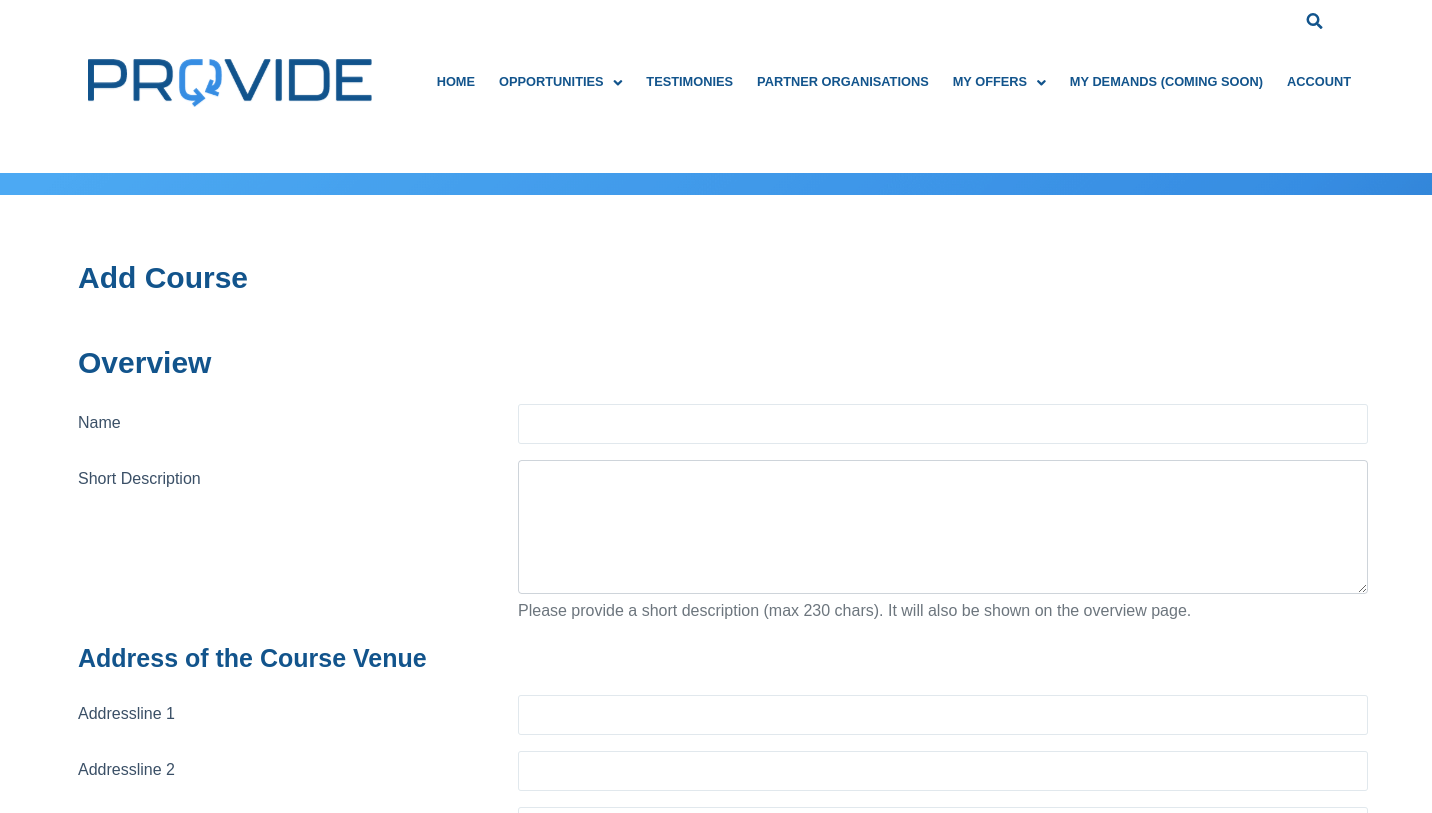
Changelog
1.0.0
- Initial release of the plugin. Creation of Custom Post Types, frontend forms, and the filter view.
Upgrade Notice
1.0.0
- No upgrade necessary. This is the first version.
License
This plugin is licensed under the GPLv2 or later. You are free to use, modify, and redistribute it under the same license.