WP Manifestindependent plugin directory
manifest / content / disciple-tools-static-section

Disciple.Tools - Static Section WP Registry grade C-. High-severity findings · 1 findingWP RegistryHigh-severity findings · 1 findingOpen the reportC-

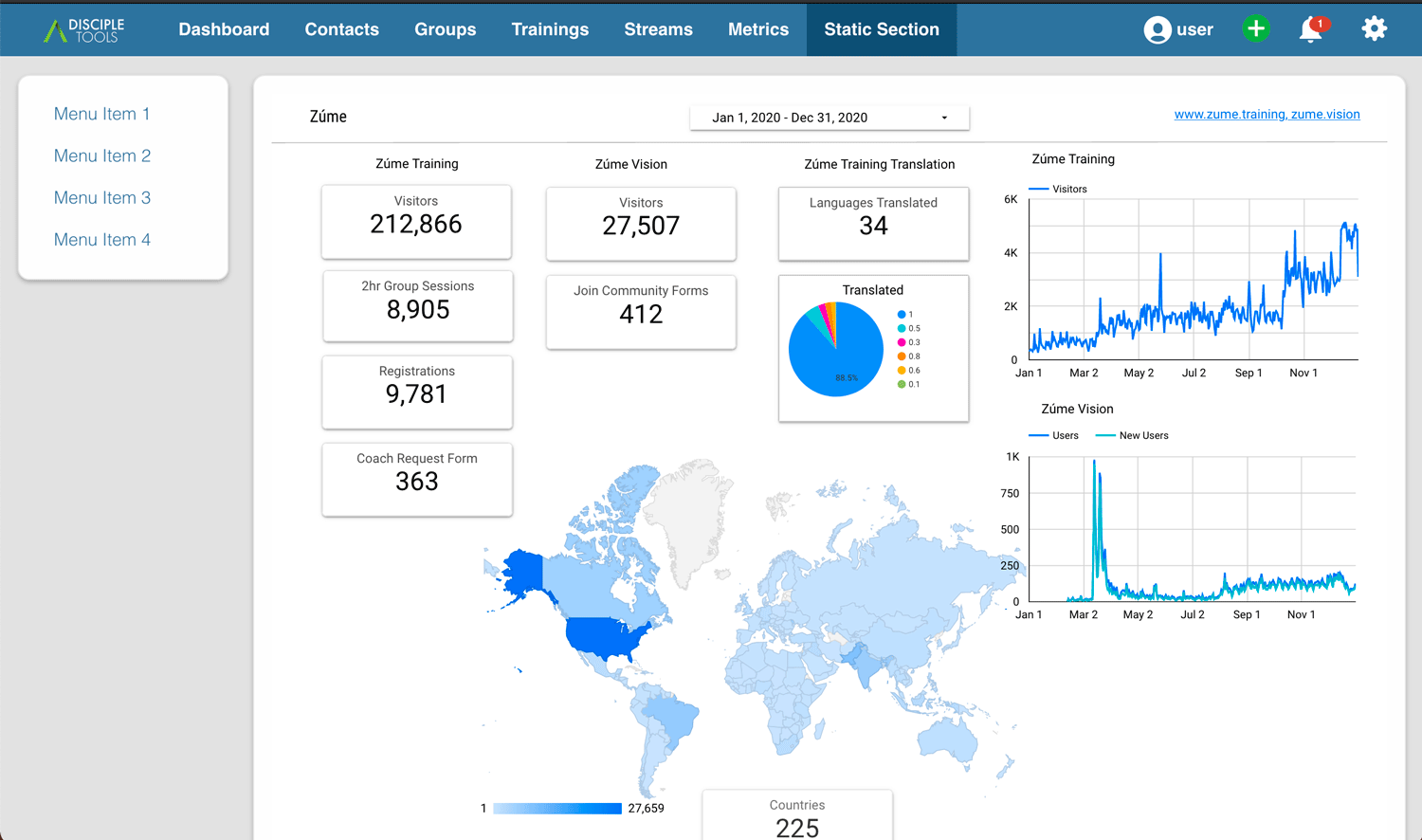
This simple extension allows you to add a new tab to the top tab area and add a menu of iframes or HTML content. This can be used to publish static resources for downloading, or frame in external charts from tools like Google Data Studio. It is a highly flexible way to extend and include resources into the Disciple Tools system.

★ 0stars
232release downloads
≈20active sites
1.9latest · 1 year ago

Install

Download disciple-tools-static-section.zip From the 1.9 release on GitHub, Feb 6, 2025

Upload it under Plugins → Add New Plugin → Upload Plugin, then activate.

Install straight from GitHub with WP-CLI:

wp plugin install https://github.com/discipletools/disciple-tools-static-section/releases/download/1.9/disciple-tools-static-section.zip
Updates itself. It ships its own updater (Plugin Update Checker), so new versions appear under Dashboard → Updates.

Plugin Banner

Disciple.Tools - Static Section

Add a flexible section to the top navigation that you can add HTML or iFrame resources.

Purpose

The initial application for this project was to take Google DataStudio reports and create an iframe in the metrics area for the team to view. The visualizations were from the advertising and online training efforts. This data can shape decision making, provide encouragement, and guide prayer. Rather than building a complex integration, this simple plugin allows you to create an iframe of the reports hosted in Google Datastudio. It can also be used to make public almost any HTML page, like a list of downloadable resources, or the home page of a key partner website.

Usage

Will Do

  • Add a top-level navigation item with a custom label.
  • Add list items to a left menu similar to the metrics area of Disciple.Tools.
  • Add, for every list item, a page with HTML/ iFrame content.

Will Not Do

  • Do any API integrations or authentications.

Requirements

  • Disciple.Tools Theme installed on a Wordpress Server

Installing

Install as a standard Disciple.Tools/Wordpress plugin in the system Admin/Plugins area. Requires the user role of Administrator.

The plugin is configured in the admin section of Disciple.Tools. See the wiki for a configuration guide.

Contribution

Contributions welcome. You can report issues and bugs in the Issues section of the repo. You can present ideas in the Discussions section of the repo. And code contributions are welcome using the Pull Request system for git. For a more details on contribution see the contribution guidelines.

Screenshots
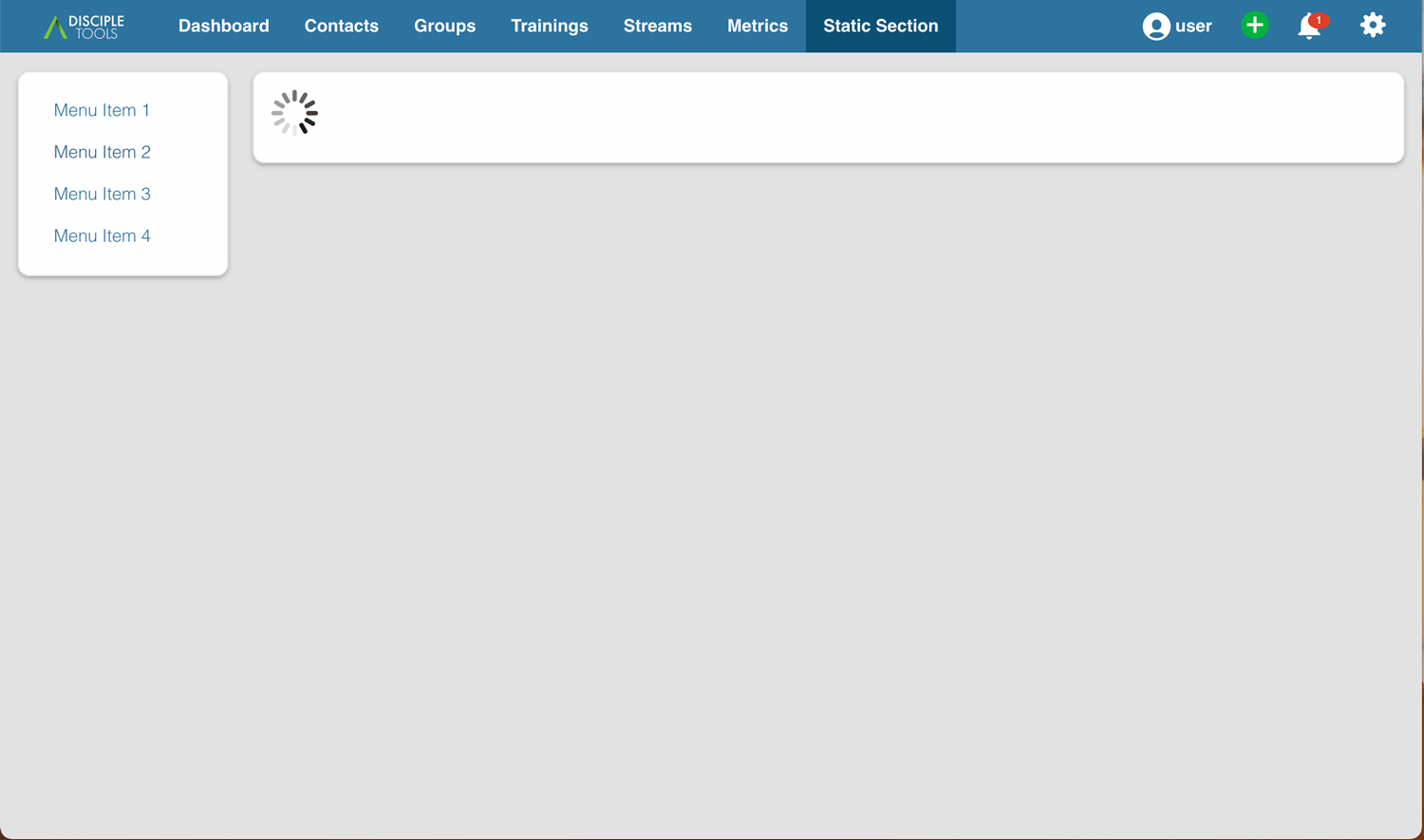
screenshot

screenshot

Releases

12 releases. Each count is every asset in that release; expand a row for the breakdown.

Tag
Published
Assets
Downloads
1.9 latest
Feb 6, 2025 1 year ago
disciple-tools-static-section.zip
44
1.8
Jan 11, 2023 3 years ago
disciple-tools-static-section.zip
50
1.7
Aug 2, 2022 4 years ago
disciple-tools-static-section.zip
21
1.6
Aug 1, 2022 4 years ago
disciple-tools-static-section.zip
9
1.5
Nov 23, 2021 4 years ago
disciple-tools-static-section.zip
33
1.4
Nov 17, 2021 4 years ago
disciple-tools-static-section.zip
11
1.3
Nov 12, 2021 4 years ago
disciple-tools-static-section.zip
16
1.2
Feb 18, 2021 5 years ago
disciple-tools-static-section.zip
16
1.1
Feb 14, 2021 5 years ago
disciple-tools-static-section.zip
7
1.0
Jan 19, 2021 5 years ago
disciple-tools-static-section.zip
4
0.2
Nov 18, 2020 5 years ago
disciple-tools-static-section.zip
12
Jul 22, 2020 6 years ago
disciple-tools-static-section.zip
9

Active-site estimate ≈20 comes from the median of recent superseded releases. Method.

C- grade

Security

Disciple.Tools - Static Section 1.9 · audited by WP Registry

High-severity findings.

1 high
Audited release
1.9
Findings
1
Worst severity
high
Content hash
25f884c0fe344bd5c42a916c…

Findings

  • high Public REST /content bypasses the Disciple.Tools login wall

    missing_permission_callback

    register_rest_route('static-section/v1','/content') uses methods CREATABLE and permission_callback __return_true. content_endpoint() only checks that JSON param id is set, then returns get_ss_content($id) — get_post_meta(ss_post_id, 'nav_menu_content_'.$id) — with no is_user_logged_in(), current_user_can(), or has_permission() call. The same HTML is rendered on /ss/ and /metrics/ss/ through theme template-metrics.php, which calls dt_please_log_in() and requires access_disciple_tools or view_project_metrics; metrics-mode constructor even bails without has_permission(). The browser client still sends X-WP-Nonce, but core does not enforce a REST nonce when the request is unauthenticated and the callback returns true. Anyone who knows or is given a section id (URL hash /ss/#<id>, localized dtStatic.nav_ids, CSS class on the menu) can POST {"id":"..."} and receive iframe/report HTML that the CRM login wall was meant to hide. If the dt_static_section storage post has not been created yet, the same unauth request wp_insert_post()s it via get_ss_post_id().

    disciple-tools-static-section.php:653-674

    Recommendation

    Replace __return_true with a permission_callback that requires is_user_logged_in() and the same caps as the page: current_user_can('access_disciple_tools') || current_user_can('view_project_metrics'), or reuse has_permission() after aligning its caps with the theme (access_contacts, not dt_access_contacts). Do not call get_ss_post_id()'s insert path from an unauthenticated request. Keep sending the wp_rest nonce from static.js so cookie-authenticated callers satisfy core REST CSRF checks.

WP Registry hashes the installable build and reports on that exact bytes-for-bytes copy. Embargoed findings are withheld until they are disclosed, so a clean verdict means nothing public is outstanding. WP Manifest does not audit code itself.