Disciple.Tools - Autolink WP Registry grade D+. High-severity findings · 3 findingsWP RegistryHigh-severity findings · 3 findingsOpen the reportD+
Install
Upload it under Plugins → Add New Plugin → Upload Plugin, then activate.
Install straight from GitHub with WP-CLI:
wp plugin install https://github.com/discipletools/disciple-tools-autolink/releases/download/2.0.0-rc.5/disciple-tools-autolink.zip
Disciple.Tools - Autolink
A simple user interface for users to add churches and groups into Disciple Tools.
Purpose
The Autolink plugin provides a simple way to create a specialized link for each person that is leading churches or training leaders. You can then send that custom link to the leader who can enter information about the groups and churches that they are leading and their current health status.
This provides a quick and easy way for you to track the health of churches and groups without having to create user account and passwords, and training local leaders how to use Disciple Tools. You can collect the data you need quickly from one simple link.
Requirements
- Disciple.Tools Theme installed on a Wordpress Server
Installing
- Install as a standard Disciple.Tools/Wordpress plugin in the system Admin/Plugins area.
- Requires the user role of Administrator.
Contribution
Contributions welcome. You can report issues and bugs in the Issues section of the repo. You can present ideas in the Discussions section of the repo. And code contributions are welcome using the Pull Request system for git. For a more details on contribution see the contribution guidelines.
Screenshots
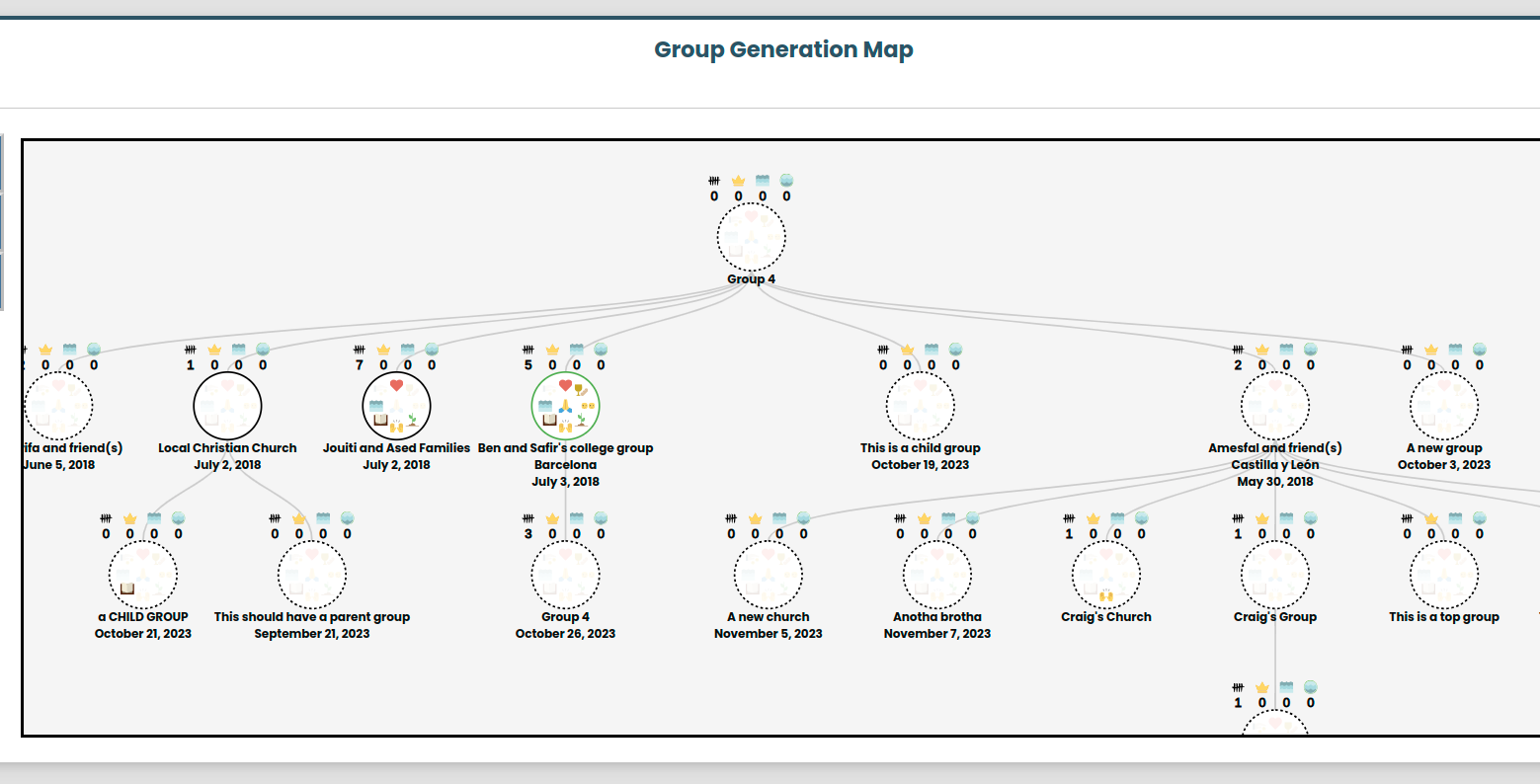
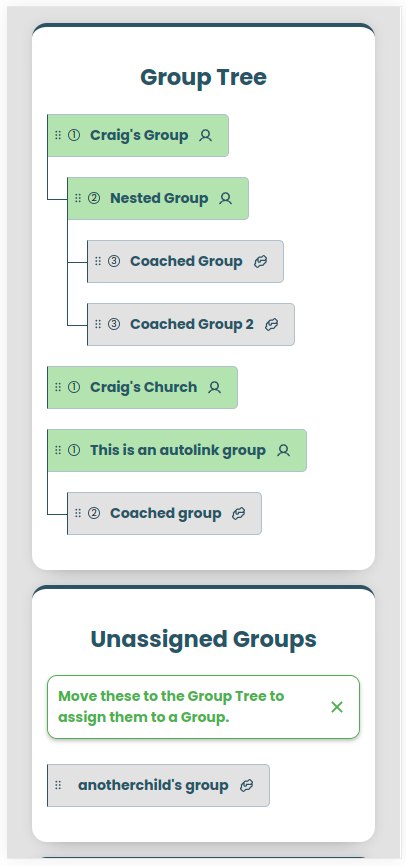
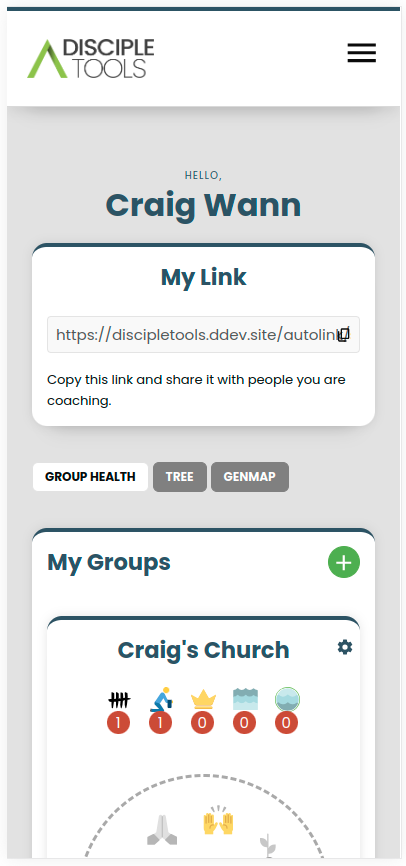
Releases
Newest 25 of 60 recorded releases. Each count is every asset in that release; expand a row for the breakdown.
Active-site estimate ≈10 comes from the median of recent superseded releases. Method.