Install
This is the repository archive. It installs, but the folder name will carry the branch suffix and updates will not flow.
Install straight from GitHub with WP-CLI:
wp plugin install https://github.com/cioos-siooc/cioos-siooc-wordpress-plugin/archive/refs/heads/master.zipPlugin WordPress for CIOOS-SIOOC
Plugin to reproduce the same components for the website in an easier way.
Dependencie(s)
- Elementor plugin
Installation
Same installation process as any plugin on WordPress. You need to go in Plugins -> Add New -> Upload Plugin and upload the .zip file. After that, activate it.
Alternatively the contents of the archive can be placed directly in the wp-content/plugins folder on your webhost.
How to use it
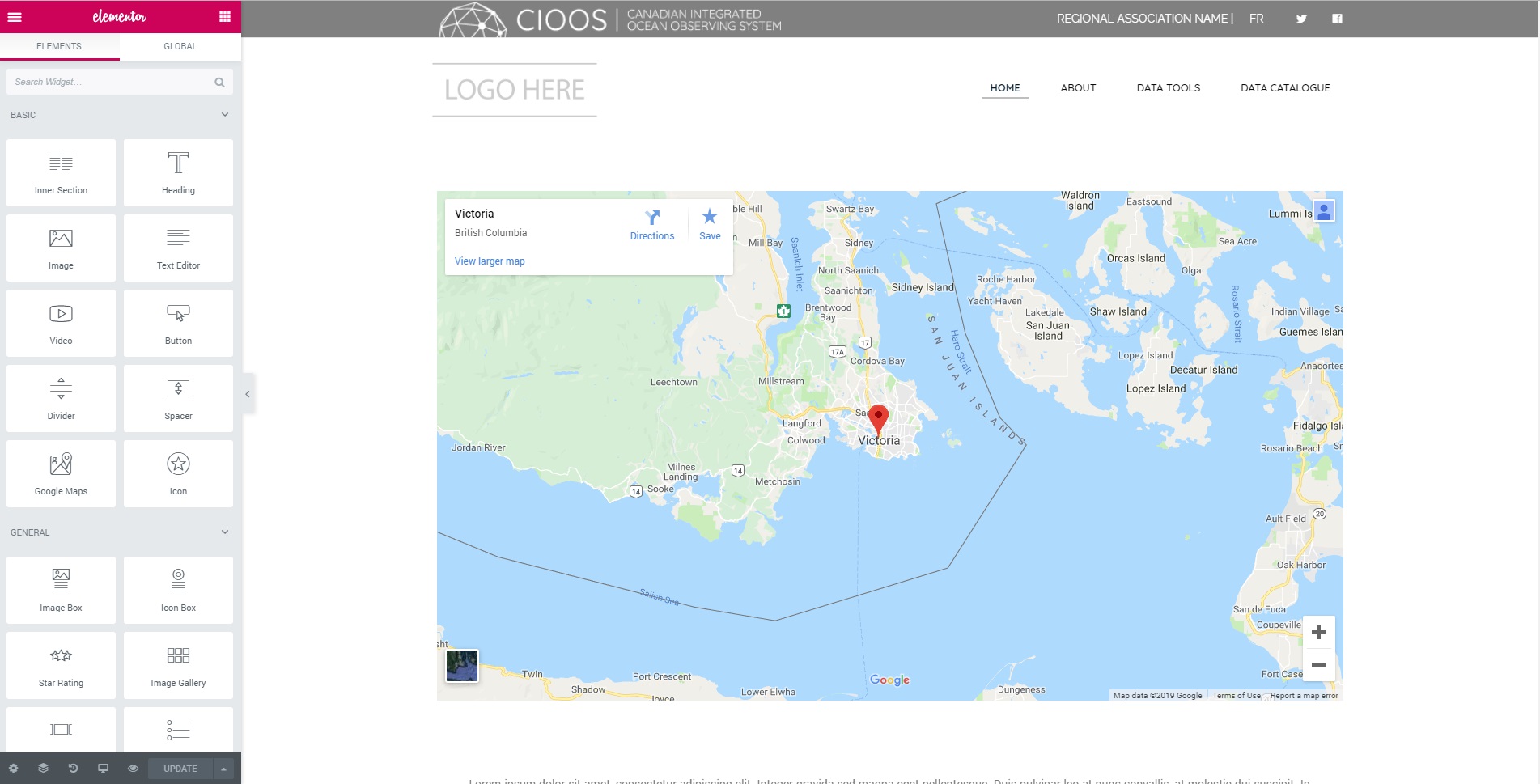
You need to go in your Pages section and select the page you want to modify with Elementor. You will see this UI:
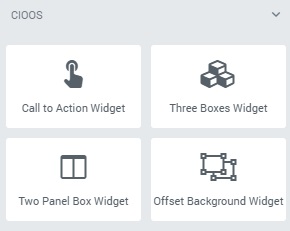
After that, you will need to scroll down the left sidebar to reach the CIOOS plugin. You should see all the widgets:
To use it on the website, there's a section with dotted borders that said Drag widget here. You can drag and drop your widget in this area, it will appear by itself and you will be able to customize it after clicking on it.

Call to Action widget
The Call to Action widget contains a text area with two buttons with text, links and labels editable. You can customize the color in the CSS file with the same name.
Three Boxes widget
The Three Boxes widget is used in the template to put the visualization tools in the Explore Data section. You can choose the color of the background, three titles and images where you can put links to some other content if you want. The rest is customizable in the CSS file with the same name.
Two Panel Box widget
The Two Panel Box widget is used in the template to display content in the About and Data Tools pages. Titles and text areas, images and links are editable. You can switch side the text and the image by using the switcher. The rest is customizable in the CSS file with the same name.
Offset Background widget
The Offset Background widget is used in the template as background sor the Latest News section. It's only a background, there's no customization available for the widget in the UI. The color, sizes and positions are customizable in the CSS file with the same name.
Releases
2 releases.
These releases are tags only. The author does not attach a packaged zip, so there are no download counts to report.