Install
This is the repository archive. It installs, but the folder name will carry the branch suffix and updates will not flow.
Install straight from GitHub with WP-CLI:
wp plugin install https://github.com/cfree/wp-karten/archive/refs/heads/master.zipNo built-in updater. New versions won't appear under Dashboard → Updates. Install new releases yourself, or let Git Updater track the repository.
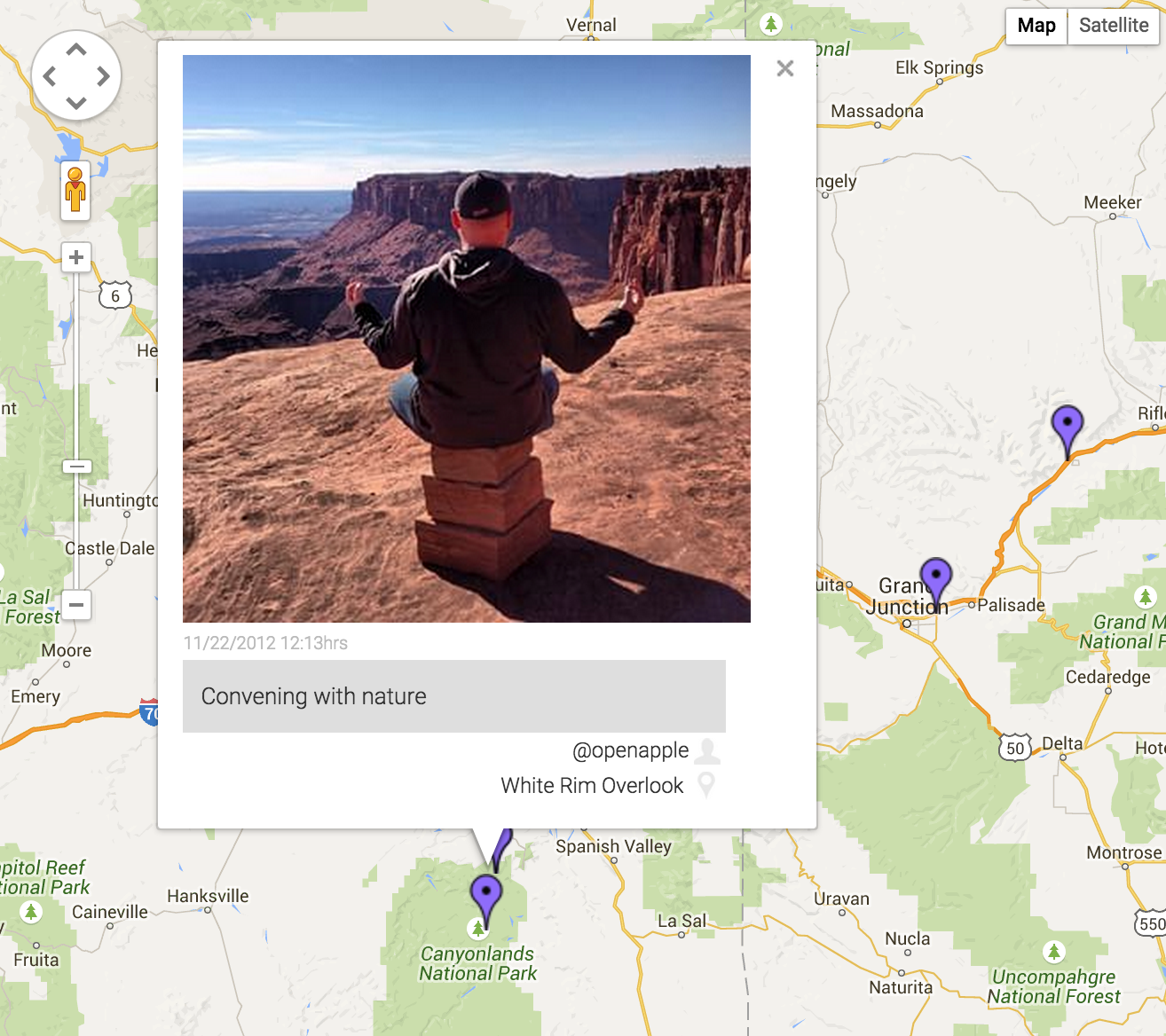
A WordPress plugin to plot Instagram posts to a Google Maps maps. This utilizes both the Google Maps v3 API and the Instagram API.
Setup
- Obtain a Google Maps v3 API key and save it in the Karten settings.
- Create a new client and obtain an Instagram API Client ID and save it in the Karten settings.
- Follow the instructions on the Karten settings page to obtain an Instagram API Acces Token, then save it.
- Create a new Map, filling out desired options. Username(s) and/or hashtag required.
- Copy the shortcode and insert it in the desired post/page content or use the template hook in your theme.
- Be amazed!
Template Hook
To add a map outside of the content in a template file, use the ktn_show_map template hook:
do_action( 'ktn_show_map', $integer );=====
Bugs / Support
Please do not directly email me for support - log all problems/bugs in the GitHub issues. I will address them as time permits. Pull requests are welcome.
Limitations
Due to the limitations of the current Instagram API, the maximum posts displayed on a map is 33 or under.