urbanixm-wp-widgets
WordPress plugin with React widgets for Urbanixm — the urban knowledge discovery engine
Install
This is the repository archive. It installs, but the folder name will carry the branch suffix and updates will not flow.
Install straight from GitHub with WP-CLI:
wp plugin install https://github.com/borkurdotnet/urbanixm-wp-widgets/archive/refs/heads/main.zipUrbanixm WordPress Widgets
This project contains a WordPress widget plugin for Urbanixm — the urban knowledge discovery engine.
The widgets are written in React, packaged using webpack and served through a php plugin configuration file.
There are two types of widgets: Urbanixm Maps and Urbanixm Charts.
Both types of widgets use prorietary data generated through the Urbanixm knowledge discovery engine, a public access API to the Urbanixm knowledge discovery engine is planned.
Urbanixm Maps
Urbanixm Maps take as input a summary of an urbanism topic and how it is manifested in different places across the globe, and makes the information browsable on a world map.
The figures below shows screenshots of an Urbanixm Map generated from a sample file giving an overview of the impact of bikeways (bike lanes, cycle paths, etc.) on the number of people who choose to cycle.
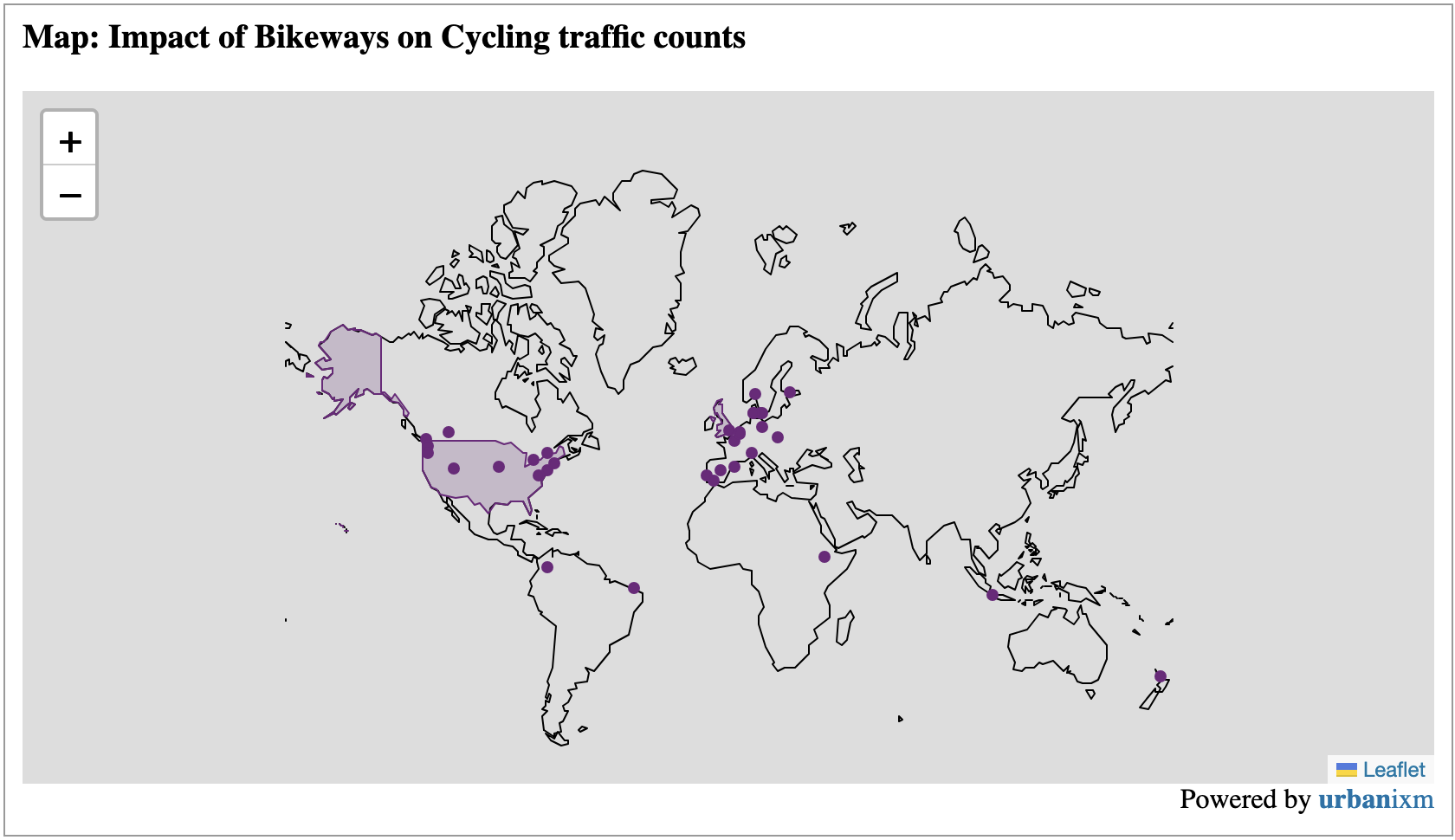
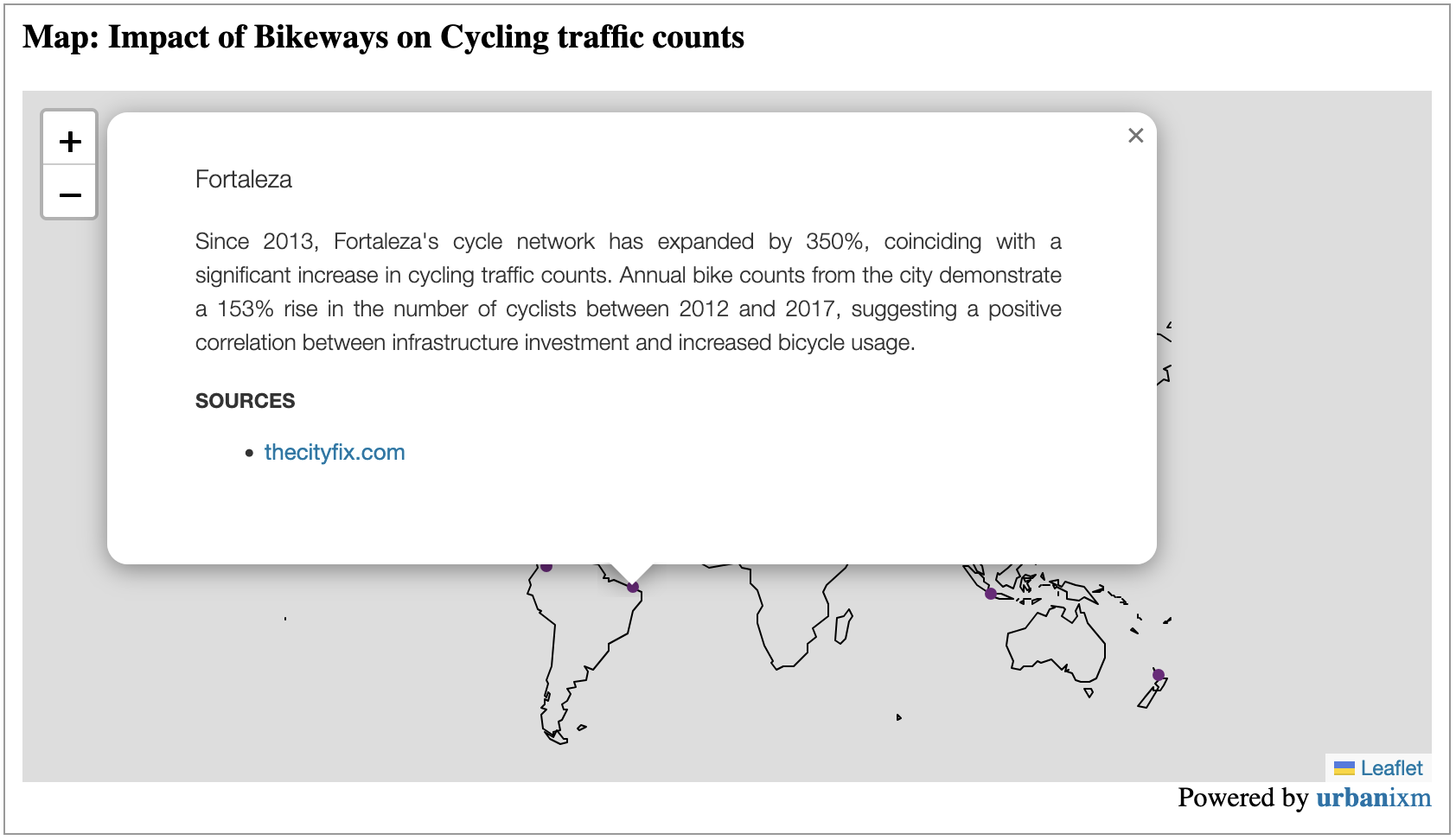
An interactive application of the map widget can be seen on the Urbanixm website
More applications of the widget can be found in various stories on the Urbanixm website
Urbanixm Charts
Urbanixm Carts is a widget for displaying various data charts to support Urbanixm Stories. At the time of writing it only suppors stacked barcharts as seen in the screenshots below which are based on a sample file giving statistics on how e-scooters have affected the use of other mobility modes in a selection of cities across the globe.
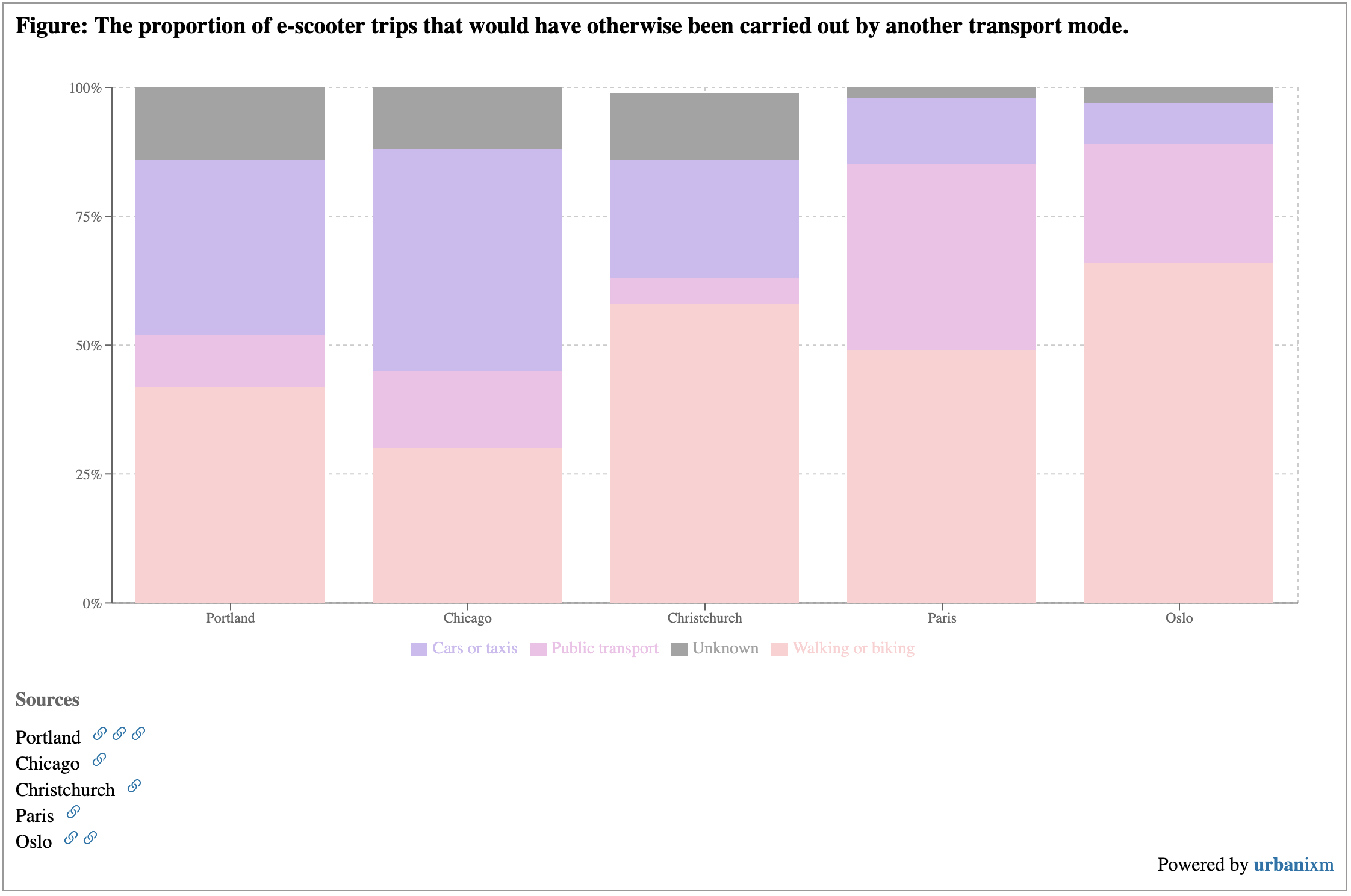
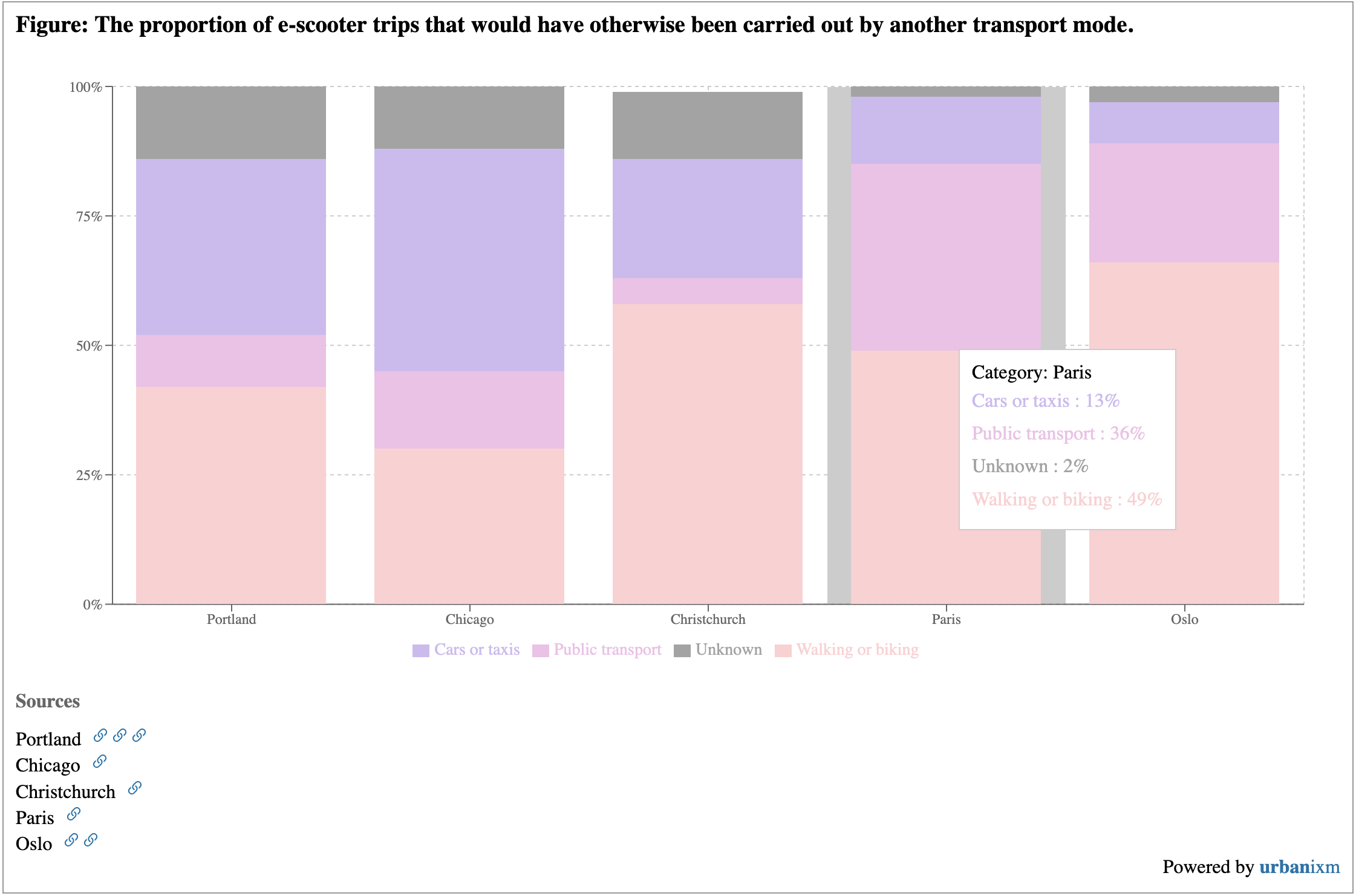
An interactive application of the chart widget can be seen on the Urbanixm website
Widget development
Enter into the widget project
cd urbanixm-widgetsStart the development server
npm run startRun tests
npm run test
npm run test:watch
npm run test:coverage
Build the project for production deployment
npm run buildCopy the contents of the build folder as well as urbanixm-wp-widgets.php
into the plugin folder of the WordPress installation.