Wampum - Popups WP Registry grade A. No security issues foundWP RegistryNo security issues foundOpen the reportA
A lightweight but flexible WordPress popups plugin utilizing on oiubounce
Install
This is the repository archive. It installs, but the folder name will carry the branch suffix and updates will not flow.
Install straight from GitHub with WP-CLI:
wp plugin install https://github.com/bizbudding/wampum-popups/archive/refs/heads/master.zipA lightweight but flexible WordPress popups plugin utilizing oiubounce.
- Use a simple shortcode (or PHP function) to create 1 or more popups (or slideups) throughout your website
- Popup types include exit itent, timed, link, and button
- Automatically works with WordPress galleries (when set to link to file or attachment page)
- Default exit intent and timed popups store an expiring cookie in the browser so it won't continue to display after a user closes it
- Various options allow fine-tuning (see below)
- Easy plugin updates in the WordPress Dashboard via GitHub Updater plugin
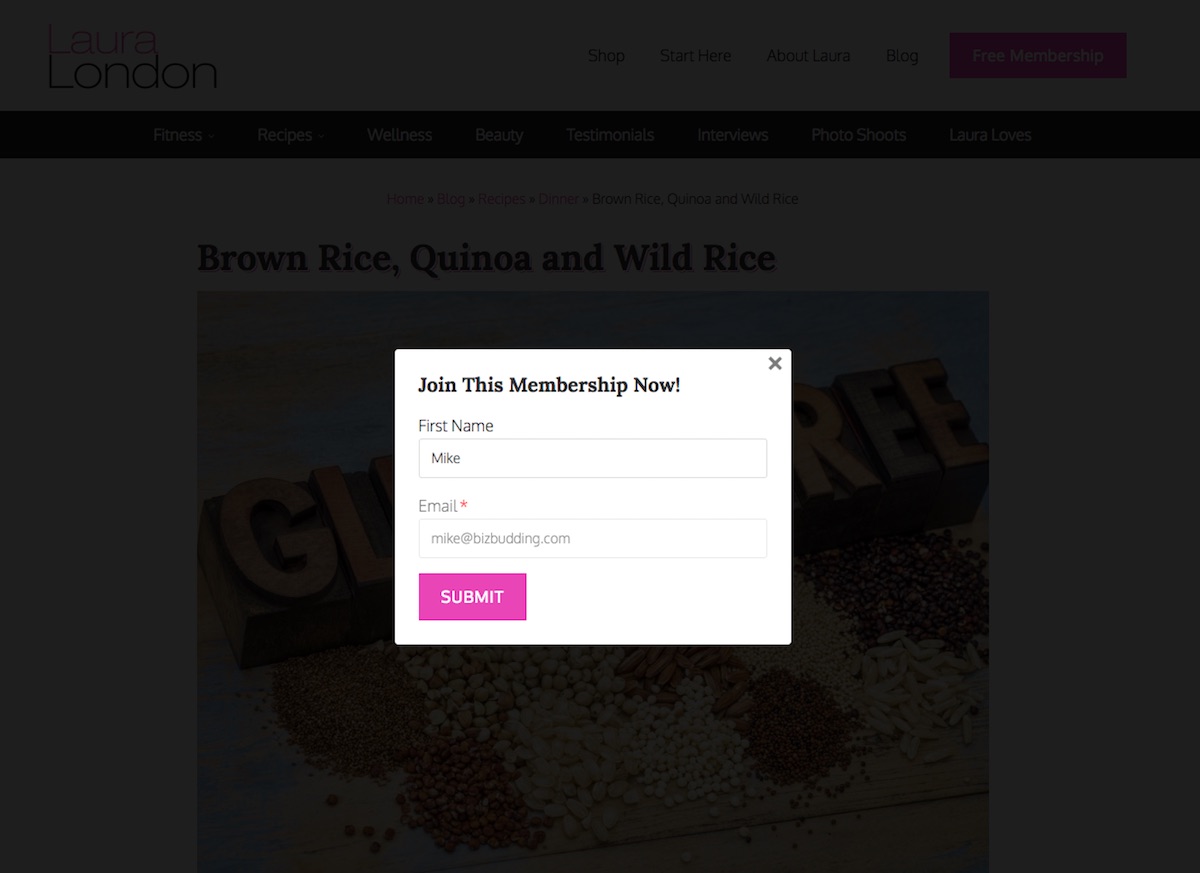
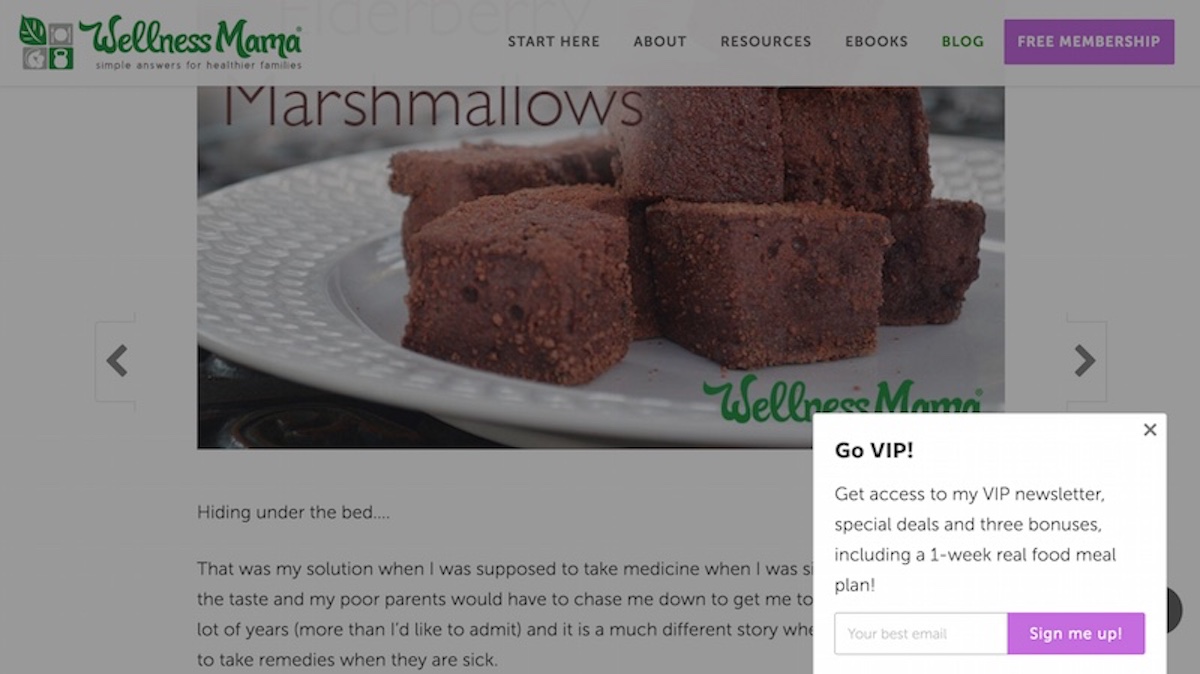
Basic Usage
Tip: A browser extention like Cookie Inspector is helpful as it lets you manually clear individual cookies 1 at a time
Shortcode
[wampum_popup type="exit" style="modal"] // HTML content here [/wampum_popup]Manually launch a popup with a link/button in the WP editor
[wampum_popup type="link" text="Click Here"] // HTML content here [/wampum_popup][wampum_popup type="button" text="Click Here"] // HTML content here [/wampum_popup]PHP functions
Use the wampum_popups hook to safely output a popup. This way, if the plugin gets deactivated your popup won't throw errors and/or break your site
add_action( 'wampum_popups', 'prefix_do_wampum_popup' );
function prefix_do_wampum_popup() {

    // Bail if not a single post
    if ( ! is_singular('post') ) {
        return;
    }

    $content = '// Some HTML';

    $args = array(
        'type'  => 'timed',
        'style' => 'slideup',
    );
    wampum_popup( $content, $args );

}
Optionally use get_wampum_popup( $content, $args ); to return the popup
Note: Scripts will already be enqueued
Manually launch a popup with a link/button in your PHP template
$content = '// Some HTML';
$args    = array(
    'type'  => 'link', (or 'button')
    'text'  => 'Click Here',
);
wampum_popup_link( $content, $args );
Optionally use get_wampum_popup_link( $content, $args ); to return the link
Note: Scripts will already be enqueued and popup will be loaded in the DOM
WordPress Galleries
Create a gallery and "Link To" either "Attachment Page" (not sure why anyone would ever do this) or "Media File".
Wampum Popups filters the attachement image or permalink URL and uses the 'large' image size in place.
Shortcode parameters & PHP args
type (required)
(string) 'exit|timed|link|button'
Default null
Type of popup. This is the only required parameter.
Note: 'exit' and 'timed' should be used with wampum_popup() hooked into wampum_popups action hook, while 'link' and 'button' should be used with wampum_popup_link() in your template, functions.php, etc..
close_button
(boolean) true|false
Default true
Show the close button
close_outside
(boolean) true|false
Default true
Close popup by clicking outside the modal
style
(string) 'modal|slideup'
Default 'modal'
Style of the popup
text
(string) 'Click Here'
Default null
The link/button text when using wampum_popup_link() function
time
(integer) 4000
Default 4000
Time in milliseconds. 4000ms = 4s
logged_in and logged_out
Note: if logged_in and logged_out are both true, the popup will never load... naturally
logged_in
(boolean) true|false
Default false
Show only to logged in users
logged_out
(boolean) true|false
Default false
Show only to logged out users
width
(string) '400px|auto|calc(100vw - 5%)''
Default '400px'
Max width of the popup, formatted for CSS max-width: 400px; spec. Helps for custom designs, larger images, videos, or to make slideups not so weird if too big.
ouibounce args
These args are specific to the oiubounce script
Most of these won't be used very often, so only a few are documented here
aggressive
(boolean) true|false
Default false
Force the popup to show, always. Don't be annoying.
Other available options/parameters
Read about these options on the ouibounce wiki
- 'callback' (This has been removed/reserved for future use)
- 'cookieExpire'
- 'cookieDomain'
- 'cookieName'
- 'delay'
- 'sensitivity'
- 'sitewide'
- 'timer'
Advanced Usage
This example showing the ability to use multiple/different popups on the same site.
/**
 * Display different popups on different sections of the site
 * 'cookieName' param is used to make the popups act independently
 * if cookieName was the same (this is default behavior) and the user viewed one popup,
 * they wouldn't see the other until the cookie expired.
 *
 * @uses Wampum - Popups plugin
 *
 * @return void
 */
add_action( 'wampum_popups', 'prefix_do_wampum_popups' );
function prefix_do_wampum_popups() {

    // Show this popup on posts
    if ( is_singular('post') ) {
        $content = '<p>My post popup content here</p>';
        $args    = array(
            'cookieName' => 'prefix_posts_popup_viewed'
            'type'       => 'exit',
            'style'      => 'modal',
        );
        wampum_popup( $content, $args );
    }

    // Show this popup on pages
    if ( is_singular('page') ) {
        $content = '<p>My post page content here</p>';
        $args    = array(
            'cookieName' => 'prefix_pages_popup_viewed'
            'type'       => 'timed',
            'style'      => 'slideup',
        );
        wampum_popup( $content, $args );
    }

}
Releases
2 releases.
These releases are tags only. The author does not attach a packaged zip, so there are no download counts to report.