Install
This is the repository archive. It installs, but the folder name will carry the branch suffix and updates will not flow.
Install straight from GitHub with WP-CLI:
wp plugin install https://github.com/billerickson/be-sidebar-selector/archive/refs/heads/master.zipNo built-in updater. New versions won't appear under Dashboard → Updates. Install new releases yourself, or let Git Updater track the repository.
Create new sidebars, and select which sidebar is used when editing pages
Installation
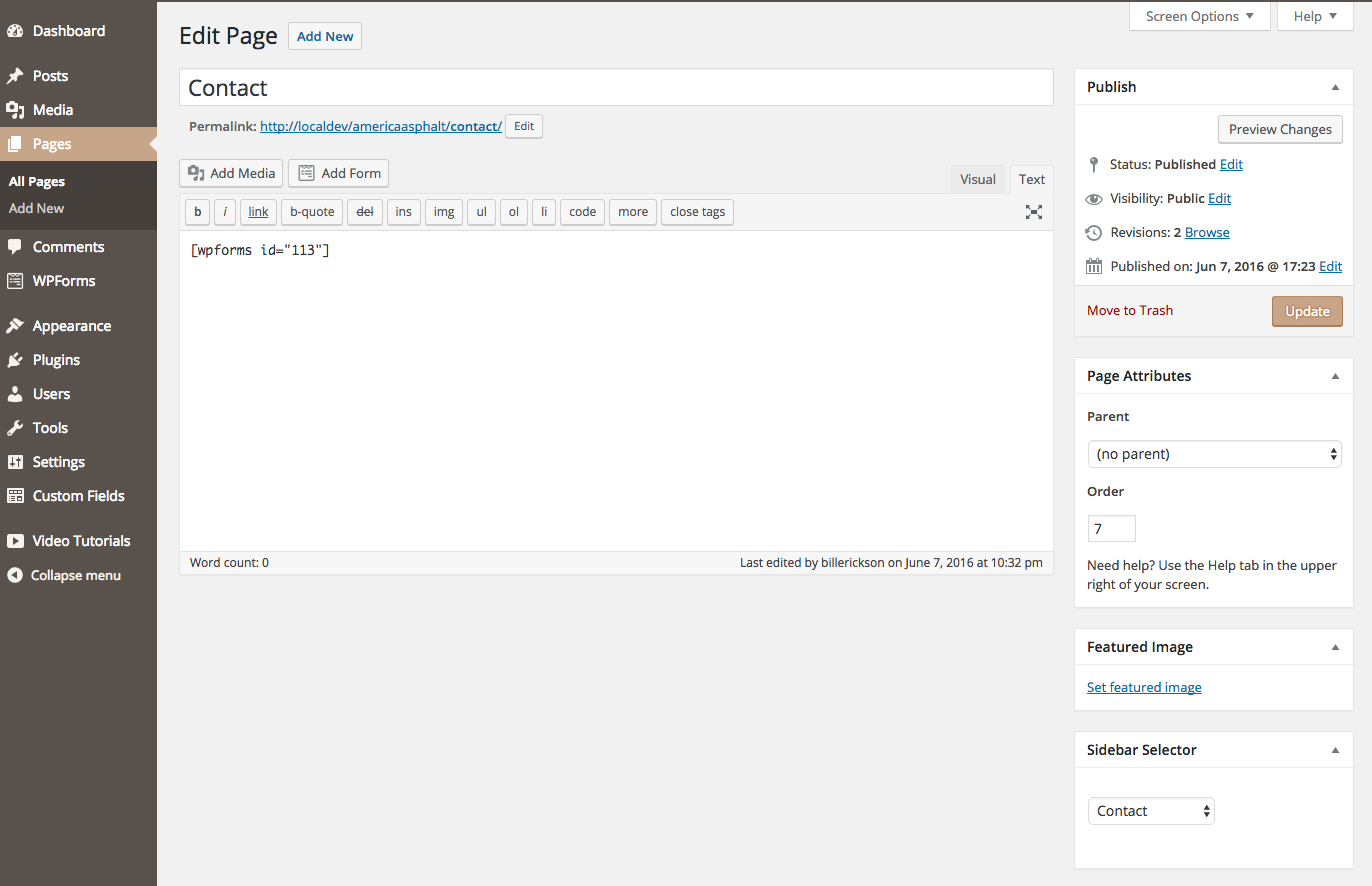
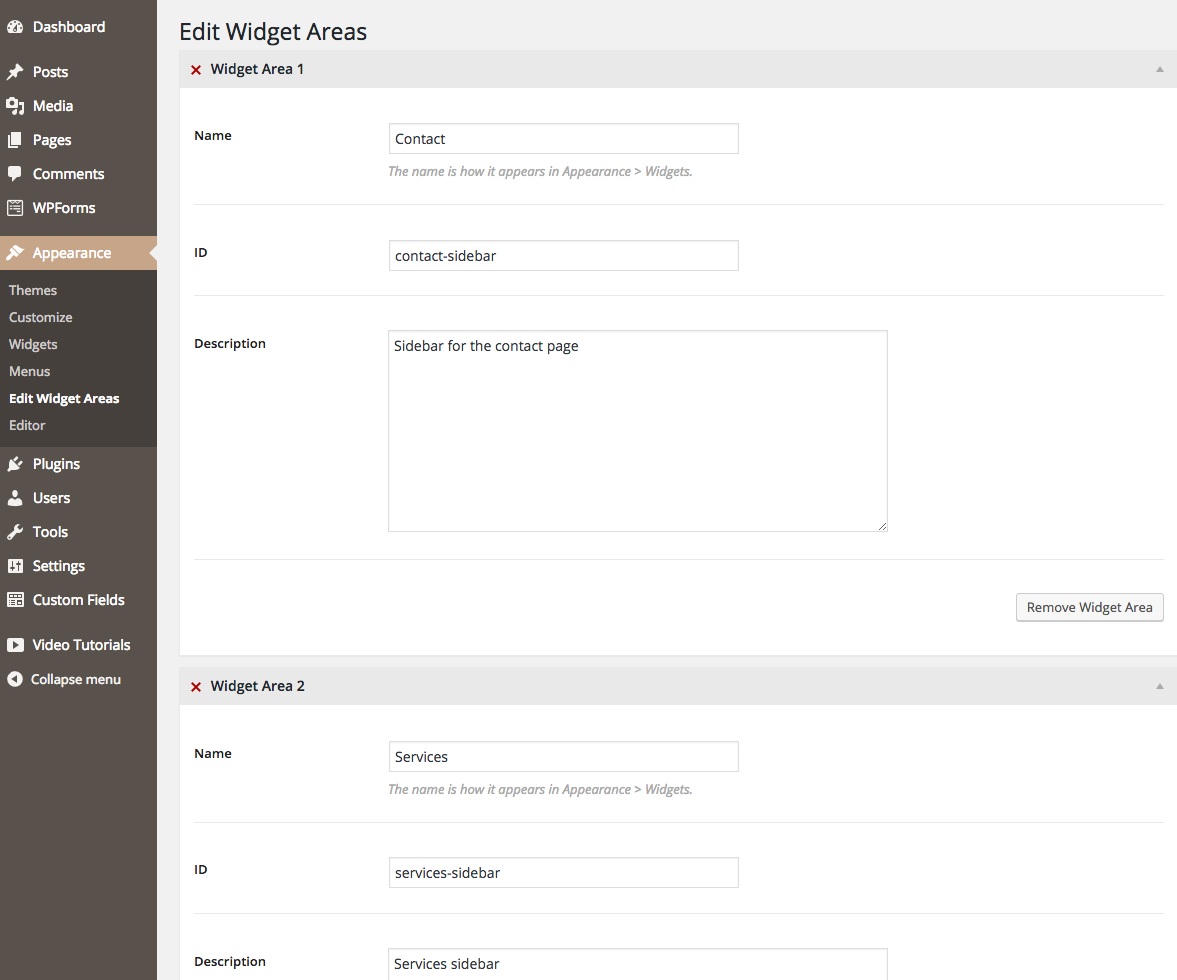
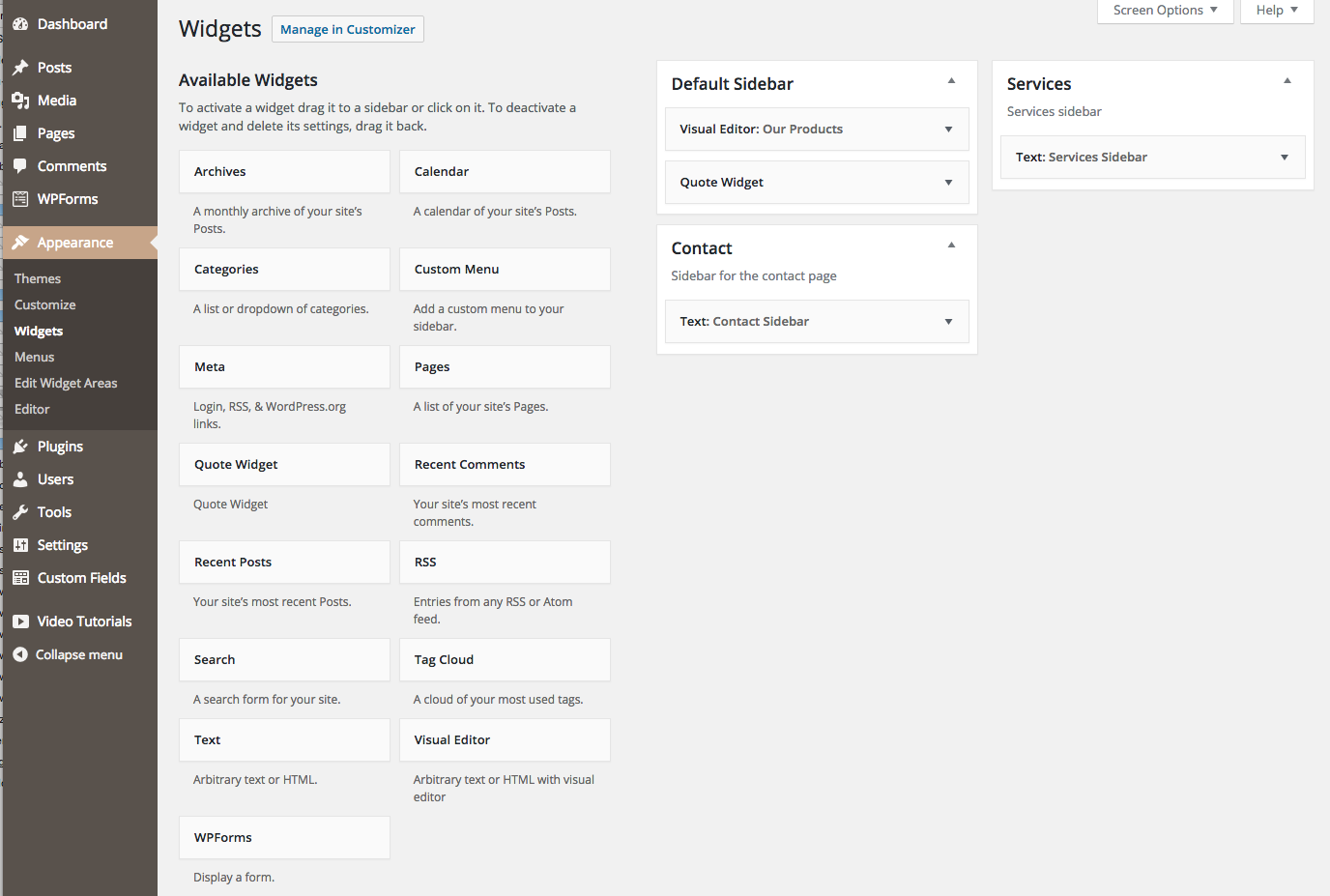
Download the plugin here. Once installed, go to Appearance > Edit Widget Areas create new widget areas. Go to Appearance > Widgets to populate those widget areas with widgets. When editing a page, use the Sidebar Selector metabox to select which sidebar to use for that page.
Place the following code in your theme wherever you'd like the sidebar to appear (typically in sidebar.php):
do_action( 'be_sidebar_selector' );
Customization
The following filters are available to customize the default settings.
be_sidebar_selector_override- Modify the sidebar (slug) used. Default: string if sidebar specified, false if nonebe_sidebar_selector_post_types- What post types this can be used on. Default: array( 'page' )be_sidebar_selector_default_sidebar- The name and id of the default sidebar. Default: array( 'name' => 'Default Sidebar', 'id' => 'default-sidebar' )be_sidebar_selector_widget_area_args- Customize the $args passed to register_sidebar(). Useful for setting things like before/after widget, before/after title, etc. Example. Default: empty array
Screenshots
Edit Widget Areas
Widgets
Sidebar Selector