Install
Upload it under Plugins → Add New Plugin → Upload Plugin, then activate.
Install straight from GitHub with WP-CLI:
wp plugin install https://github.com/bigorangelab/bol-easy-translations/releases/download/1.0.0/bol-easy-translations.zip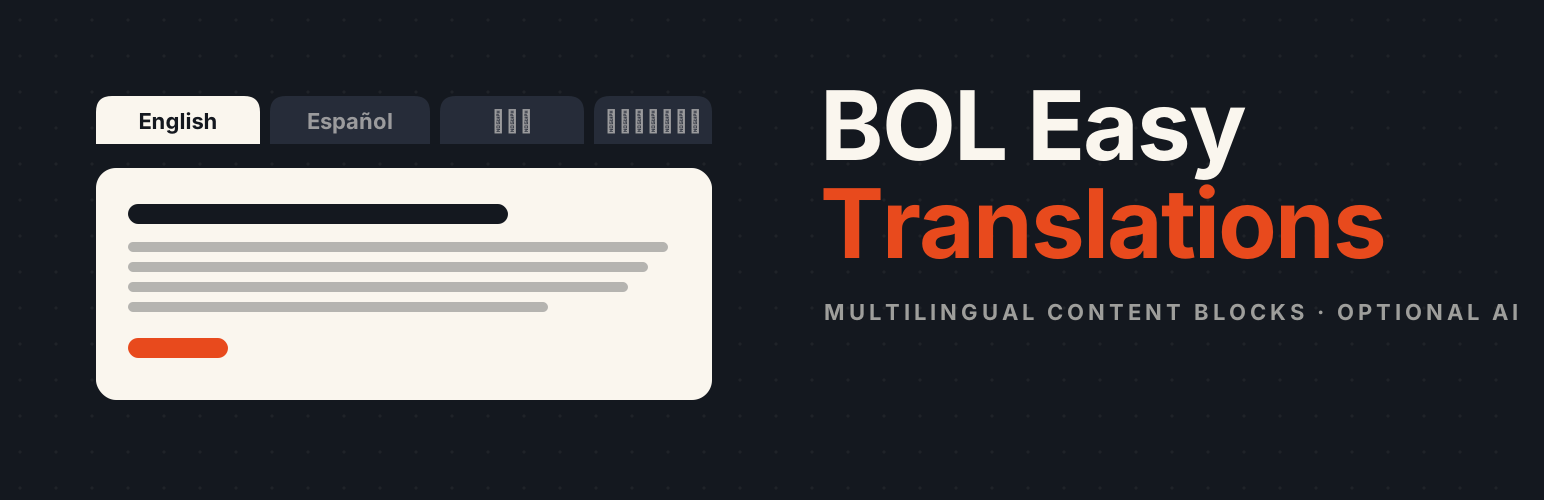
Localized content blocks with a CSS/JS language switcher for WordPress.
Author: George Stephanis, Big Orange Lab
License: GPL-2.0-or-later
Requires WordPress: 7.0+
Requires PHP: 7.4+
Overview
BOL Easy Translations provides two Gutenberg blocks that let you author the same content in multiple languages inside a single post or page, then show visitors a tab-based switcher so they can read their preferred language.
| Block | Purpose |
|---|---|
Localized Content (bol/localized-content) |
Parent container; renders the front-end tab bar |
Translation (bol/translation) |
Inner block for one language; holds any standard blocks |
Front-end behaviour
- A
<nav class="bol-language-switcher">tab bar is injected above the translations via a lightweight view script (no jQuery, no framework). - Language selection priority:
?lang=URL parameter →localStorage→navigator.languagesbrowser preference → first translation. - The visitor's chosen locale is written to
localStorageunderbol-preferred-localeand to the?lang=query parameter viahistory.replaceState, so copied links open in the same language. - Without JavaScript the first Translation block is shown and the rest are hidden via the HTML
hiddenattribute — no content is lost. - The
langattribute is set on each translation wrapper, aiding screen readers and search-engine localisation signals.
Block Usage
- Insert a Localized Content block. It pre-fills with English and Español translation panels.
- Click a Translation panel, then open the block inspector sidebar. Choose a language from the Language dropdown — the tab label (including emoji flag) is set automatically. Override it with the Tab Label field if needed.
- Add your content (paragraphs, headings, images, etc.) inside each Translation panel.
- To add a third (or fourth…) language, use the block appender inside the Localized Content block to insert another Translation block.
- At least two Translation blocks must remain — the editor prevents reducing below two.
Auto-translate with AI
BOL Easy Translations uses the WordPress 7.0 core AI Client (WordPress\AiClient\AiClient) for automatic translation. No third-party AI plugin is required — configure any connector in Settings > Connectors (OpenAI, Google Gemini, a local Ollama or LM Studio instance, etc.) and translation is ready to use.
- Select a Localized Content block to reveal its toolbar.
- Click the Auto-translate (translate icon) toolbar button.
- Choose the translation to use as the source, then pick the target language.
- Click Generate Translation — a new Translation block is inserted with AI-translated content, preserving all inline HTML formatting.
For large posts, content is automatically split into chunks (by block, up to 25 items / 8 000 HTML characters each) and translated in sequential requests, so token limits are never hit regardless of post length.
Development
Prerequisites
- Node.js 20+
- npm 10+
- PHP 7.4+ with Composer (for PHP linting)
Setup
cd wp-content/plugins/bol-easy-translations
npm install
composer install
Commands
| Command | Description |
|---|---|
npm run build |
Production build to build/ |
npm start |
Watch mode (development build) |
npm run lint:js |
Lint JavaScript |
npm run lint:css |
Lint CSS/SCSS |
npm run format |
Auto-format source files |
npm run plugin-zip |
Create a distributable ZIP |
vendor/bin/phpcs |
PHP linting (WordPress + PHPCompatibility standards) |
vendor/bin/phpcbf |
Auto-fix PHP lint violations |
Source layout
includes/
└── rest-api.php        POST /wp-json/bol/v1/translate — AI Services bridge
src/
├── localized-content/
│   ├── block.json      Block metadata
│   ├── index.js        Block registration
│   ├── edit.js         Editor component + Auto-translate toolbar & modal
│   ├── save.js         Static save (front-end markup)
│   ├── view.js         Front-end switcher script
│   ├── style.scss      Shared styles (editor + front end)
│   └── editor.scss     Editor-only styles
└── translation/
    ├── block.json
    ├── index.js
    ├── edit.js
    ├── save.js
    ├── locales.js      Locale list with emoji flags and BCP 47 codes
    ├── style.scss
    └── editor.scss
After editing source files, run npm run build (or keep npm start running) to recompile to build/.
Styling the Switcher
The tab bar is intentionally low-specificity so your theme can override it easily:
/* Target the switcher container */
.bol-language-switcher { }

/* Target individual tabs */
.bol-language-switcher__tab { }

/* Target the active tab */
.bol-language-switcher__tab.is-active { }
Changelog
1.0.0
- AI-powered auto-translation via the WordPress 7.0 core AI Client — configure any connector in Settings > Connectors and generate a full translated language panel in one click.
- Translation requests are automatically chunked by block (≤ 25 items / ≤ 8 000 HTML characters per request) so long posts never hit model token limits.
- Extended chain-of-thought reasoning is suppressed for thinking models (Qwen3, DeepSeek-R1, etc.) to prevent request timeouts.
- Language selector in the Translation block now excludes locales already claimed by sibling translations.
- Inline HTML formatting (bold, links, code, etc.) is preserved through translation.
0.1.0
- Initial release.
Releases
1 release. Each count is every asset in that release; expand a row for the breakdown.