Feedback Pins – QA & Client Feedback
Free WordPress plugin: your clients pin feedback right on the page, your team sees it live on a shared board. Screenshots, Slack, Markdown export. By AVANGARDISM.
by AVANGARDISM · github.com/avangardism-alex/feedback-pins · website
Install
No release zip yet. The repository archive installs, but the folder name will carry the branch suffix and updates will not flow:
wp plugin install https://github.com/avangardism-alex/feedback-pins/archive/refs/heads/main.zipFrançais · English
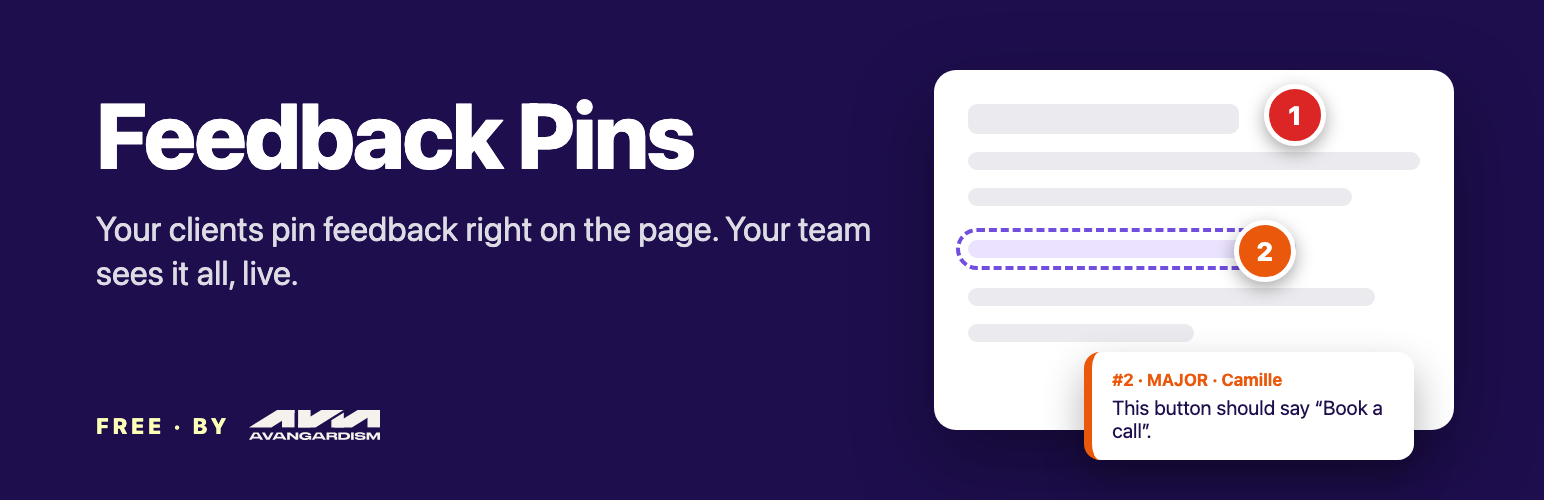
Your clients pin feedback right on the page. Your team sees it all, live, on one board.
A free WordPress plugin by AVANGARDISM. No account, no SaaS, no premium version: notes and screenshots stay in your own WordPress.
Why
Website feedback usually arrives as a pile of emails with blurry screenshots and "the button on the page, you know, the blue one". Feedback Pins puts every remark exactly where it belongs: on the element itself.
- Send your client the invitation link from Tools > Feedback Pins.
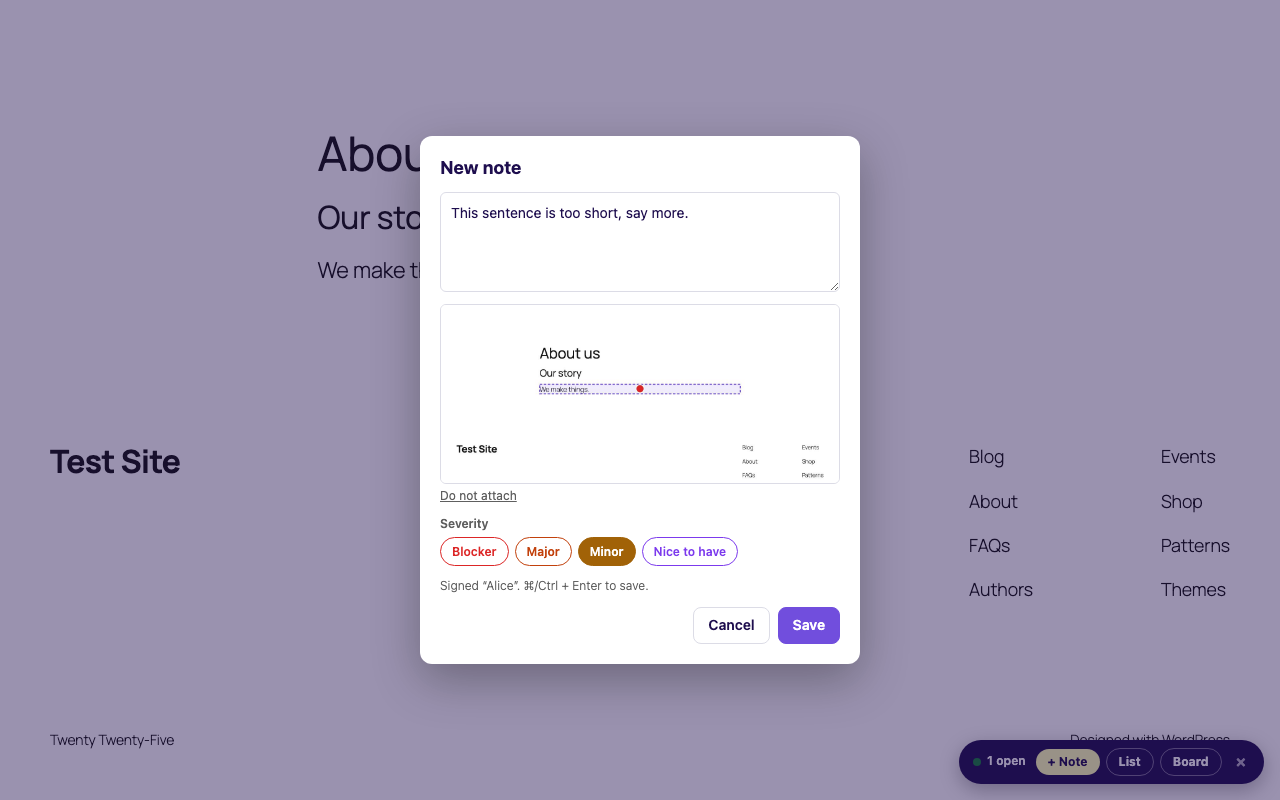
- They click + Note, click any element, type, save.
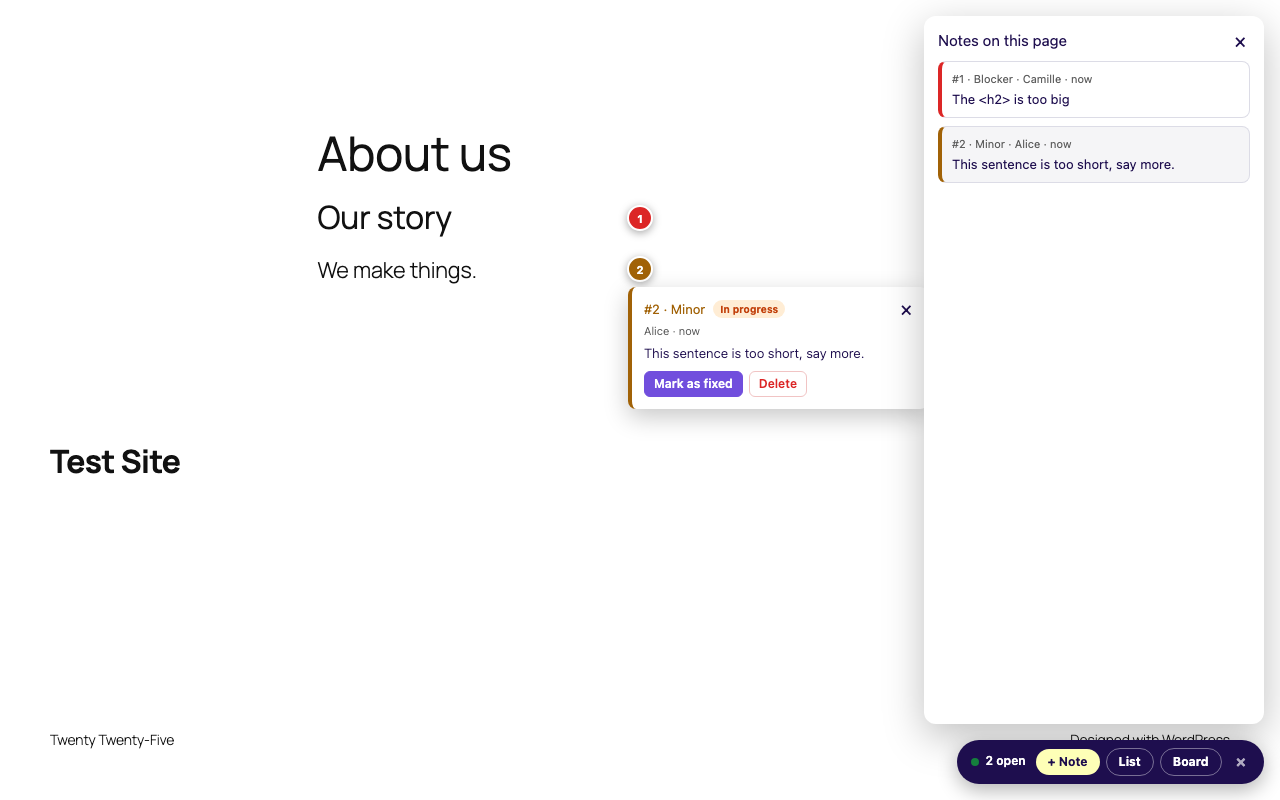
- A screenshot is attached, a numbered pin stays on the element.
- Everyone who opened the link sees everyone else's notes within 15 seconds, on the page and on the board.
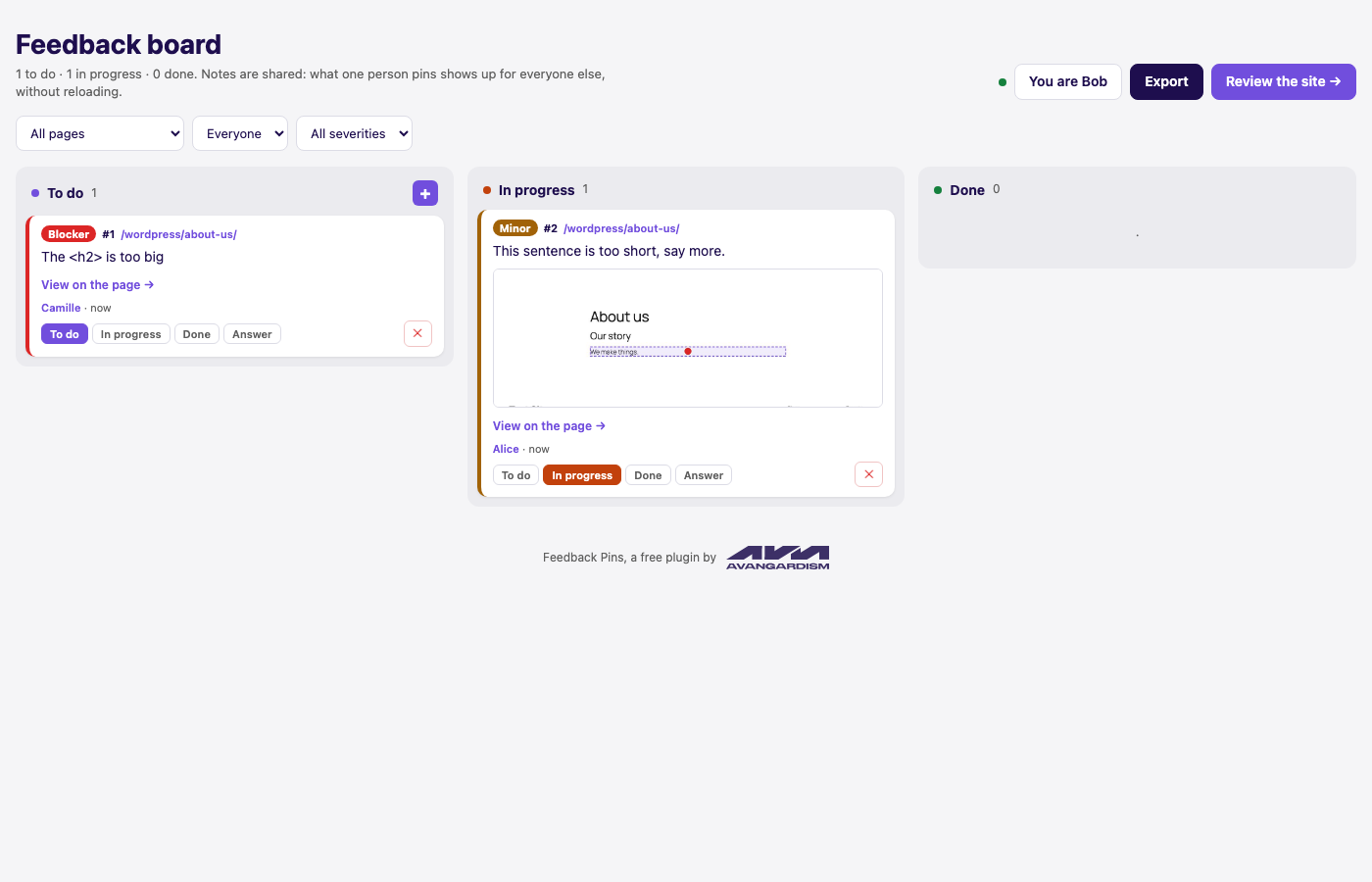
- Move cards from To do to In progress to Done, answer, export to Markdown.
| Pin a note | The board | On the page |
|---|---|---|
 |
 |
 |
Features
- Notes pinned on any element of any page, with section, screen size and browser recorded
- Automatic screenshot with the element framed and the click point marked
- Shared in real time between every reviewer, on the pages and on the board
- Board in three columns: drag and drop, filters by page, person and severity, answers
- "View on the page" links that scroll to the element and make it blink
- Slack notifications with the screenshot, sent by your own server
- Markdown and JSON export grouped by page and section, ready for a ticket or an AI assistant
- Admin toolbar shortcut: review the current page in one click
- About 500 bytes for regular visitors: everything else is loaded on demand
- Works behind full-page caches (review mode is decided in the browser)
- Accessible: keyboard only pinning (Tab + Enter), screen reader announcements, WCAG AA contrast, checked with axe-core
- Translation ready, French included
Install
From WordPress.org (once published): Plugins > Add New, search for "Feedback Pins".
From GitHub: download the zip of the latest release, then Plugins > Add New > Upload Plugin.
Requires WordPress 6.3+ and PHP 7.4+.
Where does Slack run?
On your server. When a note is created, your WordPress calls your Slack incoming webhook directly, after the reviewer already got the answer (fastcgi_finish_request where available), so nobody waits for Slack. There is no AVANGARDISM server in between, nothing to host, nothing to pay: each site uses its own webhook.
Security model
- A shared key protects the notes. Without it, the REST API answers 401 for reading as well as writing.
- The key travels in the URL fragment (
#fpins_key=…), never sent to the server nor to analytics, and is removed from the address bar on arrival. Afterwards it goes in theX-Feedback-Pins-Keyheader. - Regenerating the key in the settings disables every link sent before.
- Notes are plain text, always rendered with
textContentin the browser andesc_*in PHP. - Screenshots are checked to be real JPEG/PNG images, capped at 3 MB, and stored under random names.
Developers
Constants (in wp-config.php):
define( 'FPINS_KEY', 'your-own-key' );                              // fixed key
define( 'FPINS_SLACK_WEBHOOK', 'https://hooks.slack.com/services/…' ); // webhook out of the database
Filters and actions:
| Hook | Default | Purpose |
|---|---|---|
fpins_board_path |
feedback-board |
Path of the board |
fpins_capability |
manage_options |
Who sees the settings and the toolbar shortcut |
fpins_sync_interval |
15000 |
Reload interval in ms (minimum 5000) |
fpins_notes_limit |
1000 |
Maximum notes returned |
fpins_note |
Filter a note before it reaches the browser or Slack | |
fpins_slack_message |
Filter the Slack Block Kit payload | |
fpins_note_created (action) |
Fires after a note is created: plug email, Teams, Discord… |
REST routes under /wp-json/feedback-pins/v1/: GET|POST notes, POST|DELETE notes/{id}, GET strings.
Project layout
feedback-pins.php      bootstrap
includes/notes.php     post type, fields, sanitising, key
includes/rest.php      REST API
includes/screenshots.php
includes/slack.php
includes/front.php     loader, board page, admin bar, JS strings
includes/admin.php     Tools > Feedback Pins
assets/js/             toolbar + board (vanilla JS, no build step)
assets/vendor/         html2canvas 1.4.1 (MIT)
languages/             .pot + French
uninstall.php          removes notes, screenshots, options
No build step, no Composer, no npm: what you see is what ships.
Translations
wp i18n make-pot . languages/feedback-pins.pot --exclude=assets/vendor --skip-js
msgfmt -o languages/feedback-pins-fr_FR.mo languages/feedback-pins-fr_FR.po
wp i18n make-php languages
JavaScript strings are declared in fpins_js_strings() (includes/front.php) so that they are extracted with the PHP ones.
Release
Push a tag v1.2.3: the GitHub workflow builds the zip and attaches it to the release. If the SVN_USERNAME and SVN_PASSWORD secrets are set, it also deploys to WordPress.org.
Contributing
Issues and pull requests are welcome. Please keep it dependency-free and run Plugin Check before opening a PR.
License
GPL-2.0-or-later. html2canvas is MIT, see assets/vendor/html2canvas-LICENSE.txt.
Need a website, an online store or business software? Let's talk about your project.