Live Chat for FreeScout
WordPress plugin: a live chat bubble that delivers visitor messages to your FreeScout help desk.
Install
This is the repository archive. It installs, but the folder name will carry the branch suffix and updates will not flow.
Install straight from GitHub with WP-CLI:
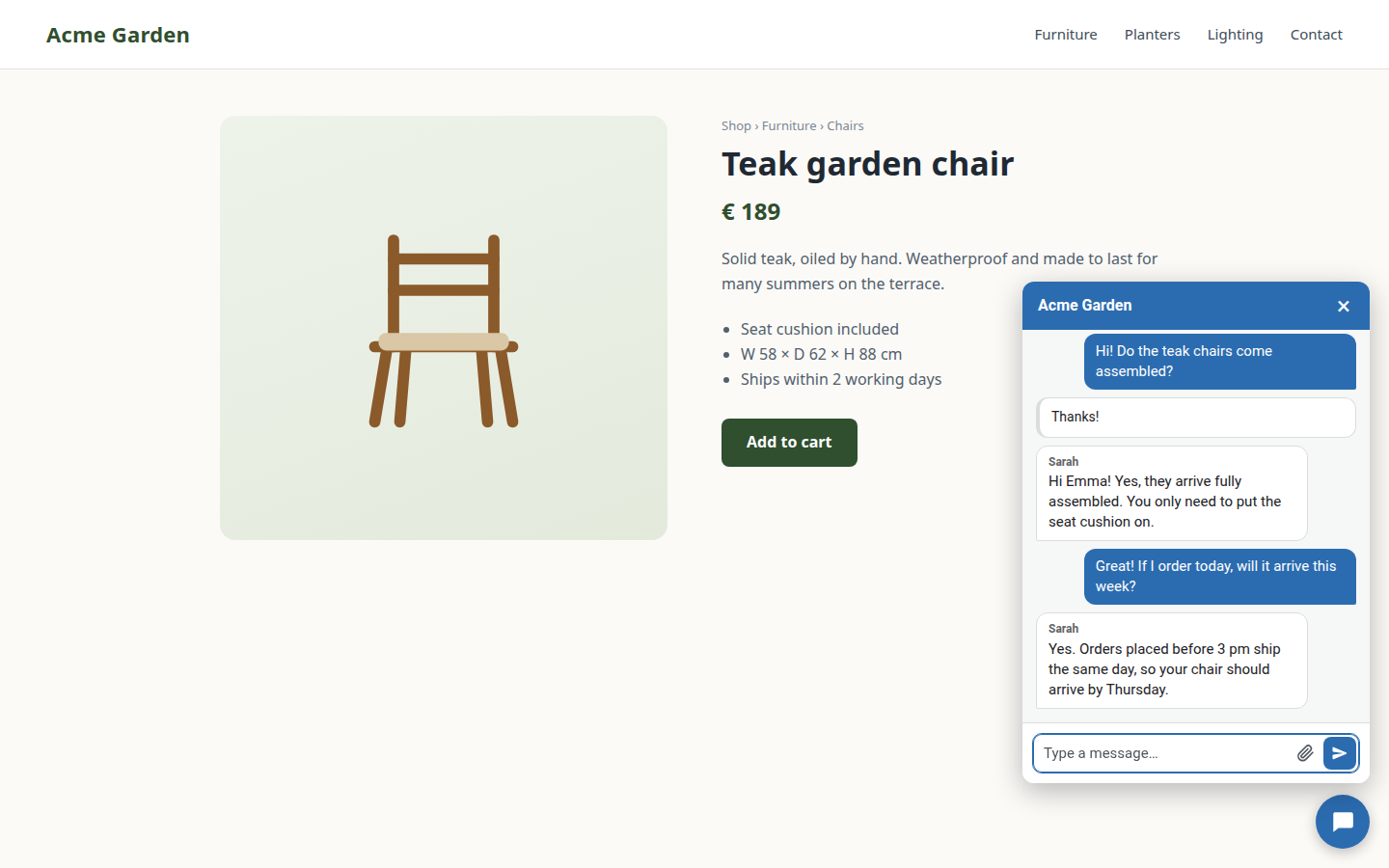
wp plugin install https://github.com/automaze-me/live-chat-for-freescout/archive/refs/heads/main.zipA WordPress plugin that puts a live chat on your website. A visitor's message lands in your own FreeScout help desk as a conversation, and your team's reply appears in the visitor's chat window.
The plugin is the visitor-facing half. The other half is the FreeScout module Website Chat (WordPress), which turns chats into conversations. Messages go from the visitor's browser straight to your FreeScout. They never pass through your WordPress site or a third-party chat service.
Requirements
- WordPress 6.3 or newer, PHP 7.4 or newer.
- FreeScout with the Website Chat (WordPress) module, reachable over HTTPS.
Installation
- Download
live-chat-for-freescout.zipfrom the latest release. - In WordPress, open Plugins → Add New Plugin → Upload Plugin, choose the zip and activate the plugin.
- In FreeScout, open Manage → Website Chat and add your website. Its entry shows the Site ID and the secret.
- In WordPress, open Settings → Live Chat for FreeScout, enter the FreeScout URL, the Site ID and the secret, and save. Test connection tells you whether everything matches.
Updates
New versions show up under Dashboard → Updates like any other plugin update, and you can switch on automatic updates for the plugin. WordPress gets them from this repository's latest release, not from wordpress.org.
After an update, purge your page cache. A cached page still carries the old widget settings.
What you can set
- Team name, avatar, accent color and welcome messages.
- A button color of its own, and a white ring that keeps the button visible on a background of the same color.
- The corner the chat sits in.
- Working hours for each day, with an away message outside them.
- Pages where the chat stays hidden, such as the checkout.
- A link to your privacy policy inside the chat.
With WooCommerce, the chat recognizes logged-in customers, and visitors can give an order number so your team sees who they are talking to. German is included for Germany, Austria and Switzerland, in the "du" and the "Sie" form.
What the plugin stores and sends is listed in readme.txt, under "Privacy" and "External services".
Development
Run the tests from the plugin folder:
for f in tests/*.php; do php "$f"; done
node tests/hours.test.js
To release, set the new version in the plugin header (Version), in LCFF_VERSION and in readme.txt's Stable tag, commit, and push a tag vX.Y.Z. The release workflow runs the tests, builds live-chat-for-freescout.zip and update.json, and publishes both on the GitHub release. Installed copies read update.json from the latest release.
License
GPLv2 or later, see LICENSE.