Install
This is the repository archive. It installs, but the folder name will carry the branch suffix and updates will not flow.
Install straight from GitHub with WP-CLI:
wp plugin install https://github.com/audunmb/factbox-block-wordpress-plugin/archive/refs/heads/main.zipFactbox block for Wordpress
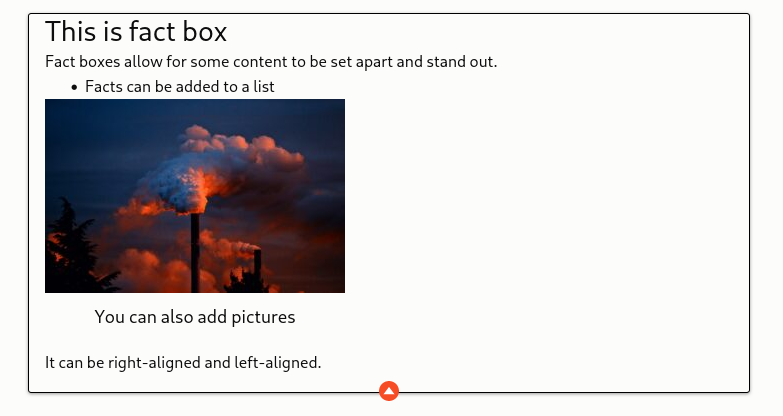
This is my first block for Wordpress, created with wp-create-block. It adds a factbox block to use with Gutenberg block editor in Wordpress. It acts mostly like a group block, but it can be aligned right and left (which group blocks can't in later versions of Wordpress).

More importantly it can be collapsed, so that only the first few lines are visible, and the rest of the box is hidden, until it the button is clicked.

How to install.
Download the files as a .zip-file and install manually as a plugin in Wordpress.
How to use
Either insert a Factbox from the inserter, it should be under the Design, or choose a group block and transform it to Factbox (click the icon for the block and it will show as option). The block can only be transformed from a group for now. (This might change). It can also be transformed back to a group block. (Note: in order to add this block to a group, you have to choose it along with other blocks and group them. If you transform it to a group alone, it will be reverted to a regular block).
Collapse/Expand
There's a basic style and a collapsable style. The basic style is just a group block that can be aligned left and right. The Collapsable style has a button below, and will only a few lines high until the button is clicked. In the editor, the box won't be collapsed, this only happens on the frontend, otherwise it might be difficult to edit the contents.