Install
This is the repository archive. It installs, but the folder name will carry the branch suffix and updates will not flow.
Install straight from GitHub with WP-CLI:
wp plugin install https://github.com/anttiviljami/woocommerce-facebook-conversion-pixel/archive/refs/heads/master.zipNo built-in updater. New versions won't appear under Dashboard → Updates. Install new releases yourself, or let Git Updater track the repository.
Set up the Facebook conversion pixel and event tracking for WooCommerce
Features:
- Include the Facebook Tracking Pixel code on every page
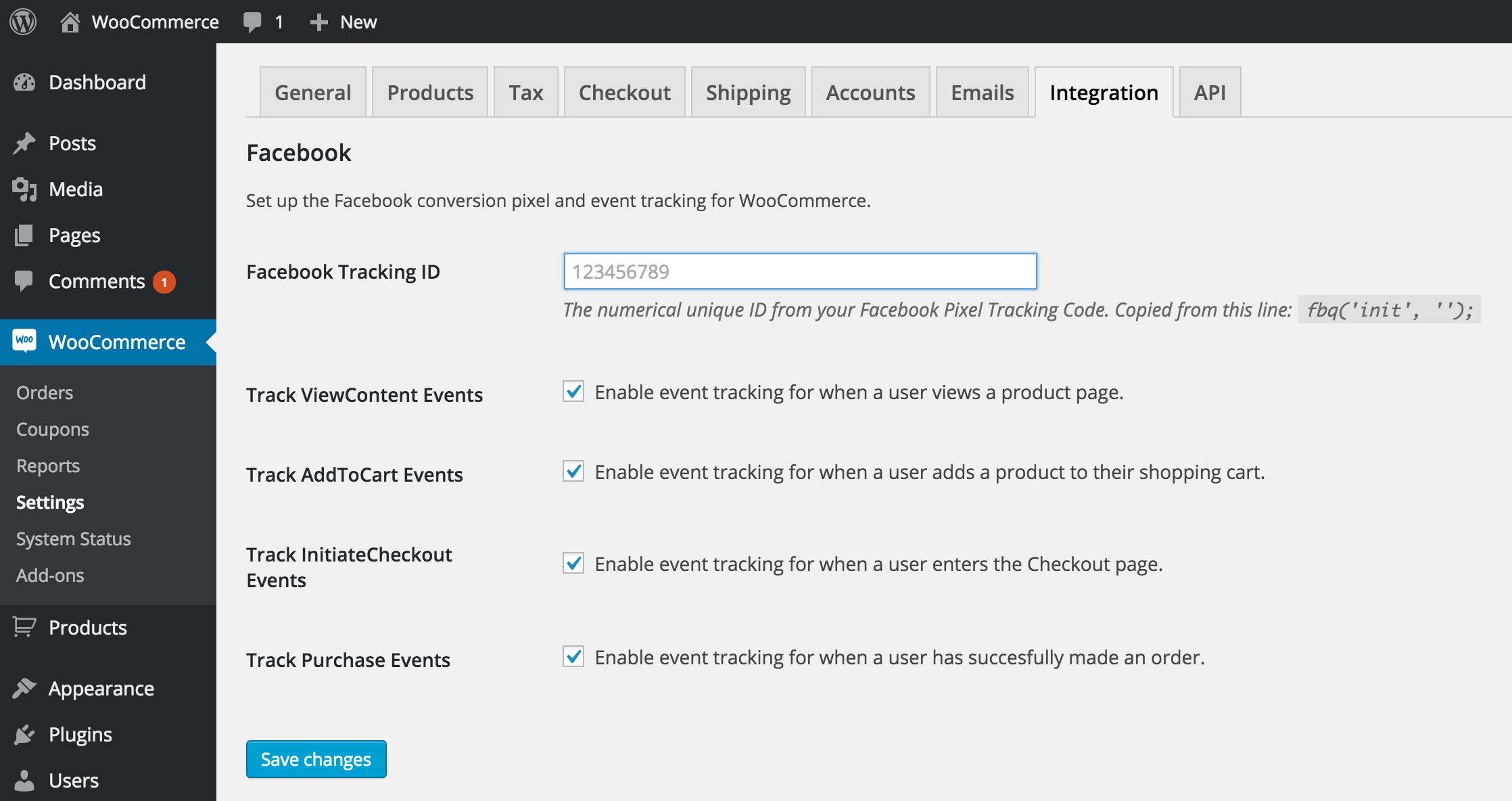
- Track events in your WooCommerce Store:
- View Product
- Add To Cart
- Proceed to Checkout
- Order received
Installation
- Upload plugin to the
/wp-content/plugins/directory. - Activate the plugin through the "Plugins" menu in WordPress.
- Installation done!
Screenshots
Customise which events to track, or track them all!