Install
This is the repository archive. It installs, but the folder name will carry the branch suffix and updates will not flow.
Install straight from GitHub with WP-CLI:
wp plugin install https://github.com/anttiviljami/woocommerce-clean-orphaned-variations/archive/refs/heads/master.zipOn Packagist as anttiviljami/woocommerce-clean-orphaned-variations:
composer require anttiviljami/woocommerce-clean-orphaned-variationsNo built-in updater. New versions won't appear under Dashboard → Updates. Install new releases yourself, or let Git Updater track the repository.
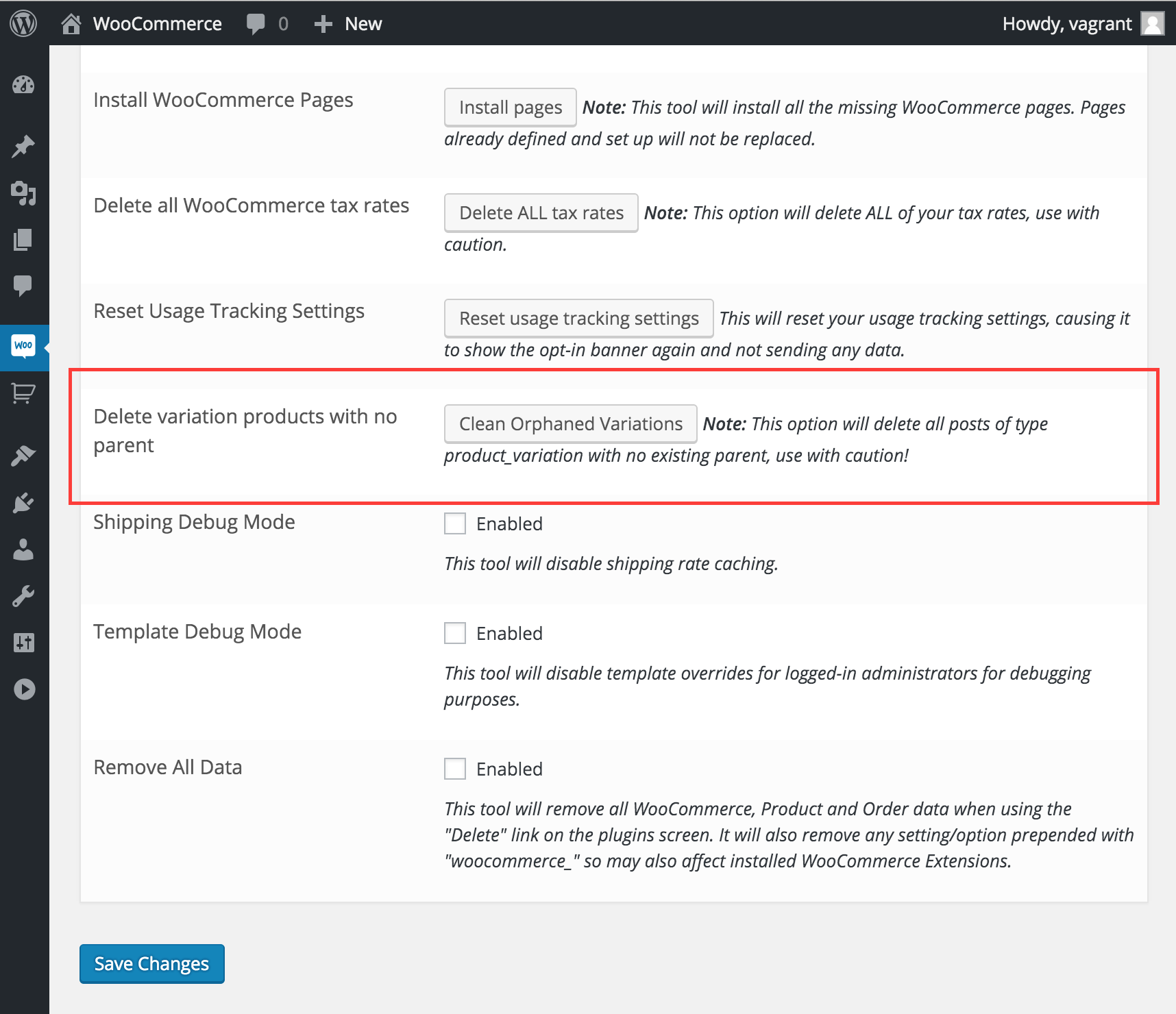
Adds a tool to the WooCommerce tools page which finds and deletes any Product variations without parents.
Usage
- Navigate to: WooCommerce > System Status > Tools (
/wp-admin/admin.php?page=wc-status&tab=tools) - Click the "Clean Orphaned Variations" -button
Screenshots
Why?
Sometimes, for reasons unknown, WooCommerce will leave orphaned variation products in the database which can cause all sorts of problems.
Most commonly, you would get this error message
PHP Fatal error: Call to a member function get_attributes() on a non-object in /my/wp/root/wp-content/plugins/woocommerce/includes/class-wc-product-variation.php on line 664This small tool is a quick and easy fix for those situations.
Installation
The Composer Way (preferred)
Install the plugin via Composer
composer require anttiviljami/woocommerce-clean-orphaned-variationsActivate the plugin
wp plugin activate woocommerce-clean-orphaned-variationsThe Old Fashioned Way
You can also install the plugin by directly uploading the zip file as instructed below:
- Download the plugin
- Upload to the plugin to /wp-content/plugins/ via the WordPress plugin uploader or your preferred method
- Activate the plugin