Install
This is the repository archive. It installs, but the folder name will carry the branch suffix and updates will not flow.
Install straight from GitHub with WP-CLI:
wp plugin install https://github.com/amitwpseo/wordpress-academy-theme/archive/refs/heads/main.zipWordPress Fulfilment Ops Academy
A complete WordPress solution for creating a knowledge hub for logistics operations. This repository includes a custom plugin to register the Academy post type and taxonomy, plus three modern template files (archive, category, single) built with Tailwind CSS.
Features
- Custom Post Type
academyfor articles - Custom Taxonomy
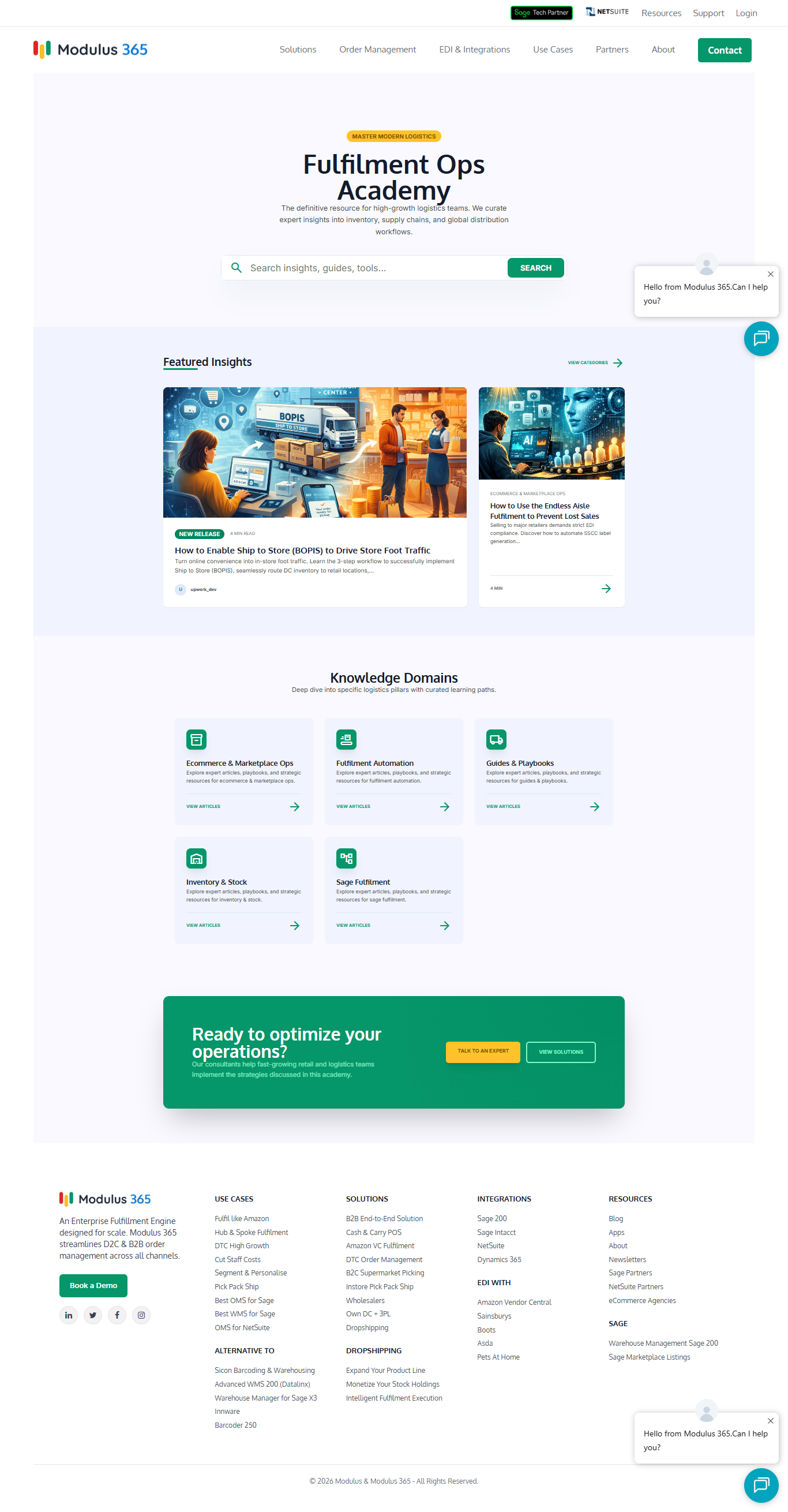
academy_categoryfor categorising articles (e.g., Inventory, Supply Chain, Warehousing) - Archive Page – displays recent articles with search, categories grid, and featured cards
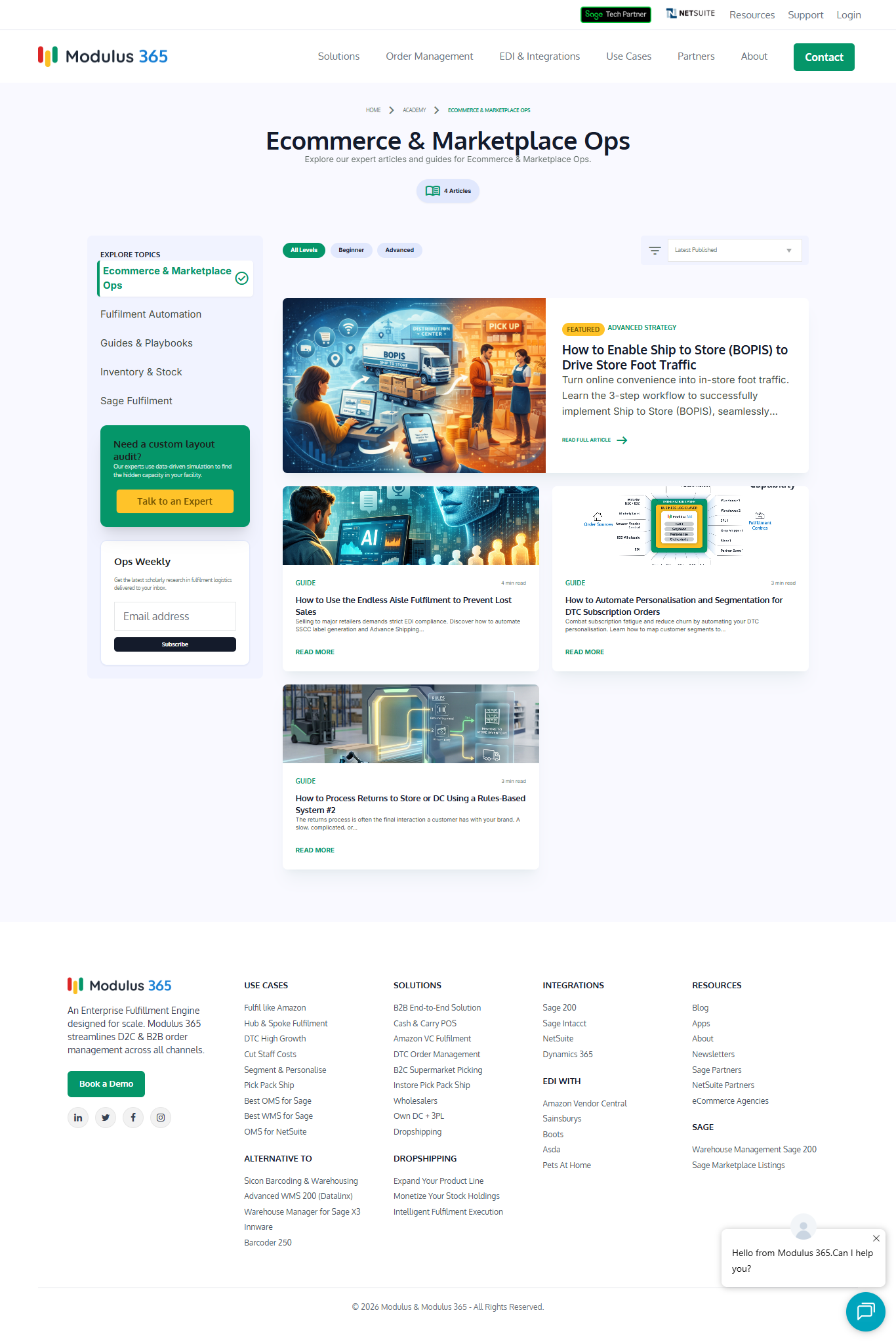
- Category Archive – full‑width layout with sidebar, topics navigation, and article listing
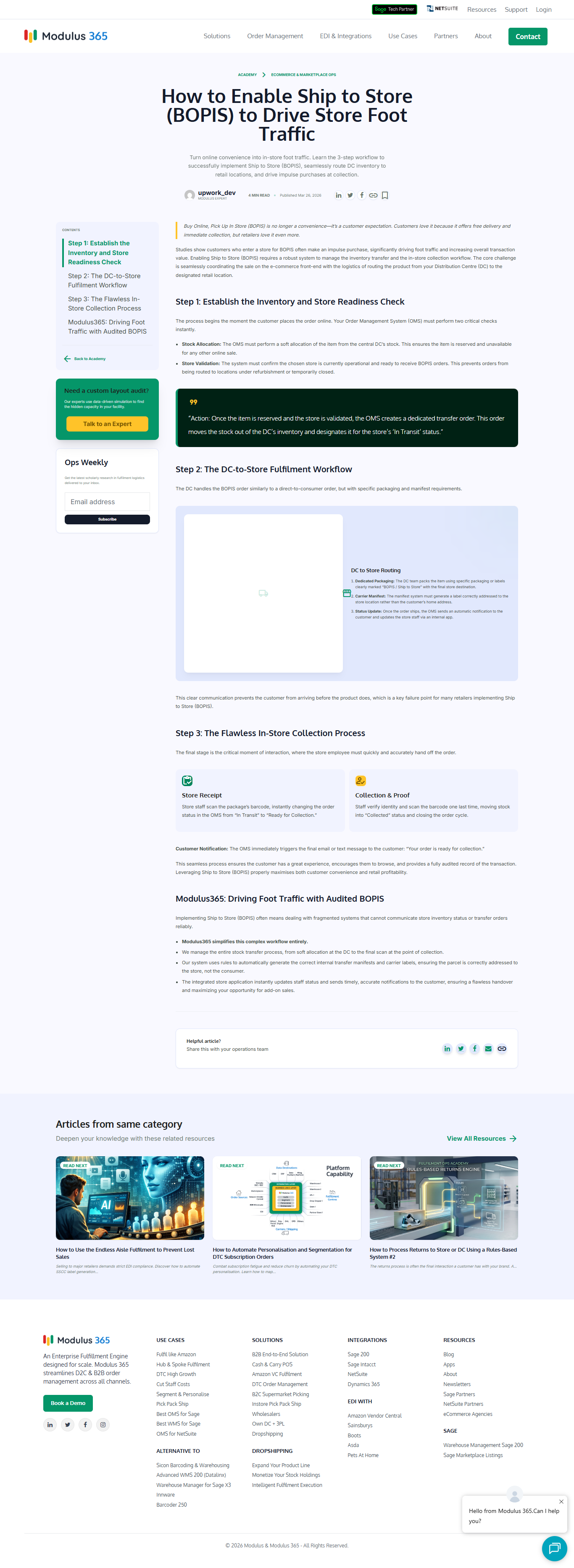
- Single Article – includes table of contents (auto‑generated from H2 headings), reading time, author info, social sharing, and related articles
- Modern Design – uses Tailwind CSS, Google Fonts (Oxygen, Inter, Manrope), and Material Icons
- Gutenberg Ready –
show_in_restenabled for both post type and taxonomy
Requirements
- WordPress 5.0 or higher
- PHP 7.4 or higher
- A WordPress theme that supports template files (any theme will work – just copy the template files into your active theme folder)
Installation
-
Install the plugin
Upload theacademy-plugin.phpfile to/wp-content/plugins/and activate it via the WordPress admin.
This creates the "Academy" post type and the "Academy Sections" taxonomy. -
Add the templates
Copyarchive-academy.php,taxonomy-academy_category.php, andsingle-academy.phpinto your active theme folder (e.g.,/wp-content/themes/your-theme/). -
Create some categories (Sections)
Go to Academy → Academy Sections and add categories like “Inventory Management”, “Supply Chain”, “Warehousing”, etc. -
Start writing articles
Create new posts under Academy and assign them to a section. Add a featured image for each article. -
View the Academy
Visit/fulfilment-ops-academy/on your site to see the archive page. Click on any category to see the category archive, or on an article to view the single page.
Customisation
- Tailwind CSS – The templates include a CDN link with a custom configuration (colors, fonts, etc.). You can replace it with a local build if needed.
- Color Scheme – The color palette is defined in the Tailwind config inside each template. Modify the
colorsobject to match your brand. - Table of Contents – Automatically generated from H2 headings. To exclude certain headings, adjust the regex in
single-academy.php.
File Structure
academy-plugin.php– Registers CPT and taxonomyarchive-academy.php– Main archive pagetaxonomy-academy_category.php– Category archive pagesingle-academy.php– Single article pageREADME.md– This file
Demo
About the Author
Amit Nandi – Top Rated WordPress Developer and Local SEO Specialist.
License
MIT License – free to use, modify, and distribute.