Install
This is the repository archive. It installs, but the folder name will carry the branch suffix and updates will not flow.
Install straight from GitHub with WP-CLI:
wp plugin install https://github.com/aminesayagh/lingowp/archive/refs/heads/master.zipLinvara — Multilingual & AI Translation for WordPress
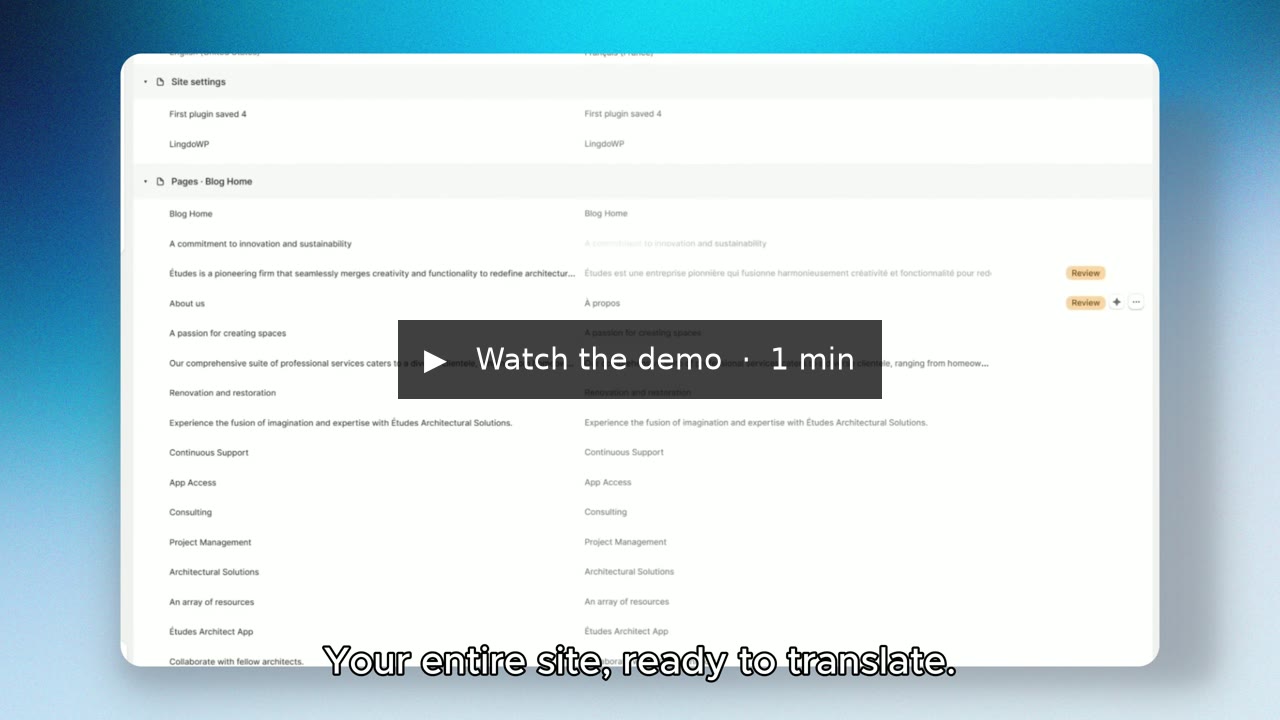
Translate a WordPress site into any language from one workspace: posts, pages, menus, widgets, theme and plugin text, SEO fields and WooCommerce products. Translate by hand for free, or connect to Linvara Cloud for AI translation.
Website · Watch the demo (video) · Architecture · Contributing · Security
Status: version 1.6.6, in review for the WordPress.org plugin directory. Requires WordPress 6.9+ and PHP 7.4+. Licensed GPL-2.0-or-later.
What it does
- Finds every visible text on its own. Post and page content (block by block), titles, excerpts, categories, menus, widgets, custom fields, author bios, image alt text, and text hard-coded in your theme's templates. You never mark strings by hand.
- One board to translate it all, grouped by page, with search, filters and progress per language. A text that appears in many places is translated once.
- Real multilingual URLs.
/fr/,/es/prefixes, optionally translated slugs (/fr/a-propos/),hreflangtags, a language-aware XML sitemap, and redirects that keep the language. - Plugin and theme strings too. A dedicated board translates the text
your plugins and themes print (their
.mofiles), with community translations from WordPress.org as a starting point. - AI translation, optional. Connect to Linvara Cloud to translate a page, a collection or a whole language in one click. Nothing leaves your site until you connect.
- A language switcher as a shortcode, a PHP template function or a floating button, styled from the admin with a live preview.
- Works with what you already use, through add-ons: Elementor, WooCommerce, ACF, Yoast / Rank Math / SEOPress / AIOSEO, and a one-click migration from TranslatePress.
Install
- From a release: download the latest
linvara-<version>.zipfrom Releases, then in WordPress go to Plugins → Add New → Upload Plugin. - From WordPress.org: once the directory review is complete.
After activating, open Linvara in the admin menu: a short setup asks for your preferences, then you add your first language.
A note on names
The plugin started as LingoWP and was renamed Linvara during the
WordPress.org review ("WP" is a restricted term in plugin names). This
repository, the PHP namespace (LingoWP\), function names (lingowp_*) and
database tables (wp_lingowp_*) keep the original name, so that existing
sites and add-ons keep working.
Repository map
lingowp.php          plugin bootstrap (header, constants, lifecycle hooks)
src/                 PHP, one folder per feature — see ARCHITECTURE.md
admin-ui/            React admin app (source of assets/admin/build/)
assets/switcher/src/ front-end language switcher (source of assets/switcher/build/)
assets/flags/        flag icons (from flag-icons)
tests/               unit checks (tests/*.php, *.mjs) and integration tests (tests/db/)
bin/                 release and QA scripts (build, Plugin Check, multisite check)
readme.txt           the WordPress.org readme, with the full changelog
Develop
Requirements: PHP 7.4+, Composer, Node.js 20+, and a local WordPress 6.9+ site (MySQL/MariaDB with InnoDB) to run it in.
git clone https://github.com/aminesayagh/lingowp.git wp-content/plugins/lingowp
cd wp-content/plugins/lingowp
composer install
npm ci
npm run build        # admin app + language switcher
Then activate the plugin in that WordPress site. While working on the
admin app, npm run start rebuilds on every change; npm run watch:switcher
does the same for the switcher.
Checks:
composer test        # PHP unit checks, no WordPress needed
npm test             # JS unit checks
npm run lint:js      # ESLint
composer compat:php  # PHP 7.4+ compatibility
composer security    # phpcs (WPCS security sniffs), audit, gitleaks, Semgrep
composer test:db     # integration tests, against a running WordPress (see CONTRIBUTING.md)
See CONTRIBUTING.md for the details, conventions and how to propose a change.
License
GPL-2.0-or-later. See LICENSE and THIRD-PARTY-NOTICES.txt for bundled libraries.