Install
This is the repository archive. It installs, but the folder name will carry the branch suffix and updates will not flow.
Install straight from GitHub with WP-CLI:
wp plugin install https://github.com/ajvillegas/ajv-testimonials/archive/refs/heads/master.zipEasily manage and display client testimonials on your website.
Contributors: ajvillegas
Tags: testimonials, shortcode
Requires at least: 4.5
Tested up to: 4.9
Stable tag: 1.0.2
License: GPLv2 or later
Description
This plugin allows you to easily manage and display client testimonials on your website by adding a new 'Testimonials' custom post type and custom taxonomy for categorizing testimonials. It outputs clean, semantic HTML in the front-end with no styling to make it easy for you to integrate into your theme.
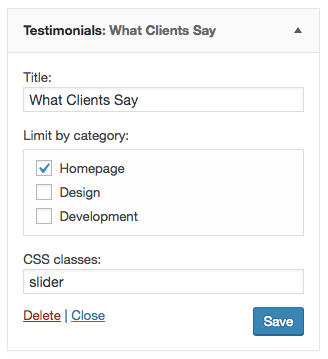
You can display testimonials anywhere on your website using the [ajv-testimonials] shortcode or the included 'Testimonials' widget. You can also use the 'Insert Testimonials' button in the page editor to automatically add the shortcode to your page or post content.
The shortcode accepts two optional parameters, category and class. You can specify which categories you want displayed by entering the slug for each category separated by a comma, and add custom CSS classes by separating each with a space.
The following example shows how you can implement the shortcode on your website:
[ajv-testimonials category="cat1,cat2,cat3" class="class1 class2"]
Author Image Size
The default testimonial author image size is 150px by 150px. If you need to change this size, you can do so using the ajv_testimonials_avatar_size filter.
The example below demonstrates how you can implement this filter on your theme:
add_filter( 'ajv_testimonials_avatar_size', 'myprefix_testimonials_avatar_size' );
/**
 * Filter the AJV Testimonials author image size.
 *
 * @param   array   An array containing the default image size.
 * @return  array   An array containing the modified image size.
 */
function myprefix_testimonials_avatar_size( $size ) {

    $size = array(
        (int) 200, // width
        (int) 200 // height
    );

    return $size;

}
Installation
Using The WordPress Dashboard
- Navigate to the 'Add New' Plugin Dashboard
- Click on 'Upload Plugin' and select
ajv-testimonials.zipfrom your computer - Click on 'Install Now'
- Activate the plugin on the WordPress Plugins Dashboard
Using FTP
- Extract
ajv-testimonials.zipto your computer - Upload the
ajv-testimonialsdirectory to yourwp-content/pluginsdirectory - Activate the plugin on the WordPress Plugins Dashboard
Screenshots
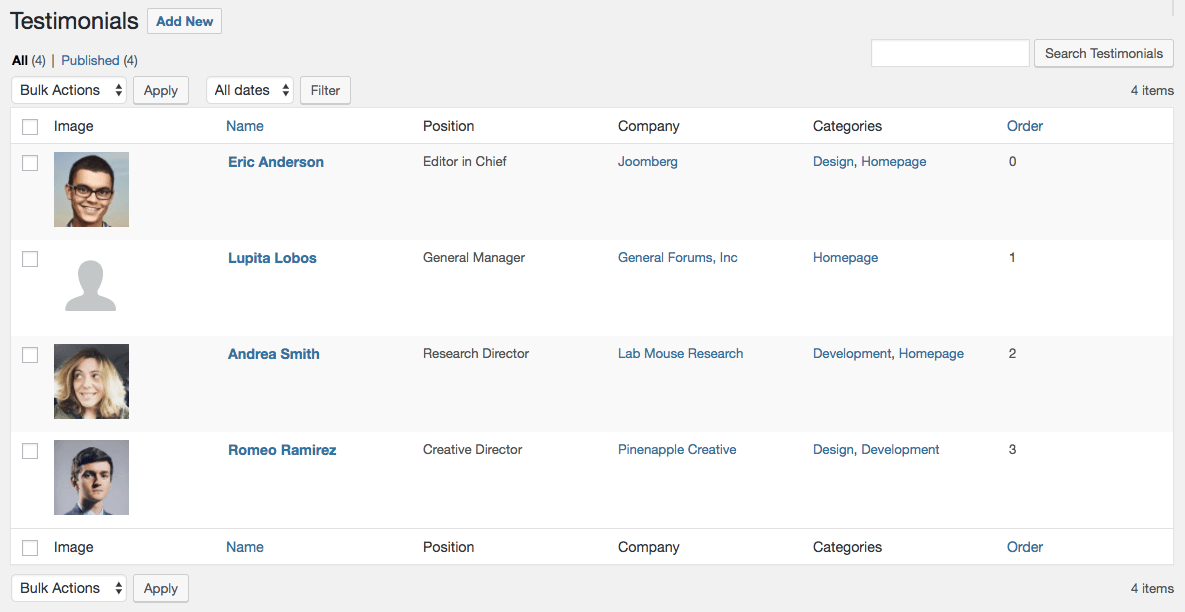
Admin table view
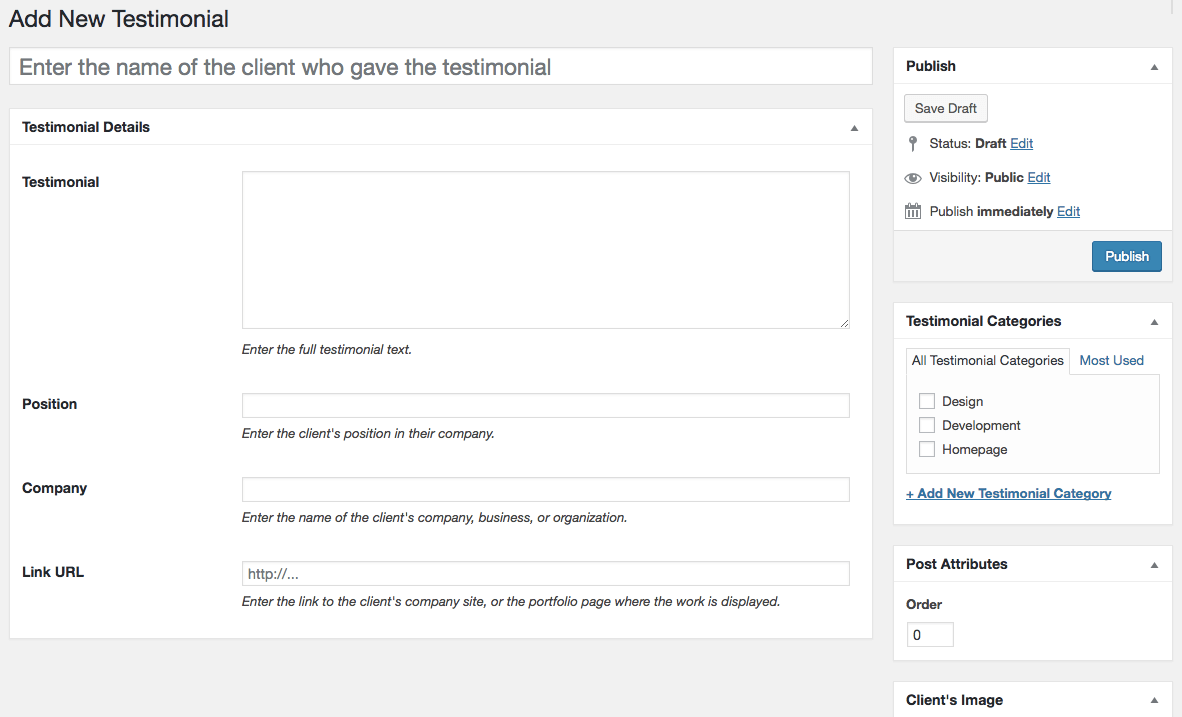
Testimonial editor page
Testimonials widget
Changelog
1.0.2
- Added the
ajv_testimonials_avatar_sizefilter for changing the default testimonial author image size.
1.0.1
- Updated post meta IDs.
- Updated shortcode to use a dash instead of an underscore.
- Removed category ID from the taxonomy admin table.
1.0.0
- Initial release.