Install
This is the repository archive. It installs, but the folder name will carry the branch suffix and updates will not flow.
Install straight from GitHub with WP-CLI:
wp plugin install https://github.com/affinite/affinite-db-manager/archive/refs/heads/main.zipComplex database adminer for WordPress with advanced table, column, index, and relation management.
Description
Affinite DB Manager is a comprehensive database administration tool for WordPress that allows administrators to manage database tables, columns, indexes, and foreign key relations directly from the WordPress admin interface.
Features
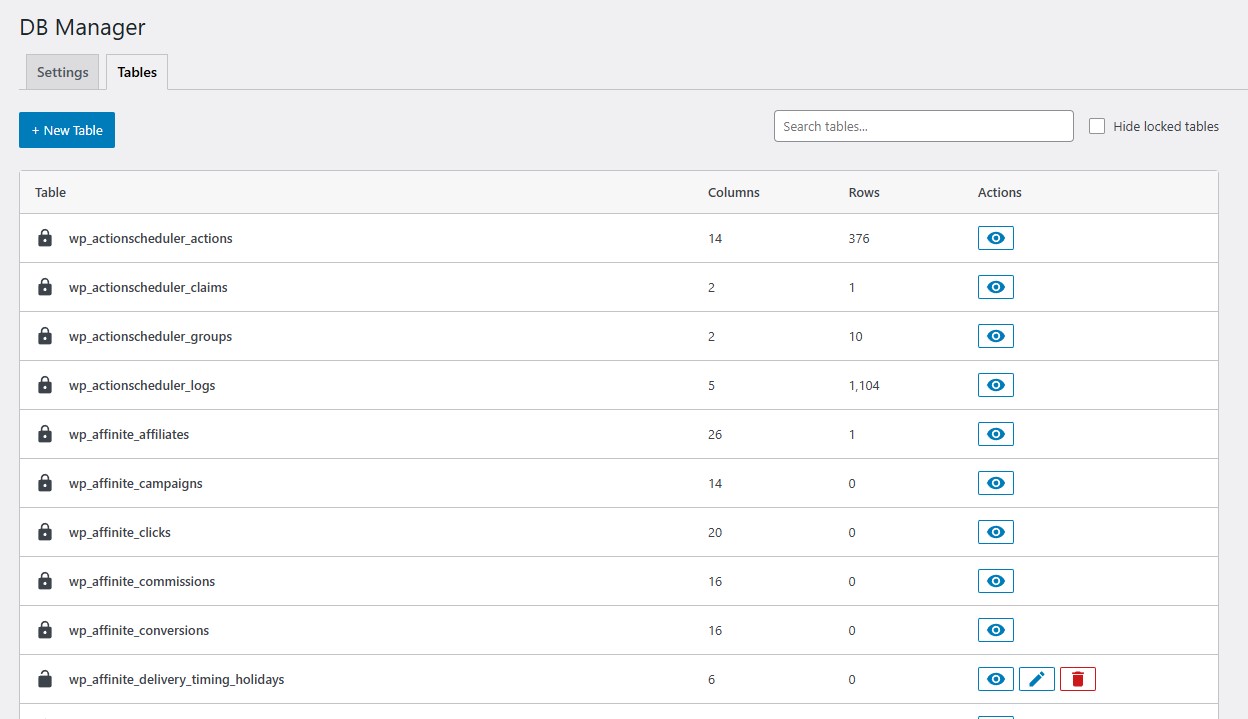
- View and manage all database tables
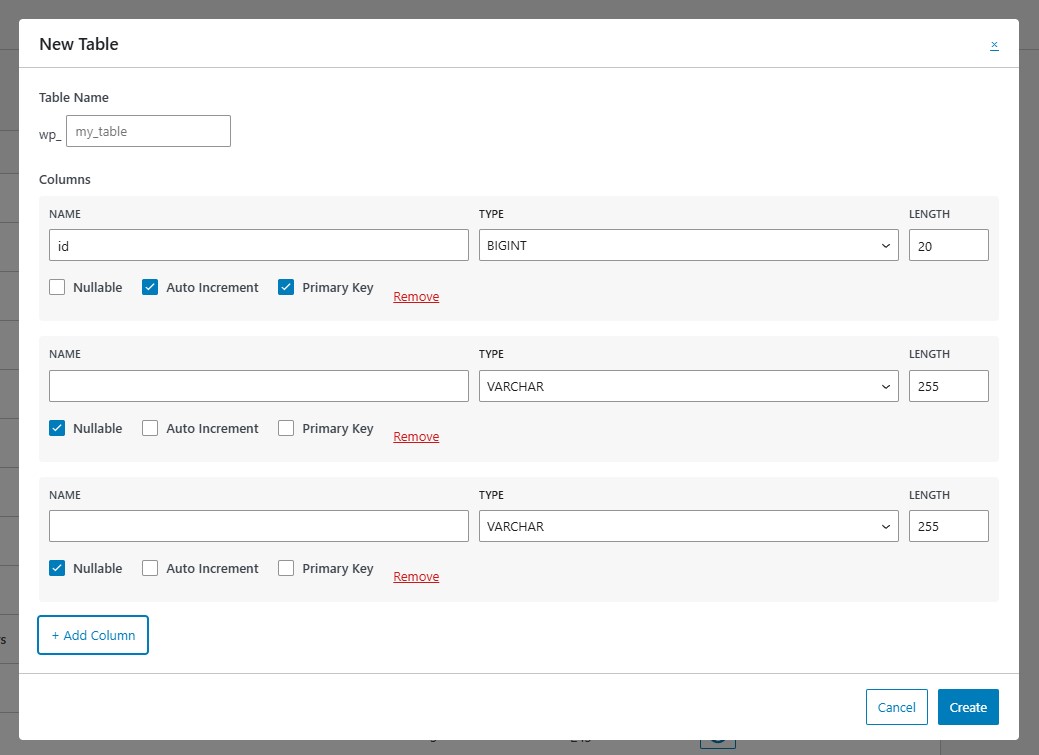
- Create, modify, and delete tables
- Manage table columns with full type support
- Create and manage indexes (INDEX, UNIQUE, FULLTEXT, SPATIAL)
- Manage foreign key relations
- Preview table data
- Table locking system for protection
- Email-based access control
- Modern React-based interface
Installation
- Upload the plugin files to the
/wp-content/plugins/affinite-db-managerdirectory, or install the plugin through the WordPress plugins screen directly. - Activate the plugin through the 'Plugins' screen in WordPress.
- Navigate to Tools > DB Manager to configure settings.
Development
Prerequisites
- Node.js and npm
- PHP 8.1+
- Composer
Building Assets
-
Clone the repository:
git clone https://github.com/Affinite/affinite-db-manager.git cd affinite-db-manager -
Install dependencies:
npm install -
Build assets:
npm run build -
The compiled files will be output to
build/js/
Source Files Structure
- JavaScript/React source:
assets/src/js/ - CSS source:
assets/src/css/(orassets/src/scss/) - Compiled output:
build/js/ - PHP source:
src/
PHP Development
-
Install PHP dependencies:
composer install -
The plugin follows PSR-4 autoloading standards.
Security
The plugin includes multiple security layers:
- Capability checks
- Table locking system
- Email-based access control
- SQL injection protection using
wpdb::prepare()
Requirements
- WordPress 6.3 or higher
- PHP 8.1 or higher
License
GPL-2.0-or-later
Support
For issues, feature requests, or contributions, please visit the GitHub repository.
Screenshots
Admin dashboard
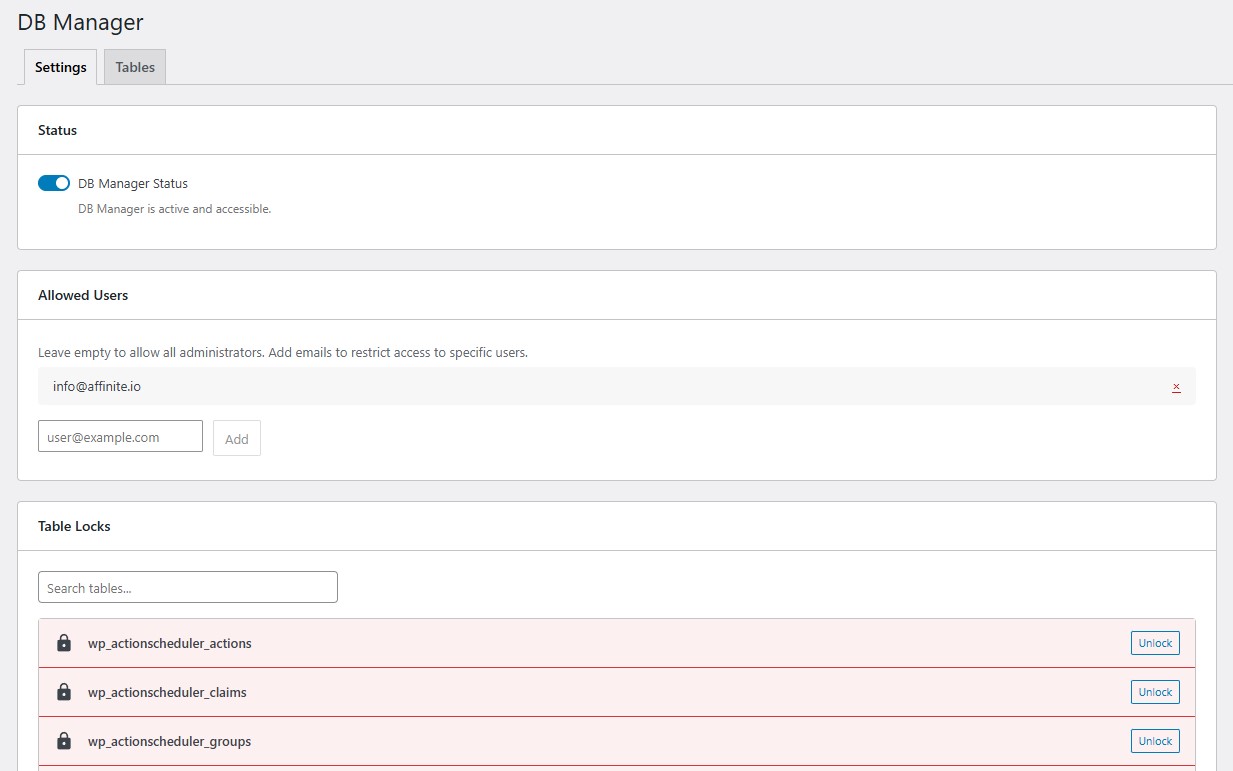
Table editor
Column editor
Changelog
1.0.1
- Fix missing vendor folder
1.0.0
- Initial release