Install
This is the repository archive. It installs, but the folder name will carry the branch suffix and updates will not flow.
Install straight from GitHub with WP-CLI:
wp plugin install https://github.com/adheeshasur/whatsapp-floating-button/archive/refs/heads/main.zipNo built-in updater. New versions won't appear under Dashboard → Updates. Install new releases yourself, or let Git Updater track the repository.
A professional, high-performance floating WhatsApp button plugin for WordPress. Designed for modern websites that prioritize user experience and premium aesthetics.
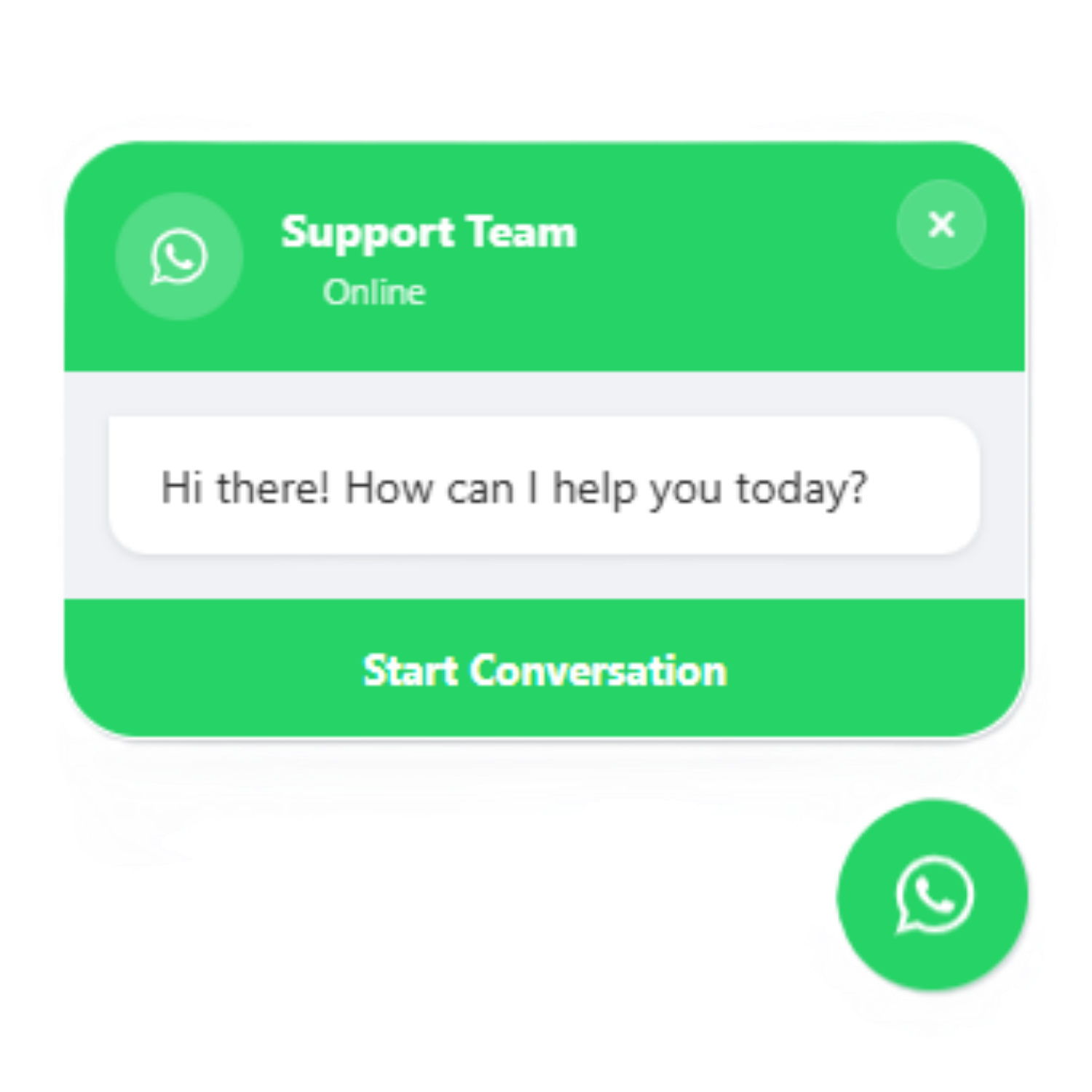
Features
Premium UI/UX
- Glassmorphism Design: Implements modern "glass" effects with backdrop blur for a sophisticated look.
- Interactive Chat Bubble: Automated popup with a realistic typing indicator to engage visitors.
- Advanced Animations: Gentle floating animations and a blinking "Online" status indicator.
Full Customization
- Admin Dashboard: Control colors, positions, sizes, and labels directly from the WordPress settings.
- Live Preview: View configuration changes in real-time within the admin area.
- Business Hours: Schedule button visibility based on operational hours.
- Analytics: Built-in click tracking to monitor user engagement.
Technical Excellence
- Security: Strict input sanitization and output escaping following WordPress best practices.
- Responsive: Fully optimized for mobile, tablet, and desktop devices.
- Accessibility: Supports system-level motion preferences and follows semantic standards.
- Shortcode Support: Easily place the button anywhere using
[whatsapp_button].
Live Demonstration
A live preview of the interface is available on GitHub Pages: View Live Demo
Installation
- Download the repository as a ZIP file.
- In your WordPress Dashboard, navigate to Plugins > Add New > Upload Plugin.
- Select the ZIP file and click Install Now.
- Activate the plugin.
- Go to Settings > WhatsApp Button to configure your preferences.
Developer
Developed by Adheesha Sooriyaarachchi.
License
Distributed under the GNU General Public License v2 or later. See the LICENSE file for more details.