Scope Nine Alert Bar
Lightweight, dismissible announcement bar for WordPress with live preview. On WordPress.org as Scope Nine Alert Bar.
Install
This is the repository archive. It installs, but the folder name will carry the branch suffix and updates will not flow.
Install straight from GitHub with WP-CLI:
wp plugin install https://github.com/abdullahsajjad/scope-nine-alert-bar/archive/refs/heads/main.zip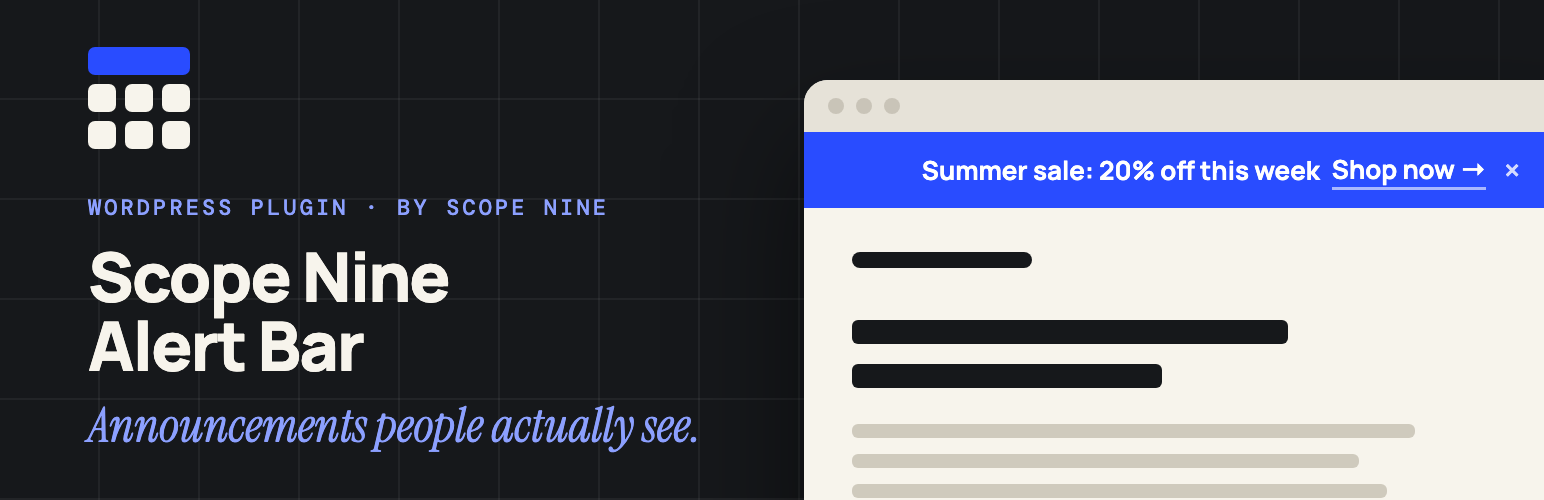
Scope Nine Alert Bar
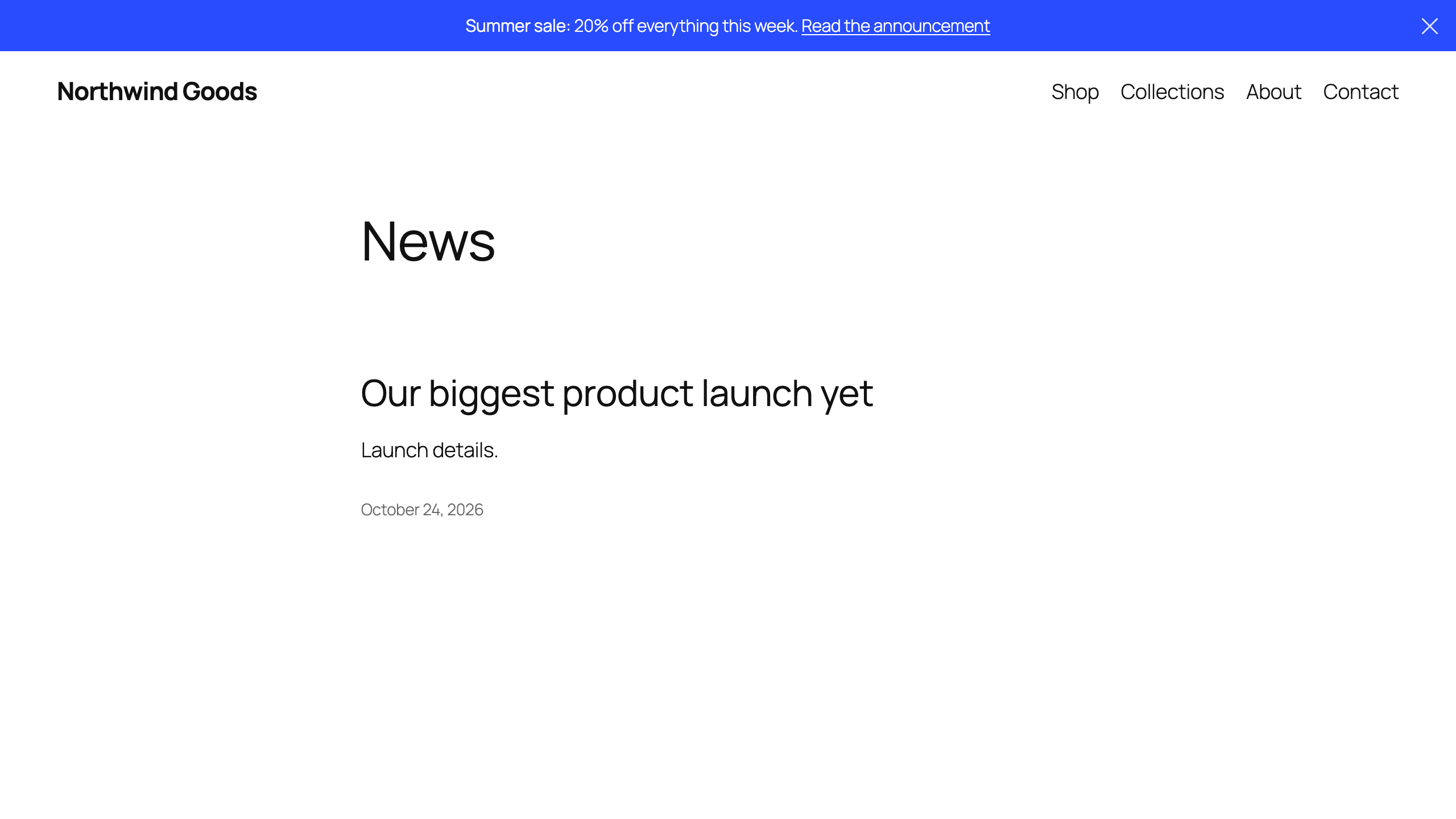
A lightweight, dismissible announcement bar for WordPress, with a live preview while you design it.
Features
- Live Preview — See changes in real-time as you customize
- WYSIWYG Editor — Rich text with bold, italic, links, and colors
- Custom Colors — Background and text colors with hex input support
- Dismissible — Close button with customizable icon
- Display Options — Site-wide, homepage only, or specific pages
- Position Control — Before or after header placement
- Responsive — Looks great on all devices
- Padding Control — Individual top/right/bottom/left values
- Post Linking — Link to posts with custom titles and expiry dates
- Modern Admin UI — Clean, intuitive settings interface
Installation
Search for Scope Nine Alert Bar under Plugins → Add New in your WordPress admin, or:
- Download the latest release from WordPress.org
- Upload the
scope-nine-alert-barfolder to/wp-content/plugins/ - Activate it on the Plugins screen
- Go to Alert Bar → Design to configure
Usage
Basic Setup
- Navigate to Alert Bar > Design
- Enter your message in the WYSIWYG editor
- Customize colors and styling
- Choose display options
- Save changes
Link a Post
- Edit any post
- Find the "Alert Bar" meta box
- Check "Feature in Alert Bar"
- Set optional custom title and expiry
- Save the post
Only administrators can feature a post, and only published posts are linked.
Styling
Add your own styles with WordPress's Additional CSS (Customizer or Site Editor). Target these classes:
.scopenine-alert-bar {
    /* Main alert bar container */
}

.scopenine-alert-bar-content {
    /* Content wrapper */
}

.scopenine-alert-bar-close {
    /* Close button */
}
Requirements
- WordPress 5.0+
- PHP 7.1+
License
GPL-2.0+ - See LICENSE
Contributing
Issues and pull requests are welcome. Releases are published to WordPress.org from this repo; .wordpress-org/ holds the directory icon, banners, and screenshots.
Author
Built by Abdullah Sajjad at Scope Nine.