Install
This is the repository archive. It installs, but the folder name will carry the branch suffix and updates will not flow.
Install straight from GitHub with WP-CLI:
wp plugin install https://github.com/7fridaysdeveloper/fabrement-lite/archive/refs/heads/main.zipA WordPress plugin that makes your site an MCP (Model Context Protocol) server. Connect the AI client you already use — Claude, ChatGPT, Codex, Cursor or any other MCP client — say what you want in plain words, and it is done on your site with the blocks, theme and plugins it already has.
- Website: fabrement.com
- Requires WordPress 6.9+, PHP 8.0+ and an administrator account
- MCP endpoint:
/wp-json/fabrement/v1/mcp - Text domain:
fabrement-lite - License: GPL-2.0-or-later
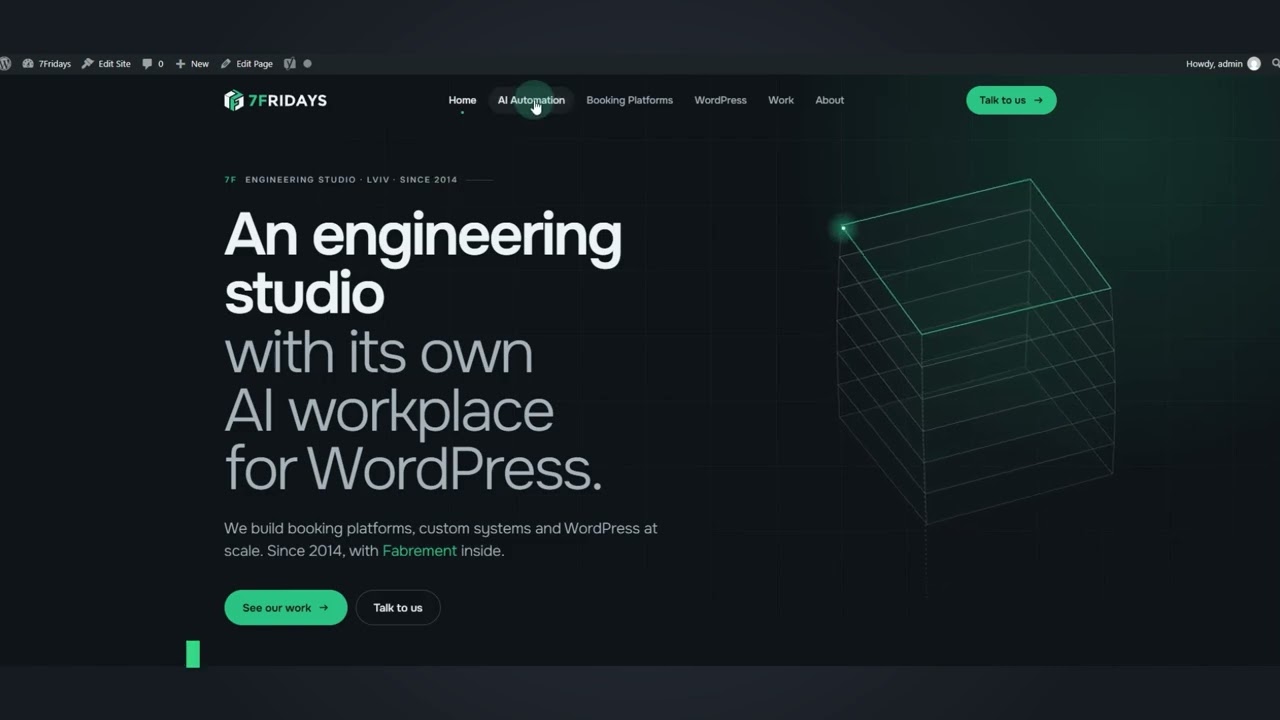
▶ Claude Design to WordPress: HTML Export to Gutenberg Blocks in Under 2 Hours (YouTube)
Fabrement Pro
Lite is free and complete on its own: nothing is locked or time-limited. Fabrement Pro, the full edition by the same team, adds AI generation of custom blocks and page layouts, a design system, site-wide CSS/JS and more, and uses a Fabrement account. The video above shows Pro at work. Read about it at fabrement.com.
One edition is active at a time: to switch, deactivate Lite and activate Pro. Your content stays in WordPress.
Installing
Download fabrement-lite.zip from the
latest release and upload it in
Plugins → Add New → Upload Plugin, then activate it.
Don't use the green Code → Download ZIP button — that is the source code, without the built scripts and dependencies. Download
fabrement-lite.zipfrom Releases.
Connecting a client
- Open Fabrement → MCP Connection.
- Choose your AI client and follow the steps shown.
- Approve the access as an administrator.
Claude and ChatGPT sign in with OAuth (HTTPS). Claude Code, Codex, Cursor and local sites can use an application password instead; the one the plugin issues works only on the MCP endpoint — every other REST route and XML-RPC refuse it. A client can be disconnected at any time on the same screen.
The client talks to your site directly. Nothing is sent to Fabrement or 7Fridays: no account, no telemetry, no licence check and no update service.
What a client can do
| Area | Tools |
|---|---|
| Pages, posts, custom post types | list, read, create (always as a draft), edit one block, publish, delete, preview |
| Gutenberg blocks | find installed core, ACF and third-party blocks, read their schema and checked markup guides |
| Theme styles | read how the theme draws text, headings, links and buttons (theme.json) |
| Templates | a header, the content slot and a footer from blocks; assign to pages, post types, archives |
| Synced patterns | shared headers, footers and sections |
| Fabrement fields | custom fields for a post type or an options page, and their values |
| Menus, media, terms | create, edit, delete; upload media from a URL or inline |
| Site settings | title, tagline, site icon, 404 page |
| SEO (Yoast SEO) | titles, descriptions, defaults per post type, schema.org data |
| Forms (Contact Form 7) | create, edit, delete |
| Translations (WPML) | language versions of pages, terms, templates, patterns and forms |
61 tools, 6 more with WPML. Every tool requires manage_options. No tool installs or changes
plugins, themes or users, changes post types, taxonomies, the front page or permalinks, or writes
code. Every text a client sends is checked first: scripts, event handlers, `