4Site Promotions Plugin (ENgrid Embeds Only)
Install
This is the repository archive. It installs, but the folder name will carry the branch suffix and updates will not flow.
Install straight from GitHub with WP-CLI:
wp plugin install https://github.com/4site-interactive-studios/4site-wordpress-promotions-embed-only/archive/refs/heads/main.zipEmbeds an Engaging Networks page built with the ENgrid theme into a WordPress page or post, as a self-sizing iframe with a loading state.
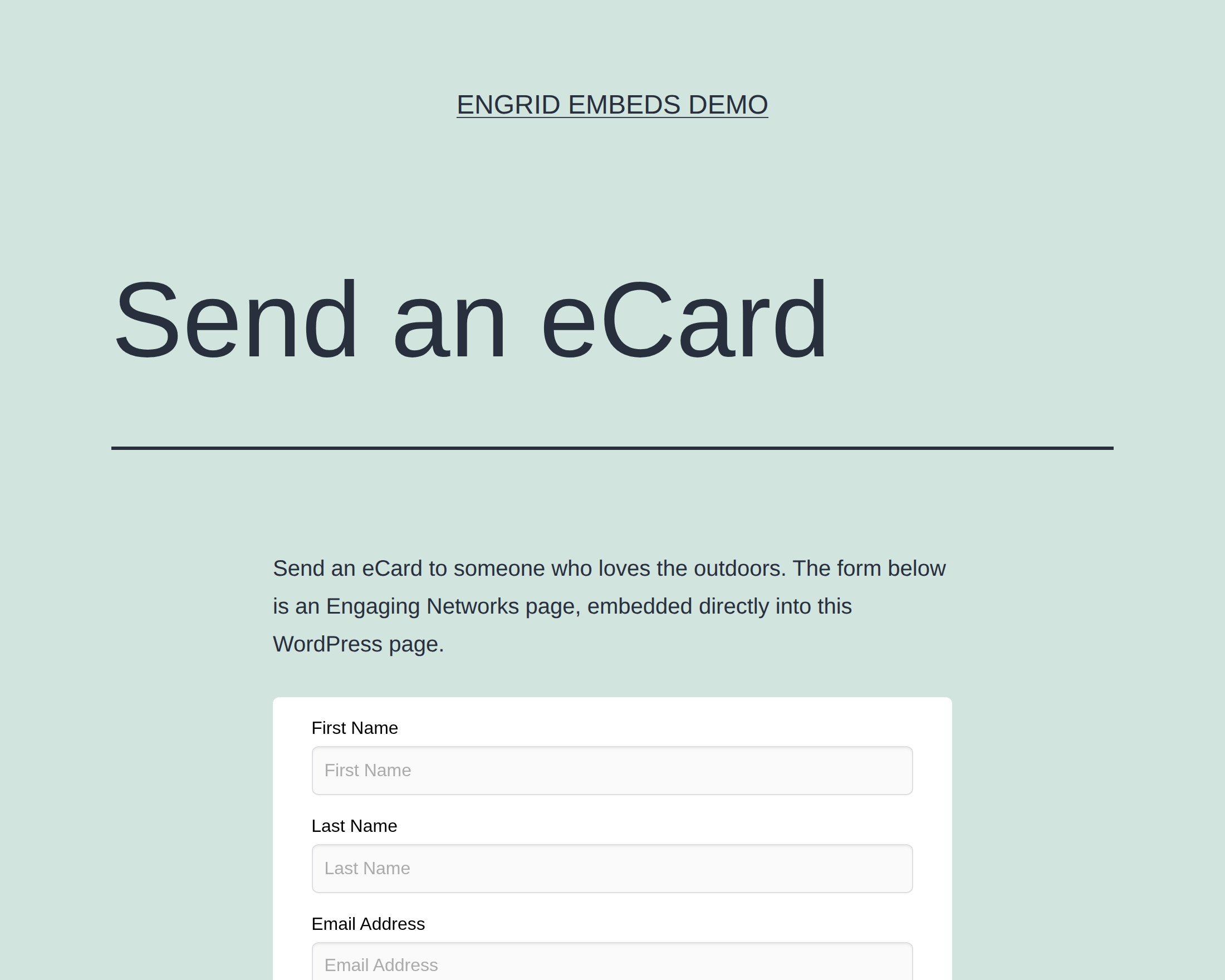
This is the full Promotions plugin cut down to that one job. Lightboxes, pushdowns, overlays, roll-ups, floating tabs, email capture, scheduling, the promotion custom post type, the options screen, and the ACF dependency are all gone. What remains is a shortcode, a Gutenberg block, and the script that turns them into a live embed.
There are no admin screens. Nothing to configure site-wide; every embed is configured where it is placed.
Requirements
- WordPress 6.0+
- PHP 7.4+
- An Engaging Networks page built with ENgrid
No ACF. No other plugins.
Installing
- Download the latest release from this repository.
- Unzip it into
wp-content/plugins/as4site-wordpress-promotions-embed-only. - Activate 4Site Promotions Plugin (ENgrid Embeds Only) from the Plugins screen.
Updates are offered in the Plugins screen straight from this repository's GitHub releases.
Running the full Promotions plugin already? Deactivate it first. Both register the
[en-form]shortcode and thepromotions/en-formblock, and WordPress will fatal on the duplicate function names. They are not designed to run side by side — this build is a replacement, not an add-on. Because the shortcode and block names are unchanged, existing pages keep rendering with no content migration.
Preparing the Engaging Networks page
Three things have to be true before a page will embed:
1. Enable the page for iFrames. In the EN page's settings, turn on iFrame embedding. Without it EN refuses to render inside a frame and the embed stays blank.
2. Allow your domain. Add the WordPress site's hostname to your EN account's Allowed Domains list. Hostname only — no port, no scheme. EN rejects entries that are not valid domain names, so localhost will not be accepted; for local development, point a real hostname you control at 127.0.0.1 (an A record for something like local.example.org) and add that instead.
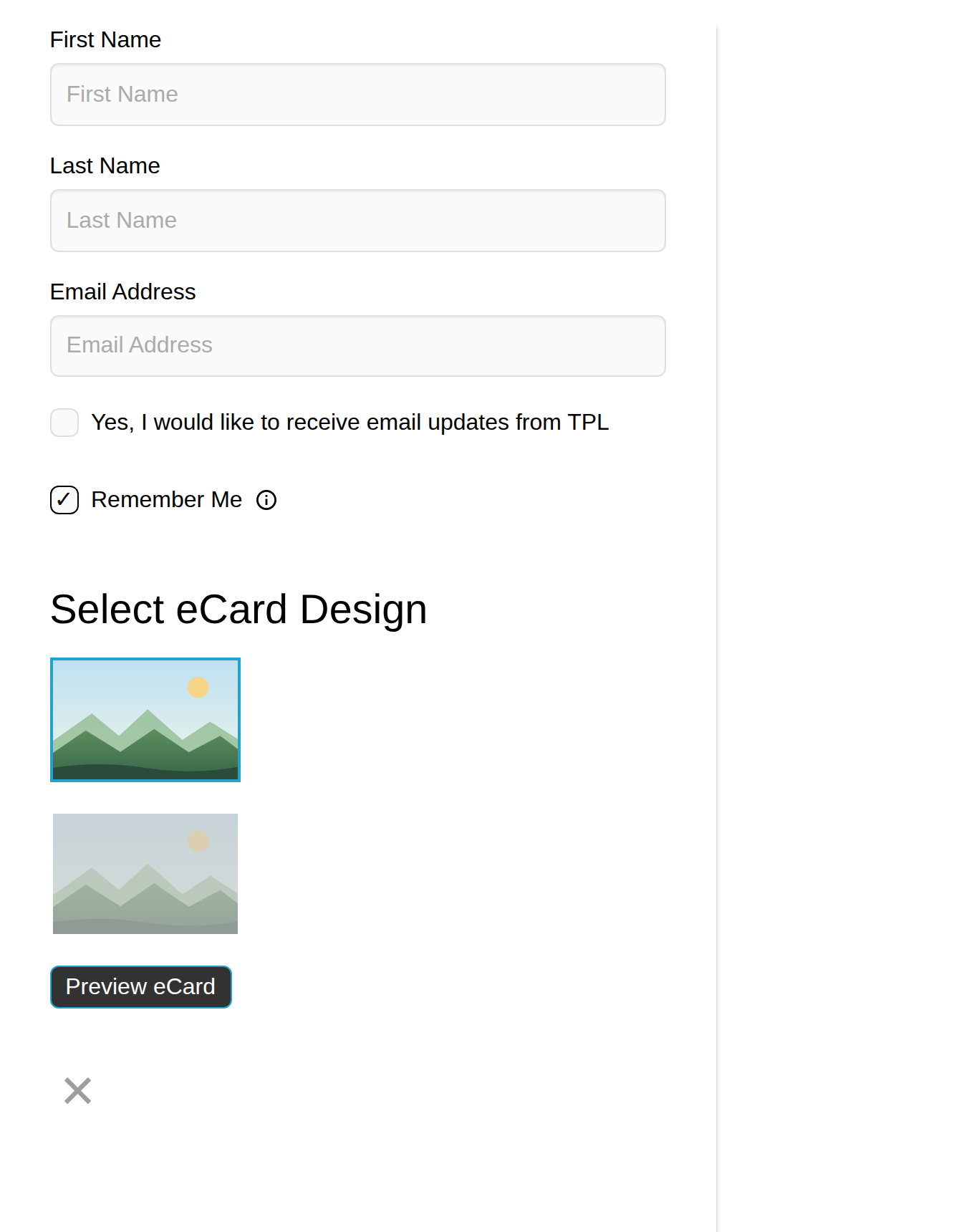
3. Strip the page chrome. An EN page normally renders a full page — site header, hero banner, footers, background image. Inside an embed you usually want the form alone. ENgrid hides a row when you add data-engrid-no-<row> to the page URL:
https://fundraise.tpl.org/page/1000718/action/1?data-engrid-no-content-header&data-engrid-no-body-headeroutside&data-engrid-no-body-title&data-engrid-no-body-top&data-engrid-no-content-footer&data-engrid-no-page-backgroundimageThe parameters take no values — their presence is the signal. ENgrid copies each one onto <body>, where its stylesheet acts on it. Row names are matched case-insensitively, which is why body-headerOutside is written data-engrid-no-body-headeroutside.
| Default page | Same page, rows suppressed |
|---|---|
 |
 |
Which rows can be suppressed
Verified against ENgrid 0.27.2 (packages/styles/src/layouts/_engrid-layout.scss):
page-alert · content-header · body-headerOutside · body-title · body-banner · body-bannerOverlay · body-top · body-main · body-bottom · body-footerOutside · content-preFooter · content-footer · page-backgroundImage · page-backgroundImageOverlay · page-customCode
body-header, body-footer and content-footerSpacer are deliberately excluded — ENgrid's stylesheet carries an explicit comment saying so. data-engrid-no-body-header and data-engrid-no-body-footer therefore do nothing, even though they appear in older hand-written notes. If those rows show up in your embed, empty them in the EN page builder instead.
Embedding
The block
Add Engaging Networks Embedded Form from the Embeds category of the block inserter.
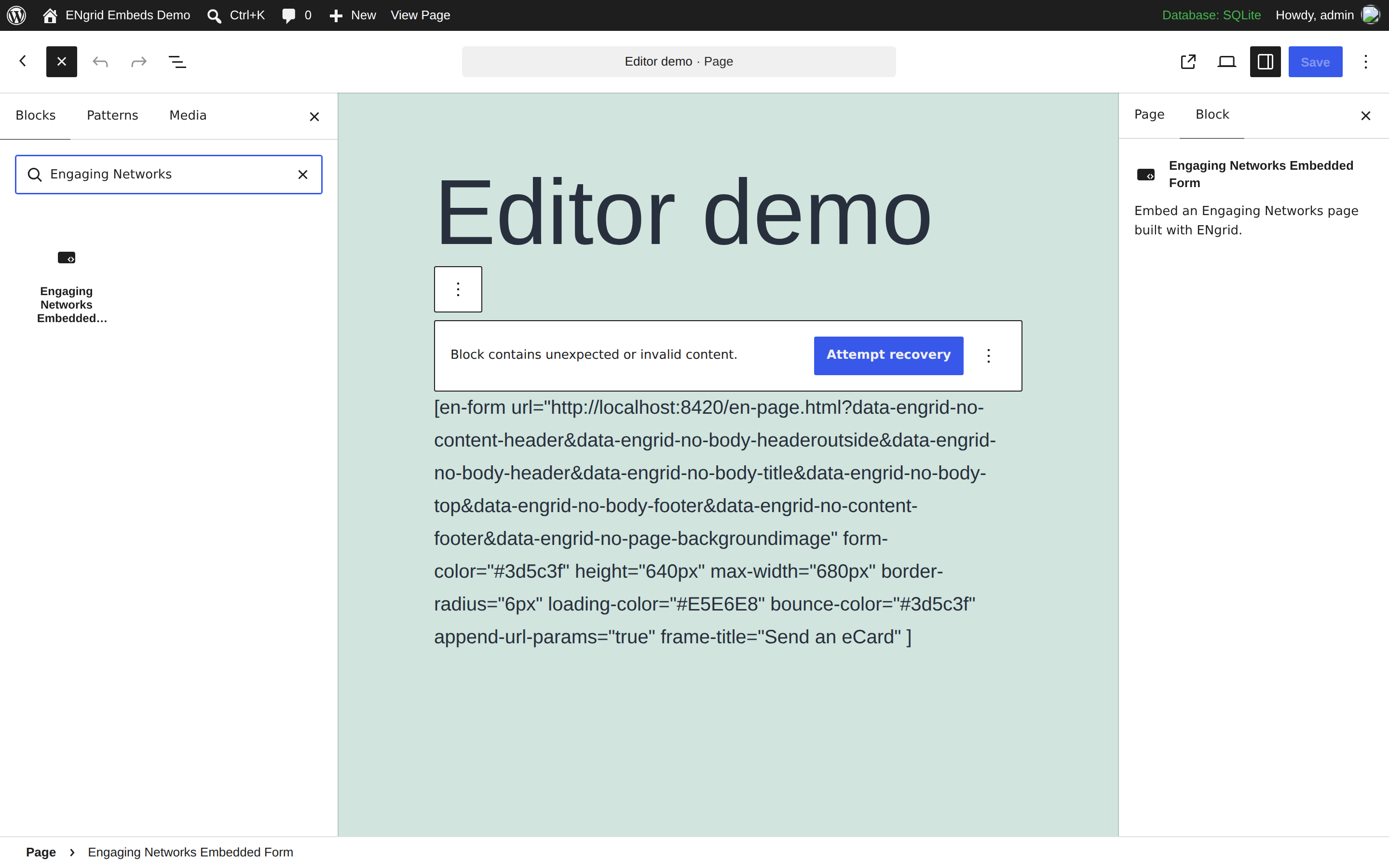
The block itself holds the three things that matter per-embed — the page URL, the frame title, and whether to pass query parameters through. Styling lives in the sidebar under Appearance and Loading Animation.
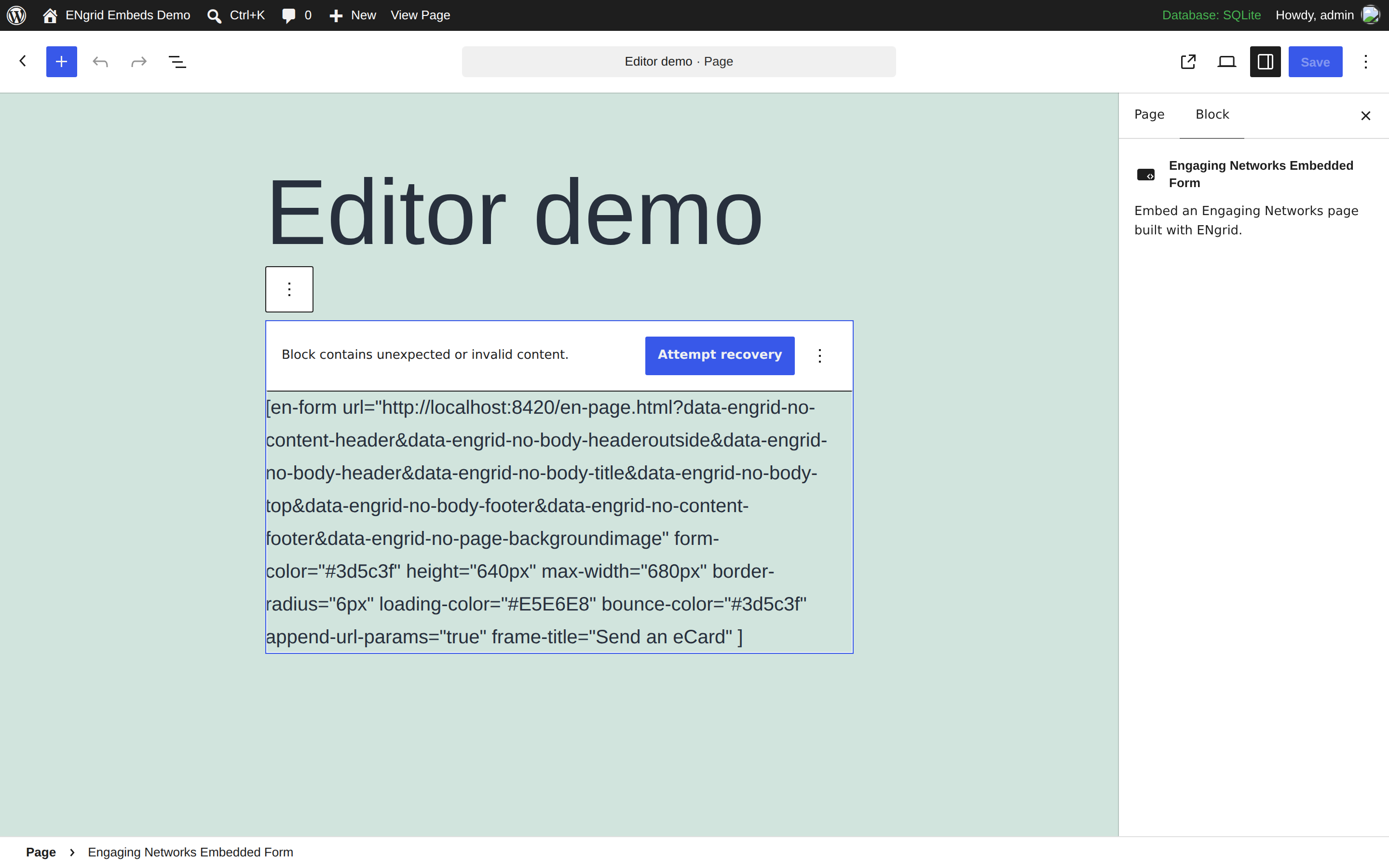
The block is a static block: it writes an [en-form] shortcode into post content and the shortcode does the rendering. Block and shortcode are therefore always in sync — one code path, one set of defaults.
The shortcode
[en-form url="https://fundraise.tpl.org/page/1000718/action/1?data-engrid-no-content-header&data-engrid-no-body-title"
         frame-title="Send an eCard"
         max-width="680px"
         form-color="#3d5c3f"]
Options
Every option is available on both the block and the shortcode, and as a data- attribute if you hand-write the placeholder.
| Shortcode | Block field | Data attribute | Default | What it does |
|---|---|---|---|---|
url |
EN Page URL | data-src |
required | The EN page to embed. Nothing renders without it. |
frame-title |
Frame Title | data-frame_title |
(empty) | The iframe's accessible name. See Accessibility. |
name |
— | data-name |
4Site Engaging Networks iFrame |
Label sent with the analytics event. Also used as the frame title if frame-title is unset. |
max-width |
Max Width | data-max_width |
400px |
How wide the embed may grow. |
height |
Height | data-height |
500px |
Starting height, held until the page reports its real one. |
border-radius |
Border Radius | data-border_radius |
5px |
Corner radius of the embed. |
form-color |
Form Color | data-form_color |
#f26722 |
Passed to the EN page as ?color=; ENgrid maps it to the page's primary color. |
loading-color |
Loading Color | data-loading_color |
#E5E6E8 |
Background of the loading panel. |
bounce-color |
Bounce Color | data-bounce_color |
#16233f |
The two bouncing dots in the spinner. |
append-url-params |
Append URL Params | data-append_url_params |
true |
Copies the WordPress page's query string onto the iframe URL, so source codes and tracking parameters carry through. |
On max-width: the default of 400px dates from when this only embedded narrow multistep donation forms. A full EN page needs more room — ENgrid's own layout does not settle below about 640px, so a full page in a 400px box will overflow horizontally. Set max-width to 680px or wider for anything other than a compact single-column form. The embed still never exceeds the width its container gives it, so a theme's content width remains the real ceiling.
On height: this is only the starting height. Once the embedded page loads it reports its true height and the iframe grows to match, then keeps up as the form changes. There is no cap — a long EN page produces a long iframe.
How it works
The shortcode does not output an iframe. It outputs an empty placeholder carrying the options as data attributes:
<div class="promo-form-iframe"
data-src="https://fundraise.tpl.org/page/1000718/action/1?a&b"
data-form_color="#3d5c3f" data-height="640px" data-max_width="680px"
data-frame_title="Send an eCard" data-append_url_params="true"></div>en-form/dist/en-form-parent.js finds every .promo-form-iframe on load, replaces each with a wrapper containing a loading panel and a real iframe, and then listens for messages from the embedded page.
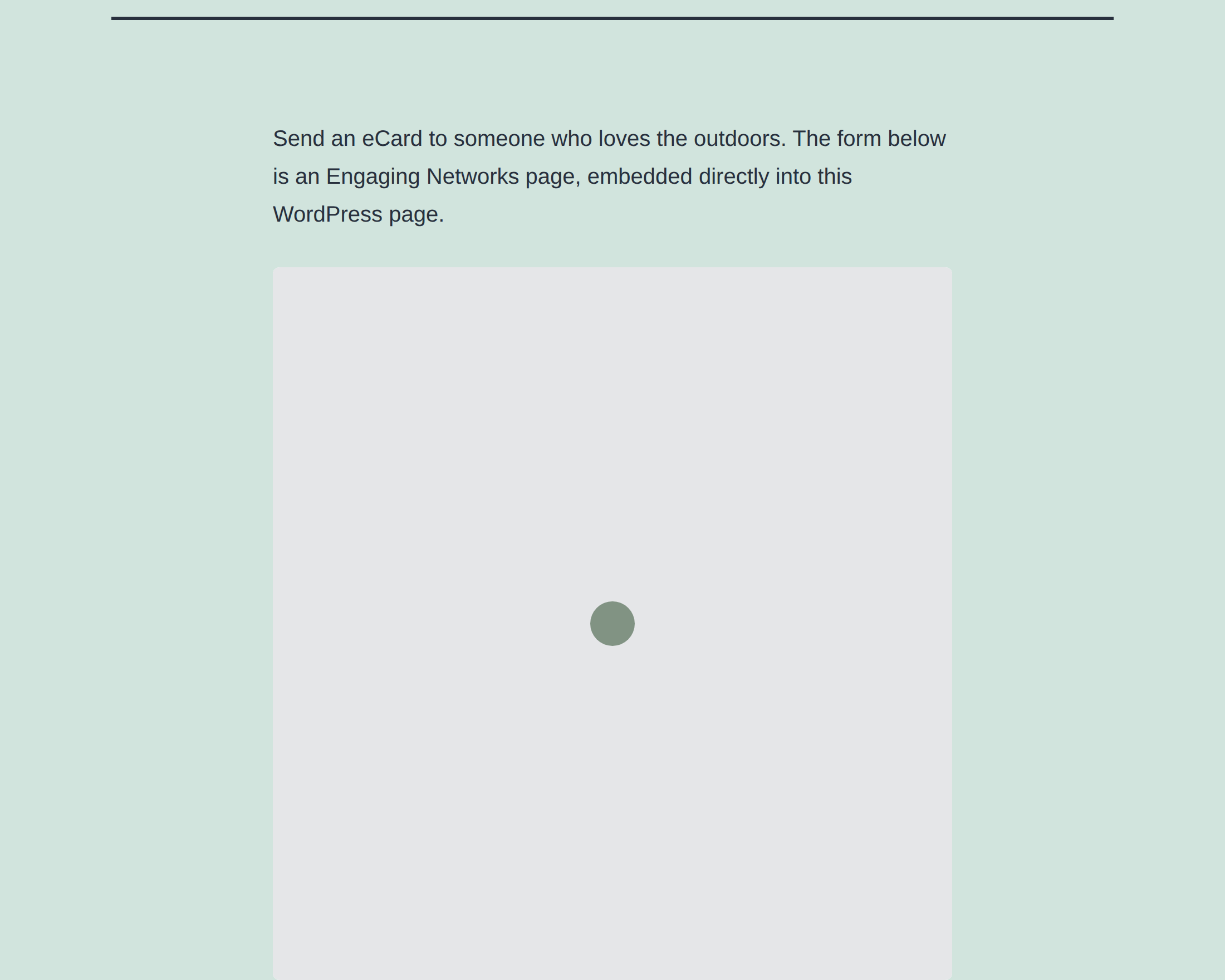
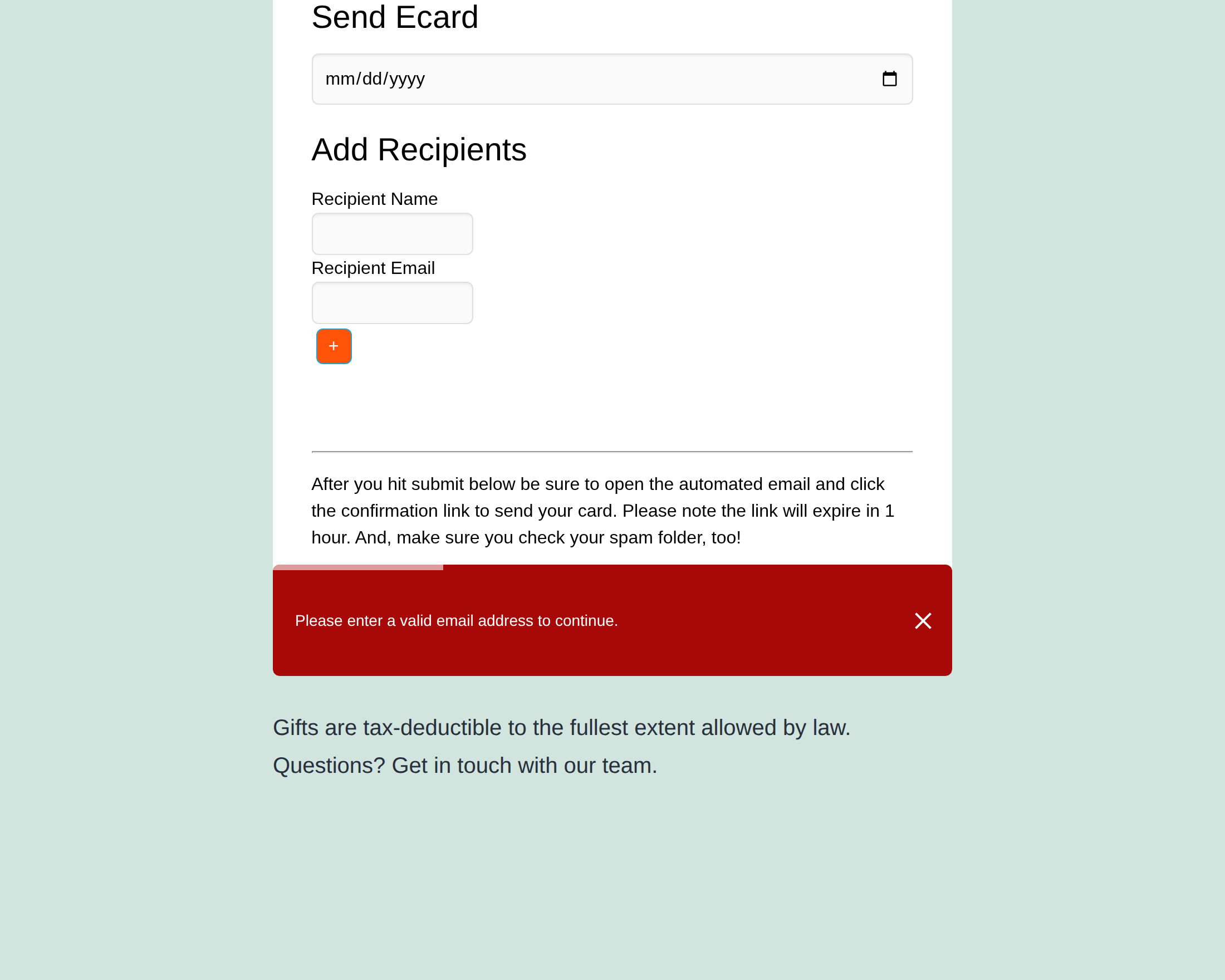
While loading, the panel covers the iframe. When the page reports itself loaded the panel fades out and the iframe is revealed. If the embedded page reports a validation error, the parent renders it as a toast across the bottom of the embed and shakes the container.
Full lifecycle, the message protocol, and the CSS contract are in docs/how-it-works.md.
Loading behavior
The script is registered but not enqueued. It loads only on pages that actually contain an embed — detected by scanning the post for the shortcode, the block, or a hand-written promo-form-iframe placeholder — and again from the shortcode itself, which covers widgets, template parts, and theme-side do_shortcode() calls. Pages with no embed load no JavaScript from this plugin.
Accessibility
An iframe needs an accessible name, or screen reader users get "frame" and nothing else (WCAG 2.1 SC 4.1.2). Set Frame Title on every embed. Describe what the form does — "Send an eCard", "Donate to the annual fund" — not the fact that it is an iframe.
If Frame Title is empty the script falls back to name, and failing that to the built-in default, so the iframe always has some name. A generic one is better than nothing and much worse than a real one.
Troubleshooting
The embed area stays blank. The EN page is almost certainly not iFrame-enabled, or this domain is not in the EN account's Allowed Domains list. Both are EN-side settings; the browser console will usually show the frame being refused.
The spinner never goes away. The parent hides it when the embedded page sends status: loaded. It also hides it on the iframe's own load event, so a stuck spinner means the frame never finished loading — check the network tab for the EN page request.
The embed is the wrong height, or scrolls internally. Height sync depends on the embedded page reporting its height, which is ENgrid's job. Confirm the page is running ENgrid, not a stock EN template.
Query parameters are being dropped. Add ?debug to the WordPress page URL and the script logs the options it resolved and every message it receives. Note that ?debug=false, ?debug=0, ?debug=no and ?debug=off all switch logging off.
Messages are ignored. The script only accepts messages from the origin of the URL it was given. If the EN page redirects to a different host, its messages are dropped and a warning is logged in debug mode.
A block shows "This block contains unexpected or invalid content". Blocks saved by earlier versions with more than one query parameter in the URL were written with a double-escaped &. Click Attempt Block Recovery; a deprecation entry migrates them. See docs/audit.md.
Development
en-form/                 the parent-side script (webpack)
  src/app/utils/         ENFormParent — the whole implementation
  src/scss/              the embed's styles, bundled into the JS
  dev/                   local test harness (not shipped)
  dist/en-form-parent.js the built bundle, committed
blocks/en-form/          the Gutenberg block (@wordpress/scripts)
  src/index.js           edit(), save(), and the deprecation
  build/                 the built bundle, committed
includes/                the GitHub release updater
Both bundles are committed, because WordPress installs from a zip and cannot build. Rebuild and commit dist/ whenever you change src/.
cd en-form        && npm install && npm run build
cd blocks/en-form && npm install && npm run build
Test harness
en-form/dev/ runs the built script against a page that speaks ENgrid's message protocol, so you can work on the embed without a live EN page:
cd en-form && npm run serve # http://localhost:8420It renders the same placeholder markup the shortcode produces, with fields for every option. Point the URL field at a real EN page to test against the real thing — the page must be iFrame-enabled and this host must be in your Allowed Domains list. Buttons inside the stand-in fire each message type so you can exercise the loading, error, submitted and celebrate paths on demand.
Screenshots
docs/screenshots/ holds 2x (retina) captures, taken against a real WordPress
install with the plugin active. Every reference in the docs sets an explicit
width equal to half the file's intrinsic pixel width, so the image renders at
true retina density. If you replace one, capture at deviceScaleFactor: 2 and
update the width to match.
Versioning
The version appears twice in foursite-wordpress-promotion.php — the Version: header and the foursite_wordpress_promotion_VERSION constant. Bump both. The updater compares the constant against this repository's newest release tag, tolerating a v prefix.
What changed from the full plugin
This build is version 2.0.0; the full plugin it was cut from was 1.10.4.
Two behavior changes are worth knowing about before you deploy over an existing install:
- Embeds render wider. The iframe was pinned to
350pxinside a400pxbox. It now fills its container, so a default embed is400pxwide instead of350px, andmax-widthraises the ceiling from there. - Blocks with multi-parameter URLs re-save. They were broken before (see the audit); a deprecation entry migrates them on first edit.
The full inventory — everything removed, every bug fixed, and every behavior change — is in docs/audit.md.
License
GPL-2.0+. See LICENSE.txt.