Install
This is the repository archive. It installs, but the folder name will carry the branch suffix and updates will not flow.
Install straight from GitHub with WP-CLI:
wp plugin install https://github.com/itechie360/woocommerce-mpesa-stk-push-payment-gateway/archive/refs/heads/main.zipCopyright (C) 2026 iTechie 360
A custom M-Pesa STK Push payment gateway plugin for WooCommerce by iTechie 360.
Software Engineer | Jesse Jim
- GitHub (https://github.com/IAmJesseJim)
- Portfolio (https://iamjessejim.vercel.app)
Allows customers to make secure payments via Safaricom M-Pesa directly from WooCommerce checkout using STK Push.
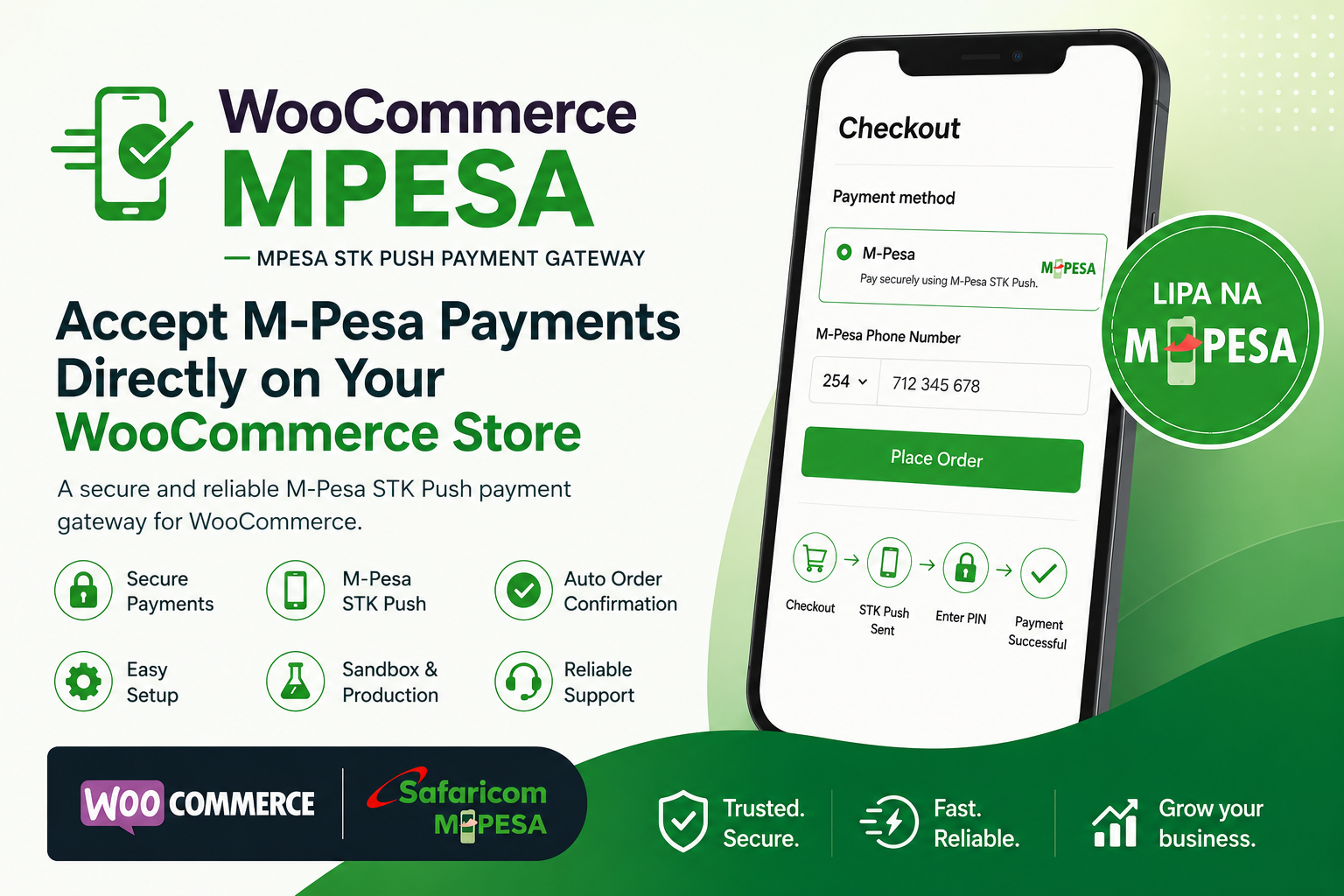
Features
- WooCommerce payment gateway integration
- M-Pesa STK Push checkout
- Customer phone number collection
- Sandbox and Production support
- Automatic payment callback handling
- Automatic order status updates
- Secure Daraja API authentication
- Admin configuration dashboard
- Stock reduction after successful payment
Requirements
Before installation, ensure your server has:
- WordPress 6.0+
- WooCommerce installed and activated
- PHP 7.4+
- SSL certificate (required for production)
- Safaricom Daraja API credentials
You must have:
- Consumer Key
- Consumer Secret
- Business Shortcode
- Passkey
Get credentials from:
https://developer.safaricom.co.ke
Installation
Method 1: Upload ZIP
- Compress plugin folder:
woocommerce-mpesa-stk-push-payment-gateway.zip-
Login to WordPress Admin
-
Go to:
Plugins → Add New → Upload Plugin
-
Upload ZIP
-
Activate plugin
Method 2: Manual Upload
Upload plugin folder to:
/wp-content/plugins/woocommerce-mpesa-stk-push-payment-gateway/Then activate from:
WordPress Admin → Plugins
IMPORTANT INSTALL ORDER
Install in this exact order:
Step 1
Install WordPress
Step 2
Install and activate WooCommerce
Step 3
Complete WooCommerce setup wizard
Step 4
Install and activate woocommerce-mpesa-stk-push-payment-gateway
If Website Crashes After Activation
This usually means WooCommerce is missing or inactive.
Symptoms:
- White screen
- Admin dashboard inaccessible
- Frontend broken
- Fatal PHP errors
Fix:
Login to cPanel or File Manager
Delete:
/wp-content/plugins/woocommerce-mpesa-stk-push-payment-gateway/Then:
- Install WooCommerce
- Activate WooCommerce
- Reinstall woocommerce-mpesa-stk-push-payment-gateway
Configuration
Go to:
WooCommerce → Settings → Payments → woocommerce-mpesa-stk-push-payment-gateway
Enable:
- Enable Gateway
Enter:
- Consumer Key
- Consumer Secret
- Business Shortcode
- Passkey
Choose environment:
- Sandbox
- Production
Save changes
Sandbox Testing
Use Safaricom sandbox credentials.
Test number format:
2547XXXXXXXXExample:
254712345678Production Setup
Before going live:
- Switch environment to Production
- Replace sandbox credentials
- Set valid callback URL
- Enable HTTPS
Callback URL:
https://yourdomain.com/wc-api/mpesa_callback/Register callback with Safaricom.
How Payments Work
- Customer selects woocommerce-mpesa-stk-push-payment-gateway
- Enters M-Pesa phone number
- Clicks Place Order
- STK Push sent to phone
- Customer enters PIN
- Safaricom confirms payment
- WooCommerce marks order complete
File Structure
woocommerce-mpesa-stk-push-payment-gateway/
│
├── woocommerce_mpesa.php
├── README.md
└── assets/
    └── mpesa-logo.png
    └── og-image.png
Security Notes
This plugin:
- Sanitizes phone inputs
- Uses OAuth access tokens
- Uses secure API requests
- Stores checkout request IDs for verification
Never expose:
- Consumer Secret
- Passkey
Troubleshooting
"Could not connect to M-Pesa"
Possible causes:
- Invalid credentials
- Safaricom API downtime
- Wrong environment selected
STK Push not received
Check:
- Phone format is 2547XXXXXXXX
- Daraja app is approved
- Shortcode is active
Payment succeeds but order not updated
Check callback URL accessibility.
Test:
https://yourdomain.com/wc-api/mpesa_callback/Should return:
{"ResultCode":0,"ResultDesc":"Accepted"}Developer Fix (Critical)
Add this to avoid WooCommerce dependency crash:
if (!class_exists('WC_Payment_Gateway')) {
    return;
}
Inside:
init_my_mpesa_gateway()This prevents fatal errors when WooCommerce is missing.
Author
iTechie 360
Website:
License
MIT License
Version
1.0.0
Support
For support:
itechie360@gmail.com
Releases
1 release.
These releases are tags only. The author does not attach a packaged zip, so there are no download counts to report.