Entase WP Registry grade F. Critical findings · 4 findingsWP RegistryCritical findings · 4 findingsOpen the reportF
Entase integration inside Wordpress
Install
Upload it under Plugins → Add New Plugin → Upload Plugin, then activate.
Install straight from GitHub with WP-CLI:
wp plugin install https://github.com/entaseteam/plugin.wp/releases/download/v1.8/entase.zipEntase plugin for Wordpress
How it works
This plugin creates two post types - Production and Event. Both are imported & synced from Entase. You can however add an additional custom functionality by attaching to the wordpress hooks as usual. The plugin functionality should not conflict with any existing post types named Production and/or Event. However some integrations might have unexpected result.
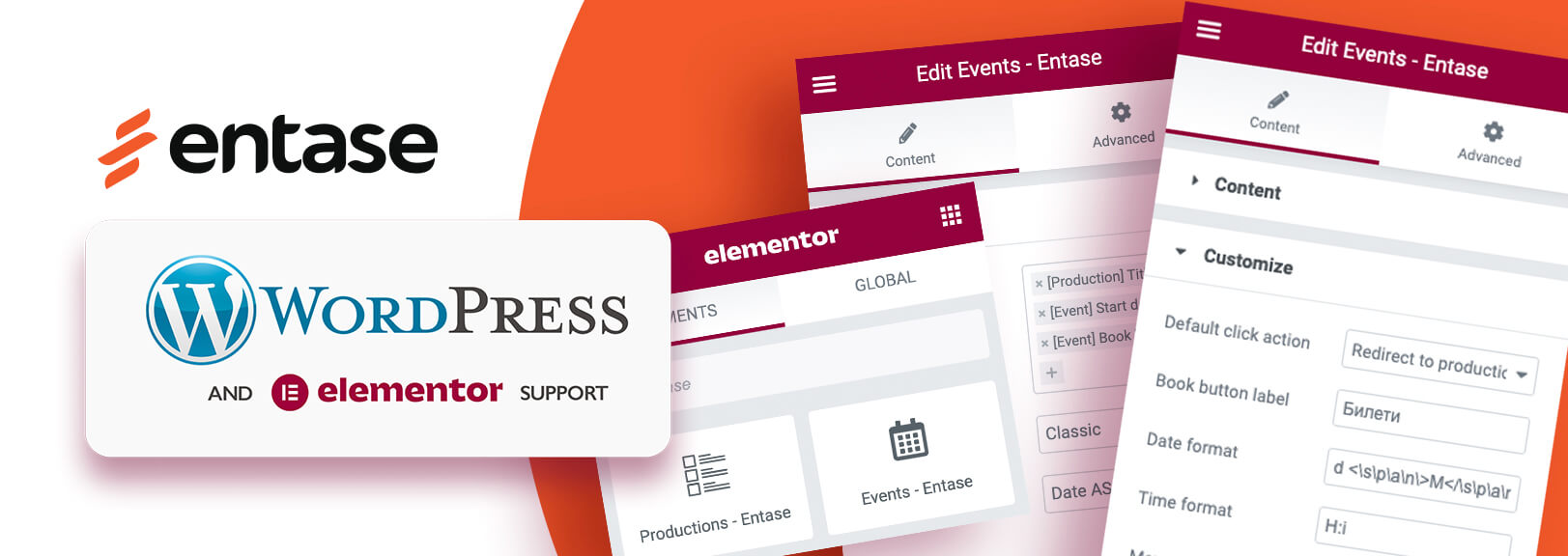
This plugin is integrated with Elementor, but it is NOT REQUIRED. It also works as a standalone solution with shortcodes.
Setup
- Install and activate the plugin as usual.
- Retrieve your public and secret API keys from Entase and add them inside
Dashboard -> Settigs -> Entase - Import your productions by going to
Dashboard -> Productionsand clickImport from Entasebutton. - Import your events by going to
Dashboard -> Eventsand clickImport from Entasebutton.
Shortcodes
- [entase_title]
- [entase_story]
- [entase_id]
- [entase_productionid]
- [entase_link]
- [entase_book]
- [entase_photo_poster]
- [entase_photo_og]
- [entase_productions]
- [entase_events]
Attributes
[entase_story]
- markup2html - Auto parse Entase markup description. Don't set or set to
no. Default:yes.
[entase_productions]
- limit - Set items limit.
0means no limit. Default:0. - fields - Item fields to include. Comma separated list. Possible options:
post_title,post_content,post_feature_image,post_tags,entase_title,entase_story,entase_photo_poster,entase_photo_og,multisource_image. - filter_categories - Filter by category IDs. Comma separated list.
- filter_tags - Filter by tag IDs. Comma separated list.
- filter_current_categories - Filter by the same categories of the current query object. Default:
no. Options:yes|no. - filter_current_tags - Filter by the same tags of the current query object. Default:
no. Options:yes|no. - multisource_image - Provide the sources for
multisource_imagefield. Comma separated list. Default:"". Options:post_feature_image,entase_photo_poster,entase_photo_og.
[entase_events]
- limit - Set items limit.
0means no limit. Default:0. - fields - Item fields to include. Comma separated list. Possible options:
production_post_title,production_post_content,production_post_feature_image,entase_title,entase_story,entase_photo_poster,entase_photo_og,post_title,post_content,post_feature_image,entase_dateStart,entase_dateonly,entase_timeonly,entase_book,entase_location_countryCode,entase_location_countryName,entase_location_cityName,entase_location_postCode,entase_location_address,entase_location_placeName,entase_location_lat,entase_location_lng - filter_status - Filter by event status. Comma separated list. Default:
1. Options:1,2,3,4,5. - filter_productions - Filter by production Entase IDs. Comma separated list.
- filter_current_production - Filter by the same production of the current query object. Default:
no. Options:yes|no. - allow_qs_production - Filter by production Entase ID provided in Query String with arg
?produciton=....... Default:no. Options:yes|no. - allow_qs_date - Filter by date provided in Query String with arg
?date=start-end. Date format:YYYYMMDD. Example:20220901-2022-09-30. Default:no. Options:yes|no. - targeturl - Click action when item is clicked. Default:
book. Options:book|production. - booklabel - Label of the book button. Default:
Book. - dateformat - Date format. PHP compatible.
- timeformat - Time format. PHP comaptible.
- contentchars - Apply limit for
post_content,production_post_content,entase_storyfields. Default:200
Elementor
For your conviniance the shortcode functionality is wrapped inside an Elementor widgets and active tags.
Widgets
- Productions widget - customizable productions grid
- Events widget - customizable events grid
Active Tags
- Production title
- Production story
- Production photo poster
- Production photo og
Autosync
You can turn on auto sync by going to Dashboard -> Settigs -> Entase and enable Auto sync periodically (cron) option.
Sync method
The sync functions are pulling new data by querieng Entase API in scheduled intervals of time.
Sync schedule
- Every 10 minutes - Upcoming events update.
- Every 15 minutes - New events import.
- Every 25 minutes - New productions import.
Performance
Note that the cron jobs hooks with the WP-Cron schedule which is not a real cron job. If possible it's recommended to move the WP cron execution on a real cron job execution which will speed up the entire website. This is highly dependent on your hosting provider and plan.
For more information please read here.
Update Channel
All plugins downloaded from this repository will receive updates from the Releases section.
Releases
8 releases. Each count is every asset in that release; expand a row for the breakdown.
v1.8
latest
Jul 9, 2026 4mo ago
entase.zip
+3 assets
5,215
Apr 28, 2025 1 year ago
entase.zip
+3 assets
10,953
Nov 27, 2023 2 years ago
entase.zip
+3 assets
9,360
Oct 12, 2023 3 years ago
entase.zip
+3 assets
346
Nov 4, 2022 4 years ago
entase.zip
+1 asset
1,827
Sep 12, 2022 4 years ago
entase.zip
+1 asset
293
Sep 6, 2022 4 years ago
entase.zip
+1 asset
73
Aug 31, 2022 4 years ago
entase.zip
+1 asset
51
Active-site estimate ≈20 comes from the median of recent superseded releases. Method.