Minimalist Social Links archived
A WordPress widget to display social links.
by Armand Philippot · github.com/armandphilippot/minimalist-social-links-widget · website
Install
No release zip yet. The repository archive installs, but the folder name will carry the branch suffix and updates will not flow:
wp plugin install https://github.com/armandphilippot/minimalist-social-links-widget/archive/refs/heads/main.zipReadme
Minimalist Social Links
A WordPress widget to display links to your social media profiles (among others).
Introduction
This widget allows you to display links to your social profiles and RSS feed. The links are displayed as clickable logos.
Two logo formats are proposed:
Original: the original logos that try to respect the branding guidelines.Square: the logos transformed into a square format.
The Original format works fine on light themes. However, on dark themes, some logos are hardly visible (Github or Diaspora* for example). As the widget cannot guess your theme or your mechanism for changing themes, it is difficult to (dynamically) come up with an alternative logo.
The Square format works fine on both themes. The background for some logos are still dark, but the logos are readable.
Install
Composer installation
You can use Composer to install this plugin as a dependency if you use wordpress-plugin installers:
{
"require": {
    "armandphilippot/minimalist-social-links-widget": "dev-main"
}
"repositories": [{
    "type": "git",
    "url": "git@github.com:ArmandPhilippot/minimalist-social-links-widget.git"
}]
You can specify the version by adding the corresponding tag: dev-main#v1.0.0.
Manual installation
You can download this plugin on Github, then extract it in /wp-content/plugins/ directory.
Usage
- Navigate to the "Plugins" dashboard page and click on "Activate".
- Add "Minimalist Social Links" to a widget area through the "Widgets" menu in WordPress.
- Choose the links you want to display and fill your username.
Screenshots
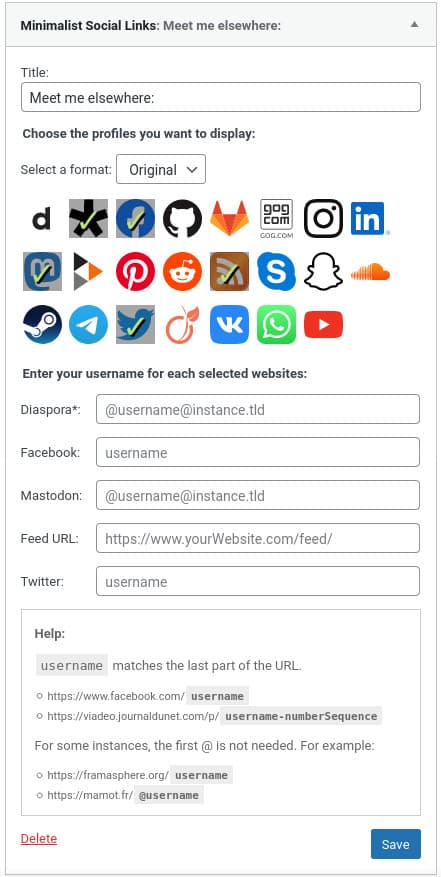
Examples:
| Original Format | Square Format |
|---|---|
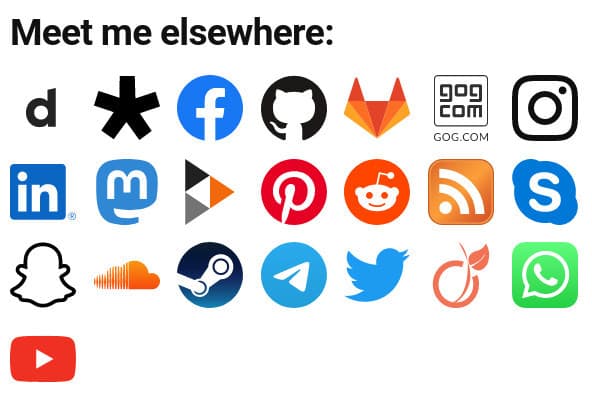 |
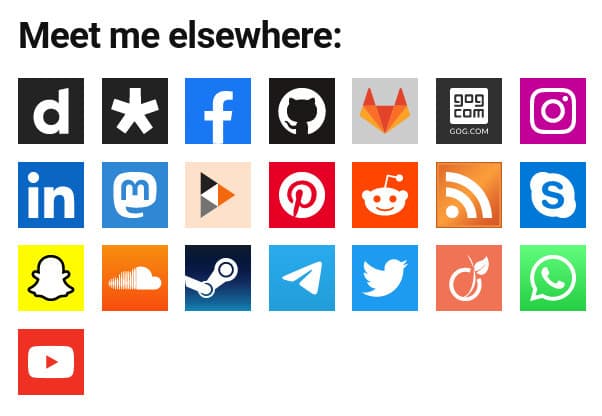 |
Disclaimer
I'm not using all these websites, so it is possible that some links are wrong. Feel free to post an issue if so.
Some logos are not officially available in SVG format (or they are well hidden) so there may be some differences.
The size is not modifiable in the widget admin. But, you can change it in your theme by overriding the default .mslwidget__logo width and height.
Note: The widget uses a media query pointer: fine to display a different size if it is a touch screen or a screen with a pointer device.
License
This project is open source and available under the GPL v2 or later License.