Flux Blocks
Three native Gutenberg blocks -- filterable Query Grid, magazine-style Content Showcase, and dismissible Notification Banner -- built entirely on the WordPress block editor.
Install
No release zip yet. The repository archive installs, but the folder name will carry the branch suffix and updates will not flow:
wp plugin install https://github.com/akshat009/flux-blocks/archive/refs/heads/master.zipReadme
Flux Blocks

Three native Gutenberg blocks for showcasing content: a filterable Query Grid, a magazine-style Content Showcase, and a dismissible Notification Banner -- built entirely on the block editor, no separate page-builder layer.
Why this plugin?
- No separate builder layer -- everything is a native block, edited with the block editor you already use.
- Works with any post type -- Posts, Pages, or any custom post type registered on your site, chosen right from the block's own settings.
- Real interactivity, no jQuery -- search, filtering, pagination, carousels, and image hotspots run on WordPress's own Interactivity API. No extra JS framework shipped to the frontend.
- SEO-friendly pagination -- Query Grid's numbered pagination is real, crawlable
<a href>links with a configurable URL segment, not JS-only buttons. - Cache-aware by design -- every query is cached and automatically invalidated the moment a post, category, or tag changes.
- Clean uninstall -- deleting the plugin removes every option and cached value it created.
Blocks
Query Grid
A filterable, paginated grid of posts.
- Four layouts as native Style Variations: Grid, List, Masonry, Carousel.
- Works with any post type -- Posts, Pages, or any custom post type registered on your site.
- Optional search bar and category/taxonomy filter pills.
- Optional sidebar layout for search + filters, either side.
- Numbered pagination or a "Load more" button.
- Responsive column counts (mobile/tablet/desktop), full color + font controls pulled from your active theme.
Content Showcase
A magazine-style showcase of up to three posts, automatic or hand-picked.
- Four layouts as native Style Variations: Magazine, Split, Overlay, Two-Thirds/One-Third.
- Works with any post type -- Posts, Pages, or any custom post type registered on your site.
- Automatic mode (latest posts, optionally filtered) or manual mode (hand-pick each slot).
- Interactive image hotspots -- clickable pins with their own popover, title, text, and link.
- Optional "Explore More" CTA button.
Notification Banner
A dismissible announcement bar or alert box.
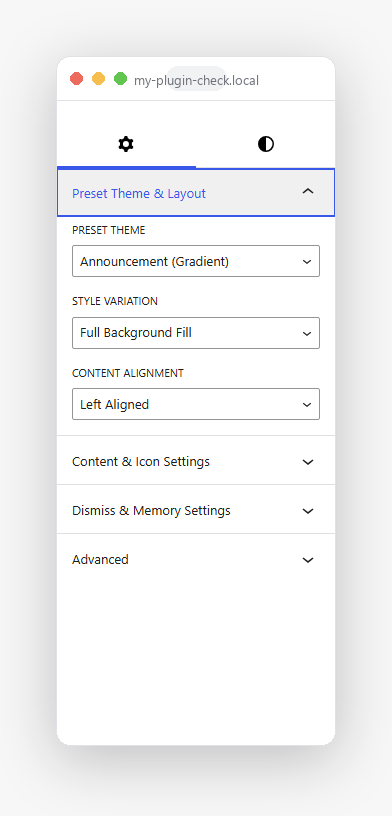
- Four presets (Announcement, Info, Success, Warning) and five style variations (Gradient Background, Left Accent, Soft Card, Glassmorphism, Outline).
- Icon picker: emoji, dashicon, or a built-in SVG set.
- Dismiss button with optional "remember dismissal" (localStorage-backed).
Screenshots
Query Grid
| Grid, with numbered pagination | Carousel | Masonry |
|---|---|---|
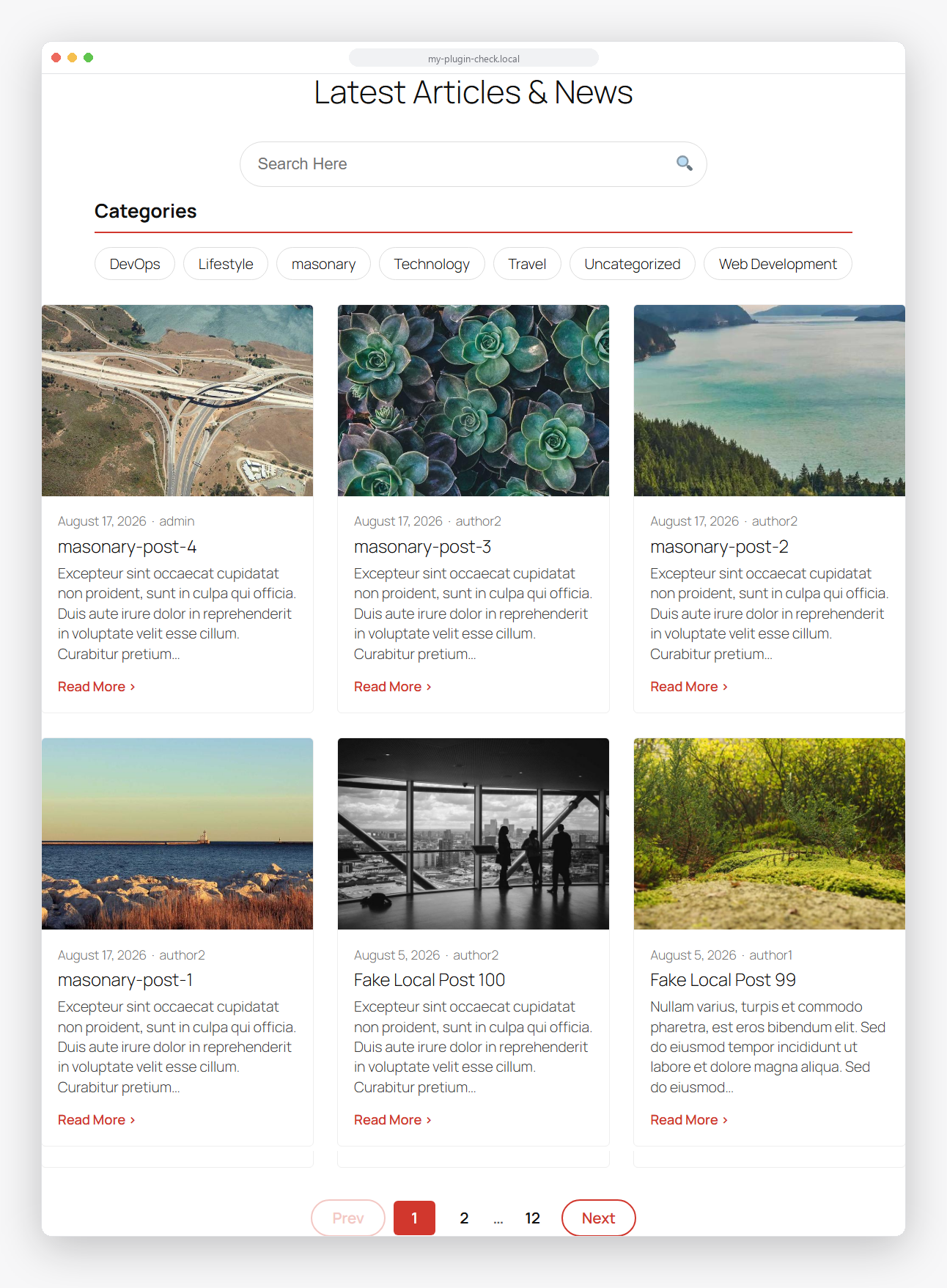 |
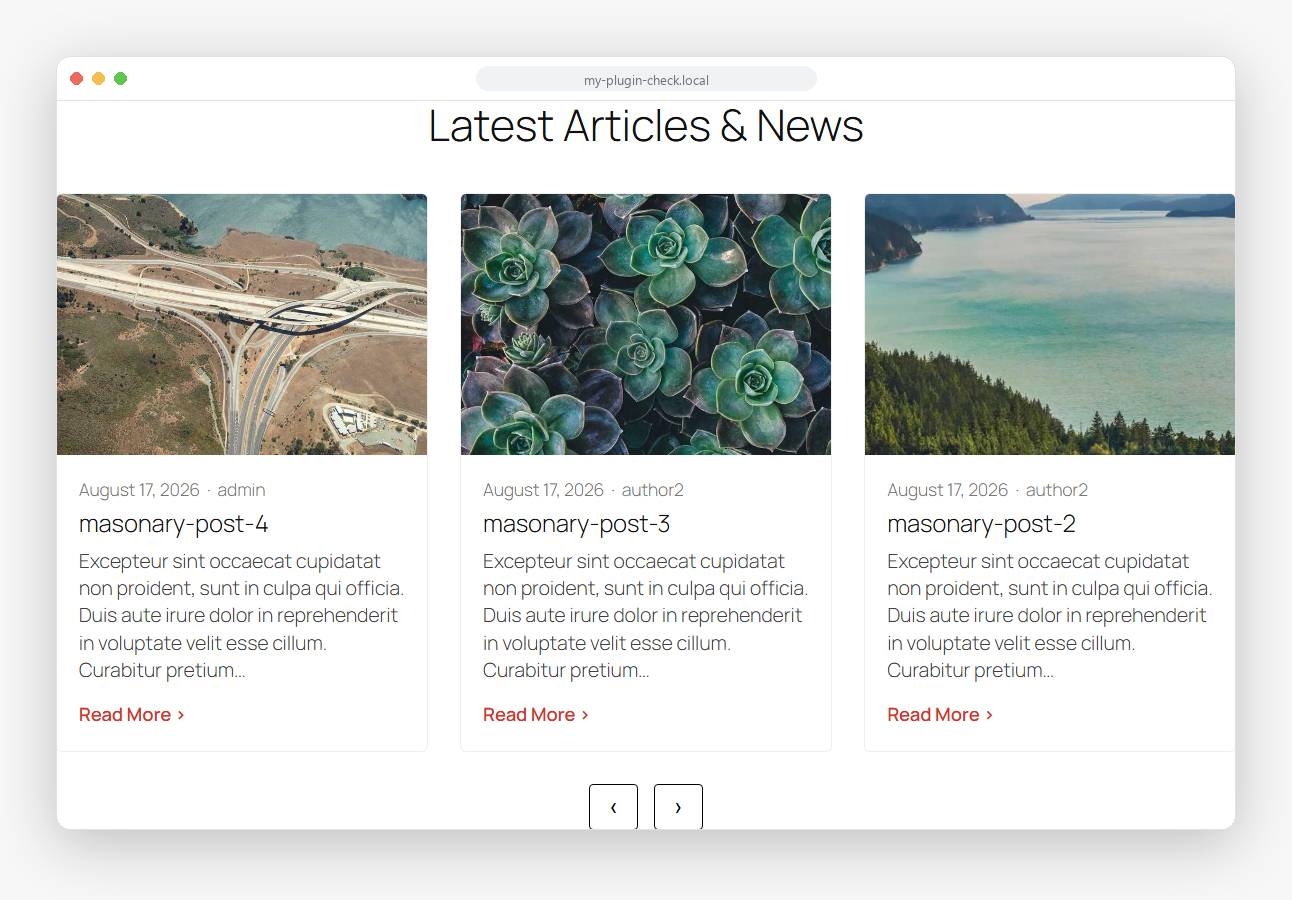 |
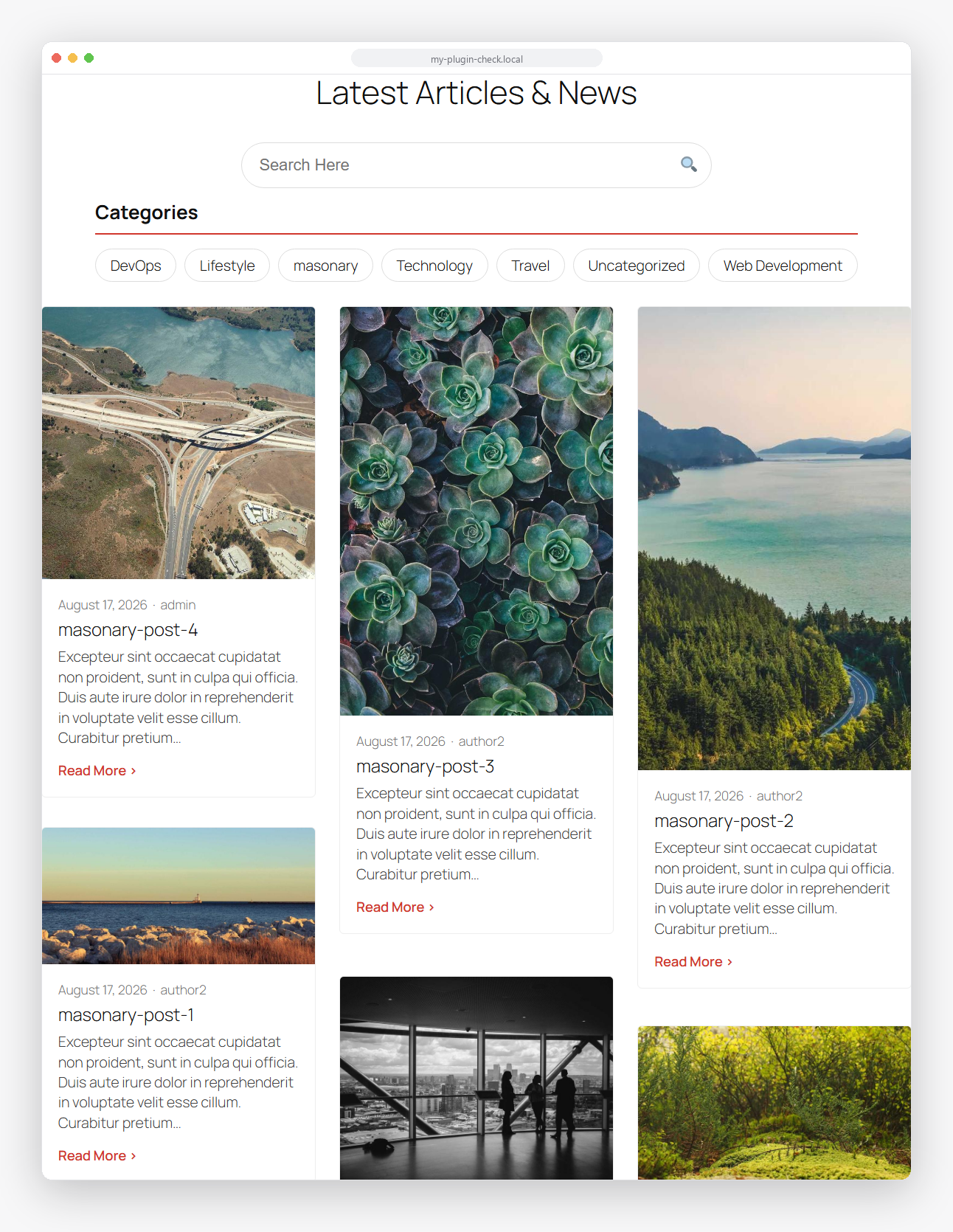 |
| List | Sidebar filters | Load more |
|---|---|---|
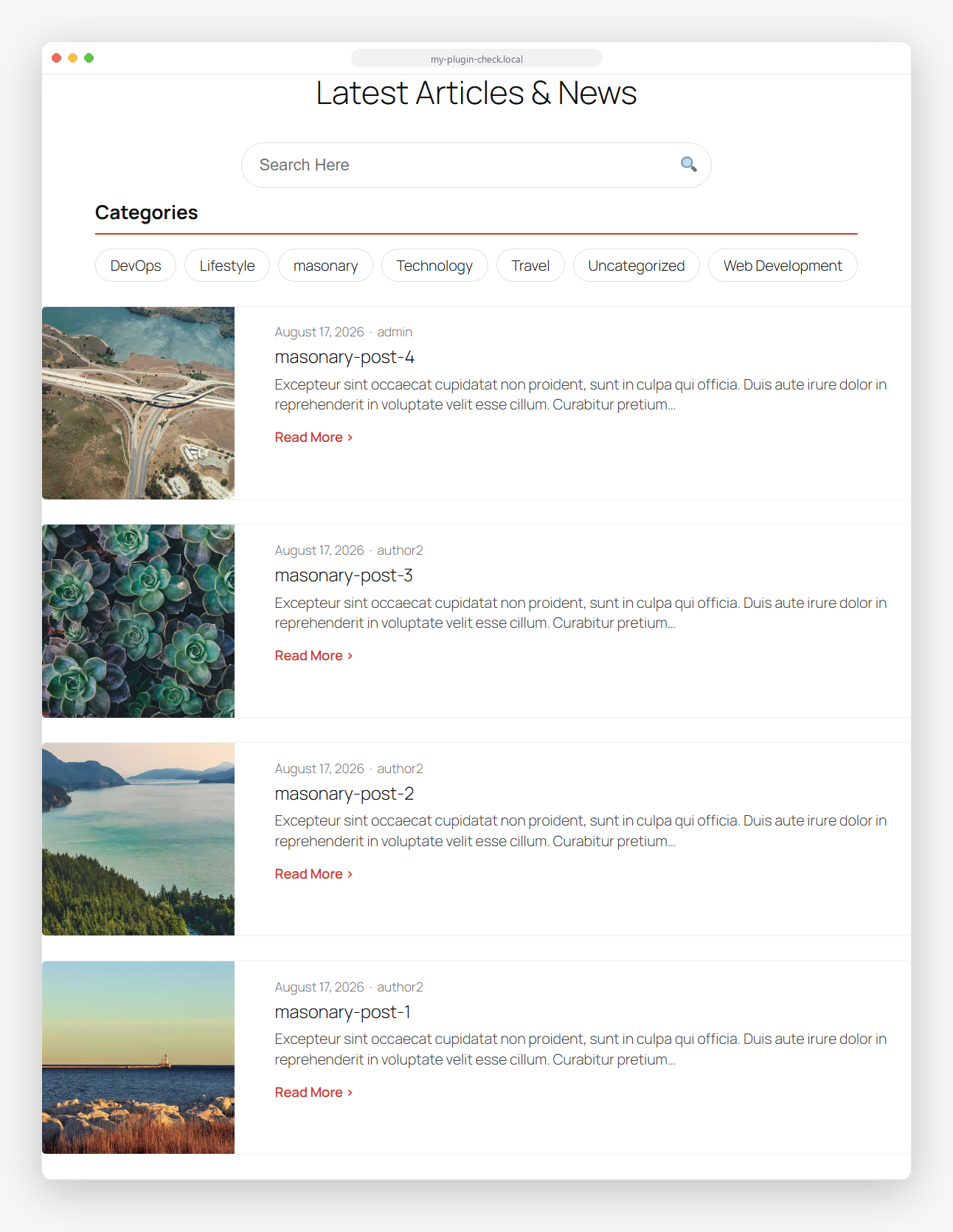 |
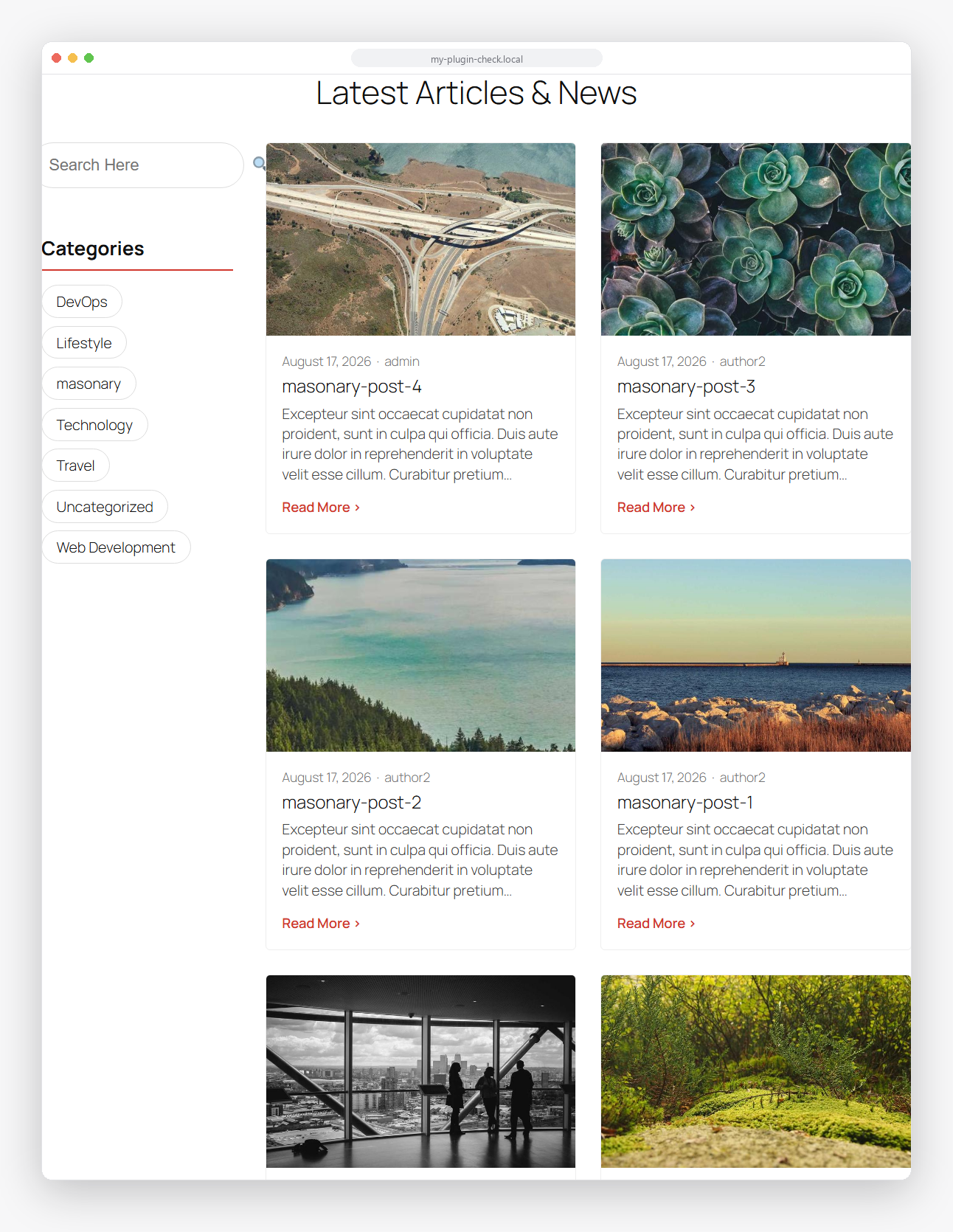 |
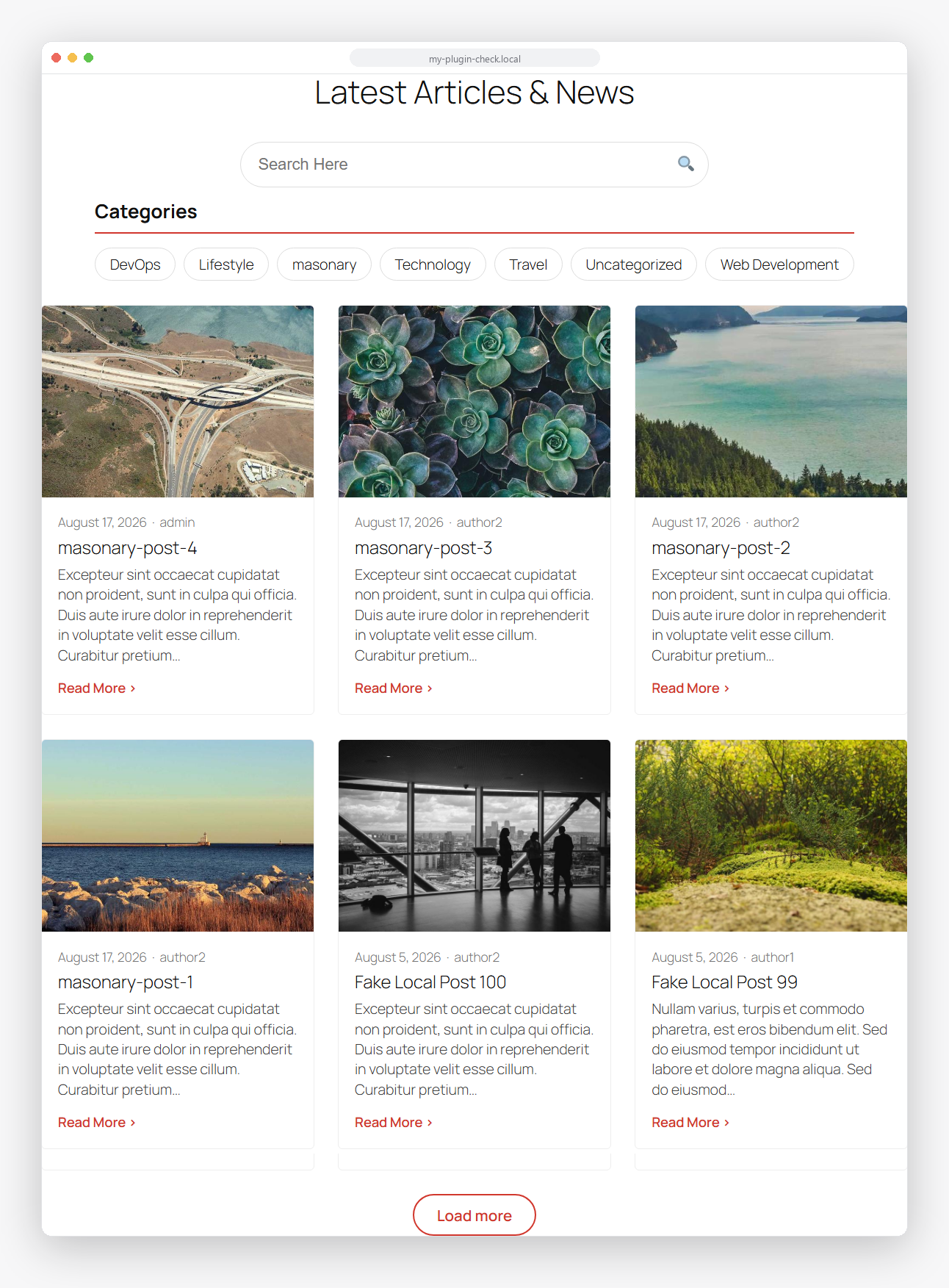 |
Content Showcase
| Magazine, with Explore More button | Split | Overlay |
|---|---|---|
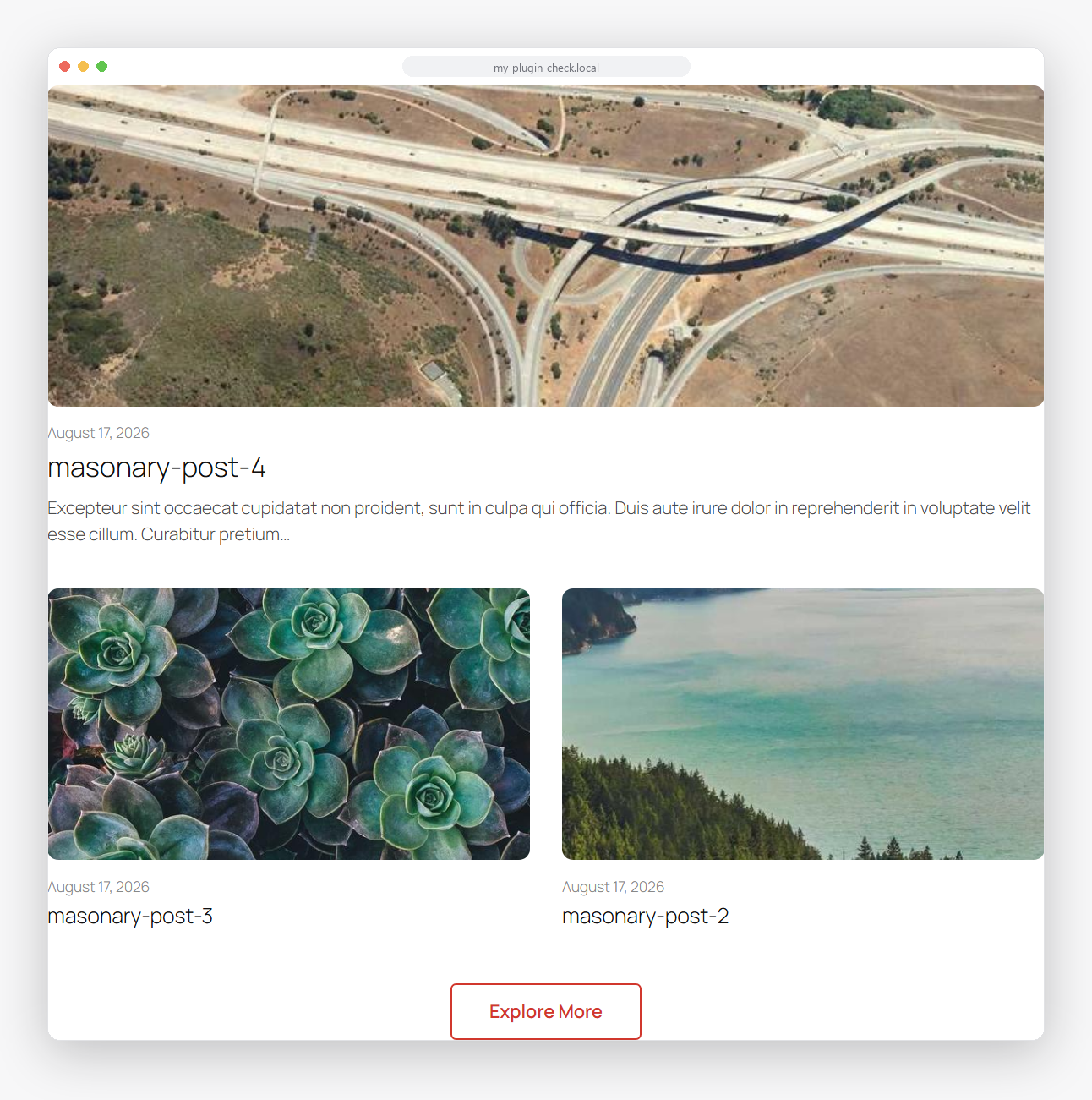 |
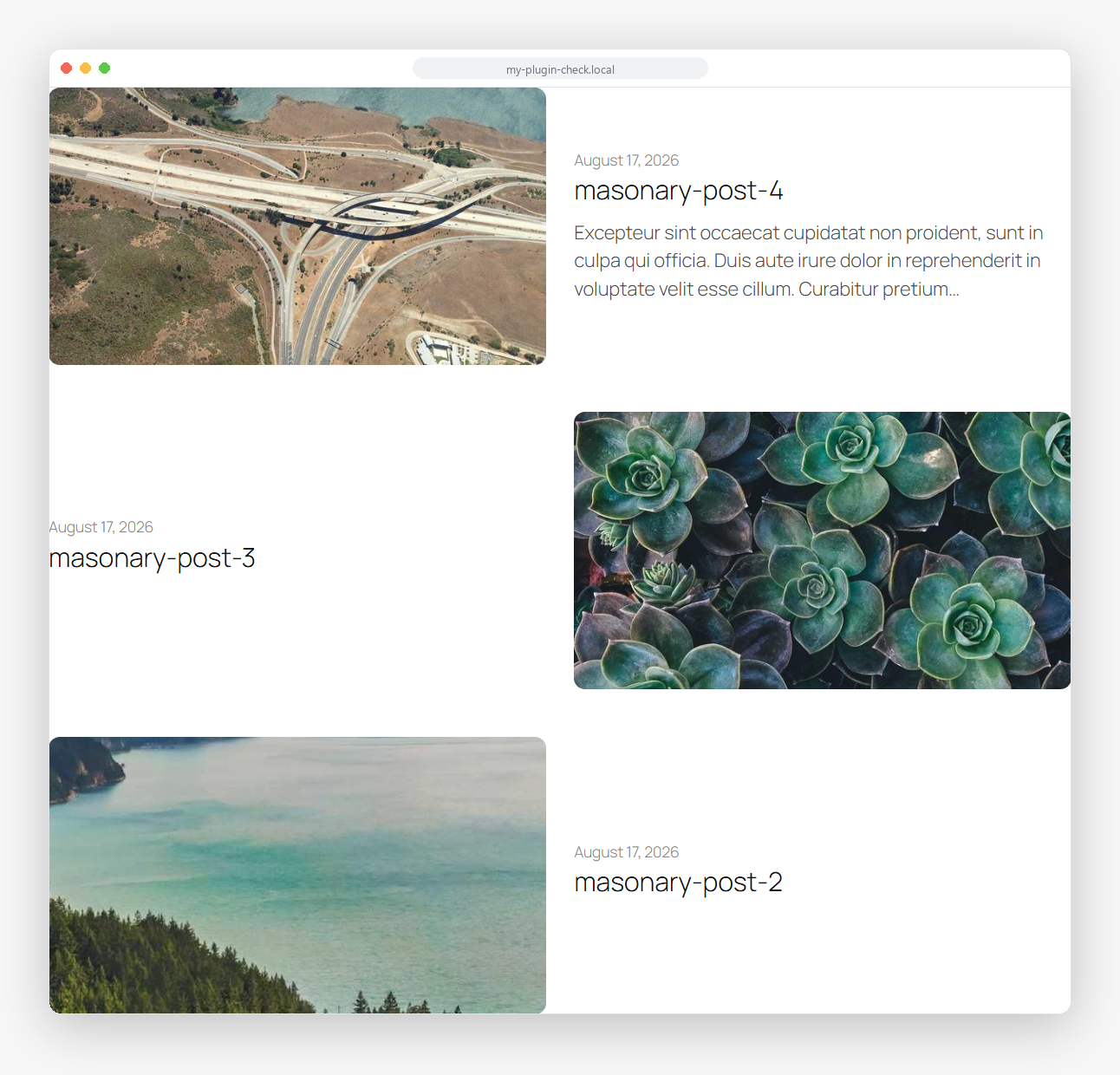 |
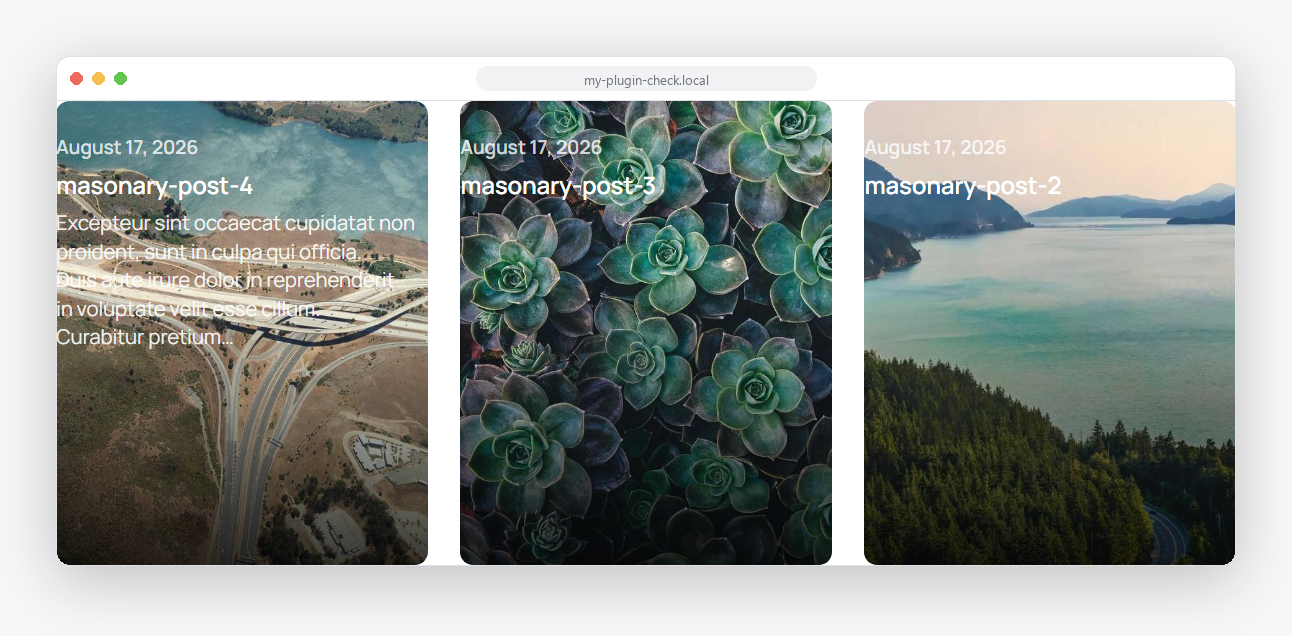 |
| Two-Thirds | Image hotspot popover |
|---|---|
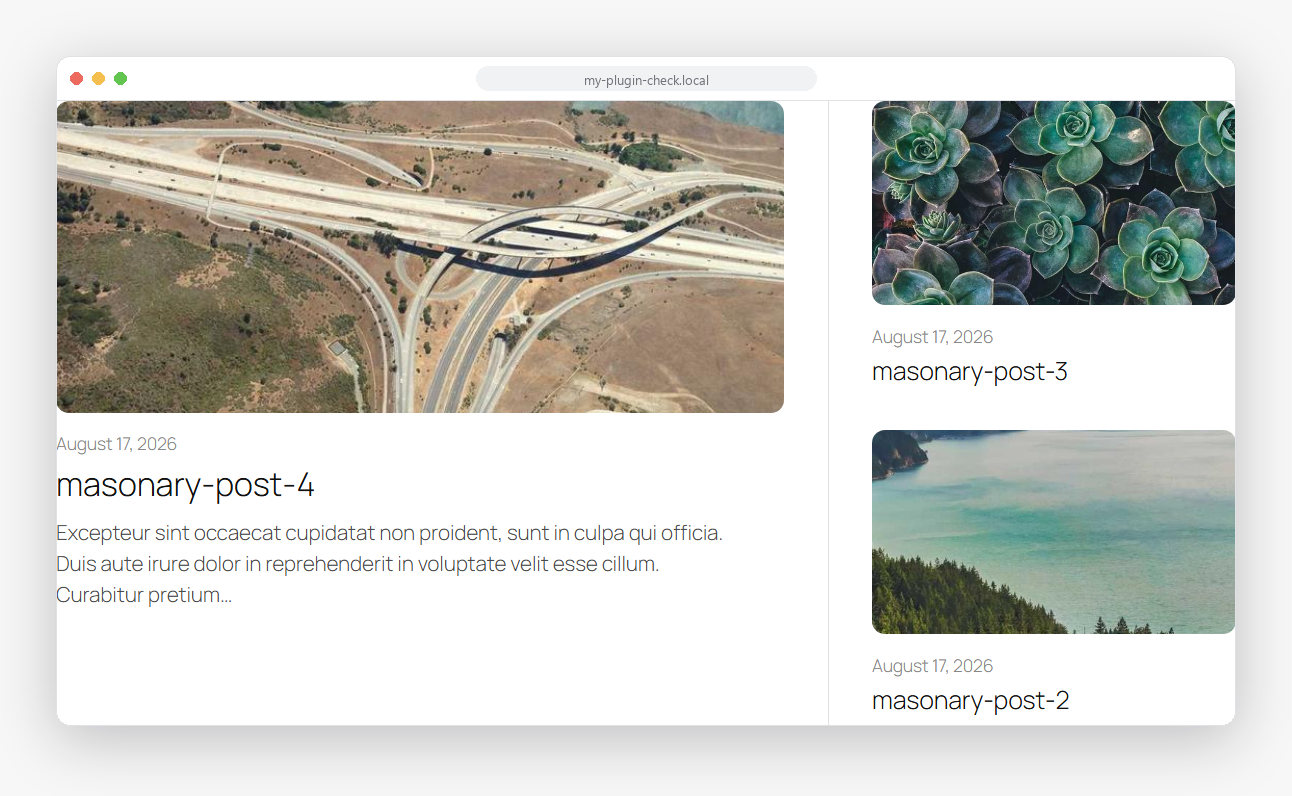 |
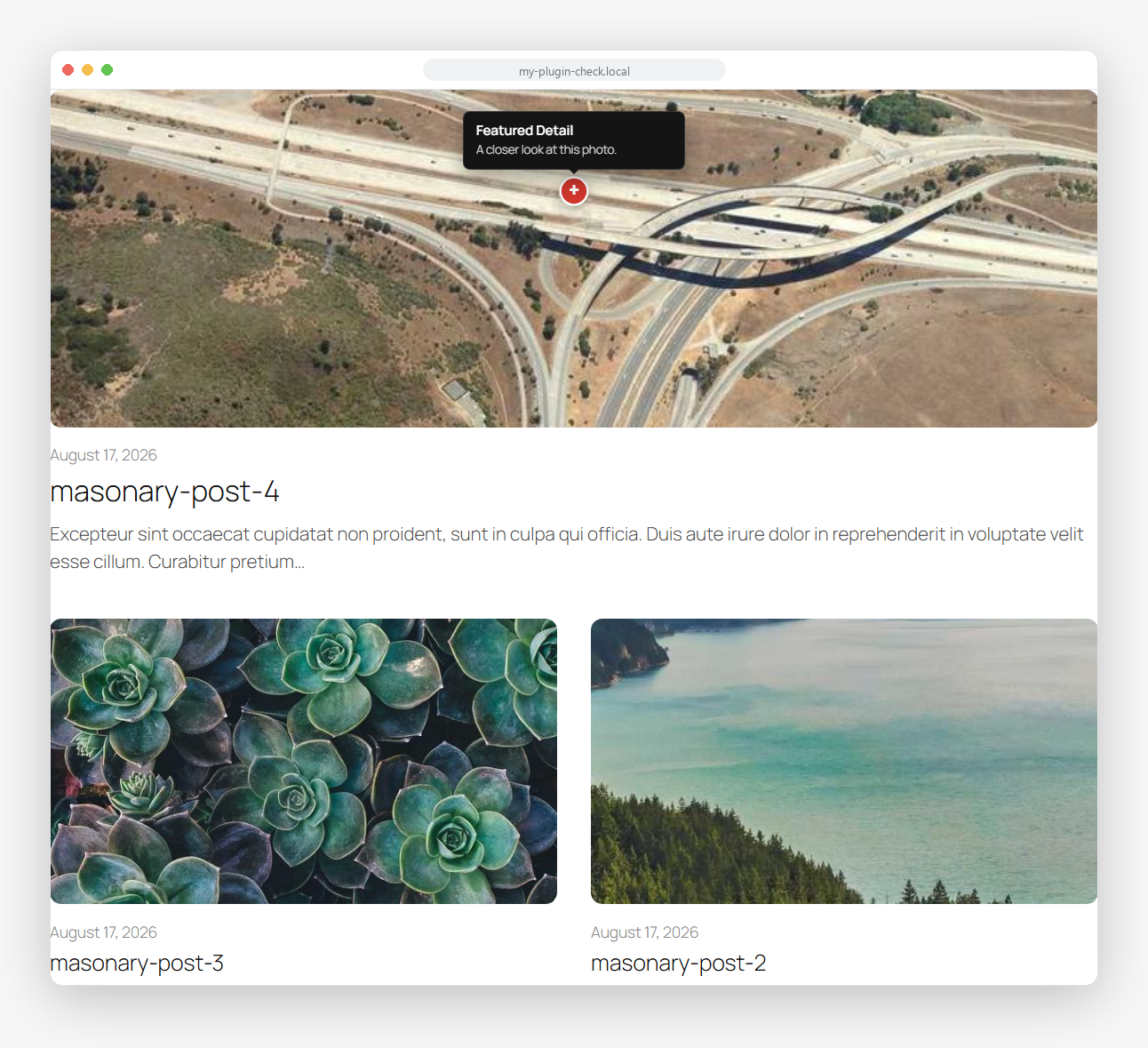 |
Notification Banner
| Default | Warning + Glassmorphism | Success + Left Accent |
|---|---|---|
 |
 |
 |
Block editor
| Query Grid Settings | Content Showcase Settings | Notification Banner Settings |
|---|---|---|
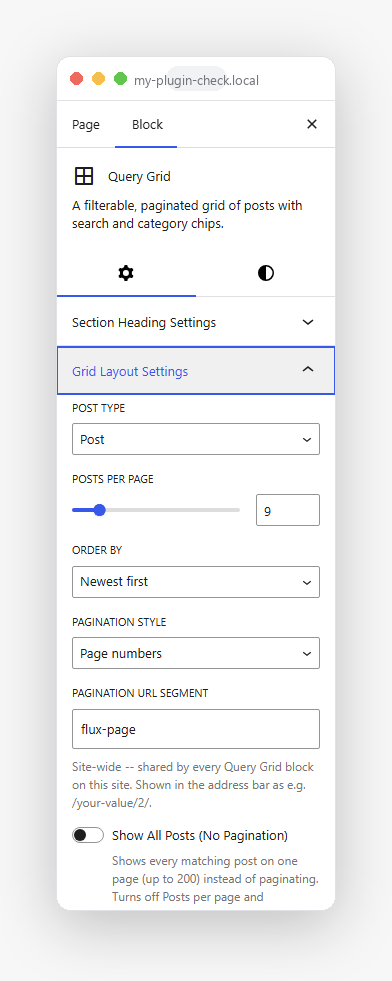 |
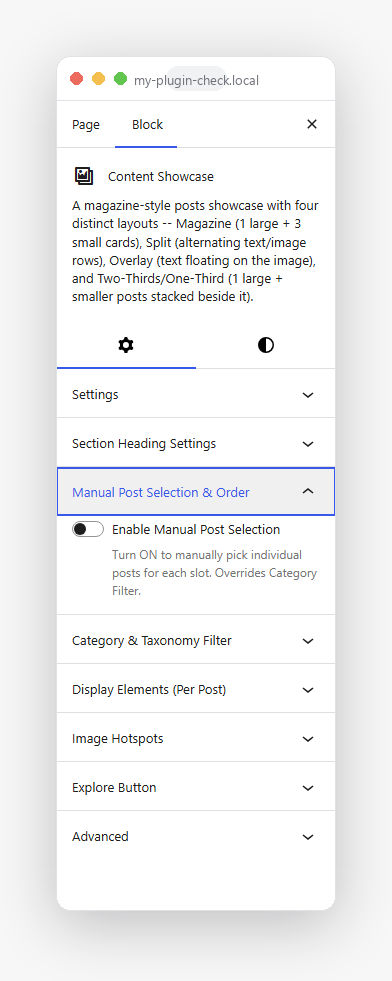 |
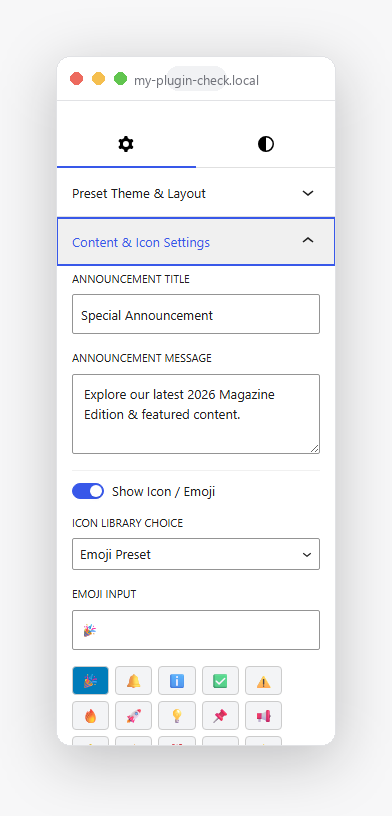 |
| Query Grid Styles | Content Showcase Styles | Notification Banner presets |
|---|---|---|
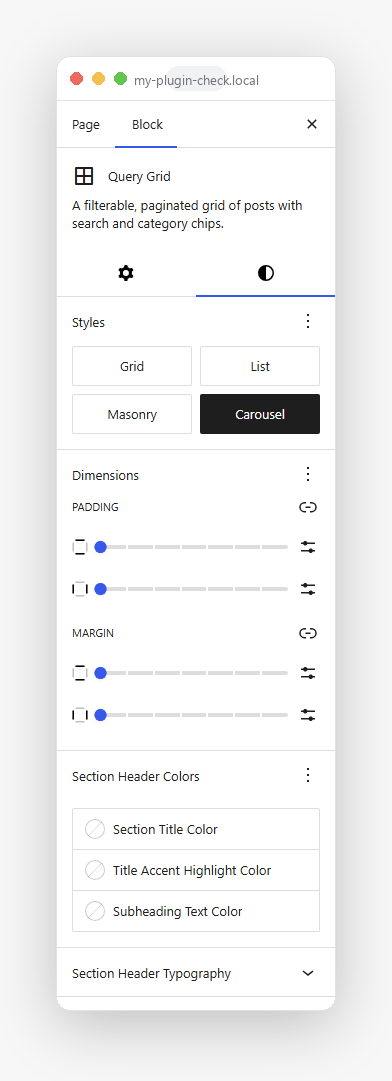 |
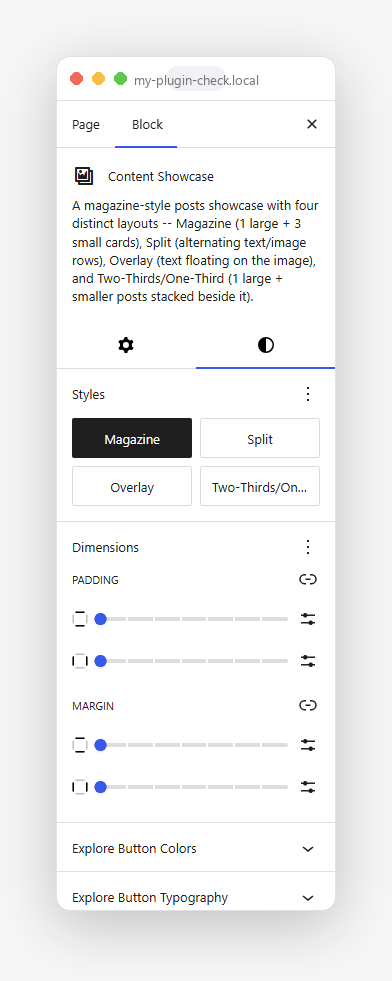 |
 |
Installation
- Upload the plugin to
/wp-content/plugins/flux-blocks, or install it through the WordPress Plugins screen. - Activate it through the Plugins screen.
- Add a "Query Grid", "Content Showcase", or "Notification Banner" block from the "Flux Blocks" category in the inserter.
Development
This repo is the plugin's source -- clone it into wp-content/plugins/ of a WordPress install to work on it.
composer install       # PHP dependencies (autoloader, PHPUnit, PHPCS)
npm install             # JS dependencies (@wordpress/scripts)

npm run start            # dev build with watch mode
npm run build             # production build

composer lint              # PHPCS (WordPress Coding Standards)
composer test                # PHPUnit
npm run lint:js               # ESLint
npm run lint:css               # Stylelint
npm run test:unit:js            # Jest
Architecture
includes/-- PHP (PSR-4 autoloaded under theFluxBlocks\namespace).Plugin::boot()(includes/Plugin.php) is the composition root;Services(includes/Services.php) is the service container.src/-- block source (editor UI, frontend view scripts, styles). Built intobuild/via@wordpress/scripts.tests/-- PHPUnit (tests/Unit/) and Jest (src/**/test/) suites.- Each block's render path:
src/<block>/render.php->Services::<block>_renderer()->includes/Blocks/<Block>/Render/Renderer.php.
License
GPL-2.0-or-later. See LICENSE.